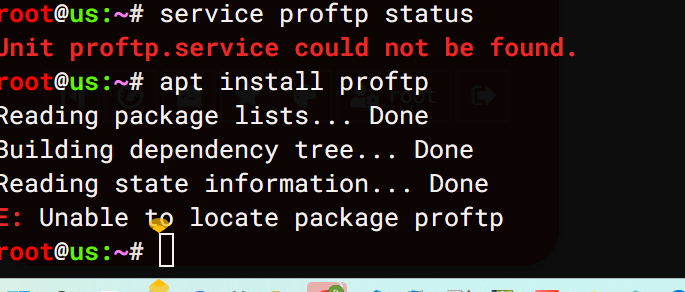
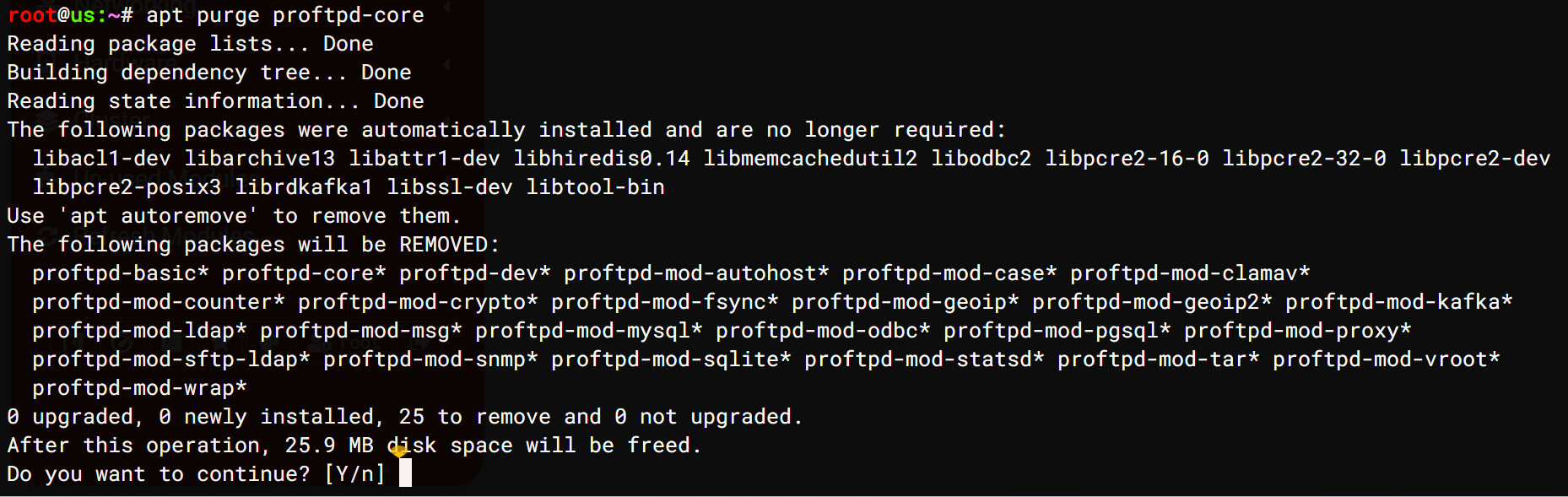
i first tried apt install proftp (without the *) but that returned “unable to locate package proftp” then tried with the * which brought in lots of lib* and clamav* packages. why i do not know.
yes i did refresh modules prior to producing that image
i have also looked in “System → Bootup and Shutdown” where there are a lot of new clam* listed but no proftp
obviously the error persists as soon as you log in.
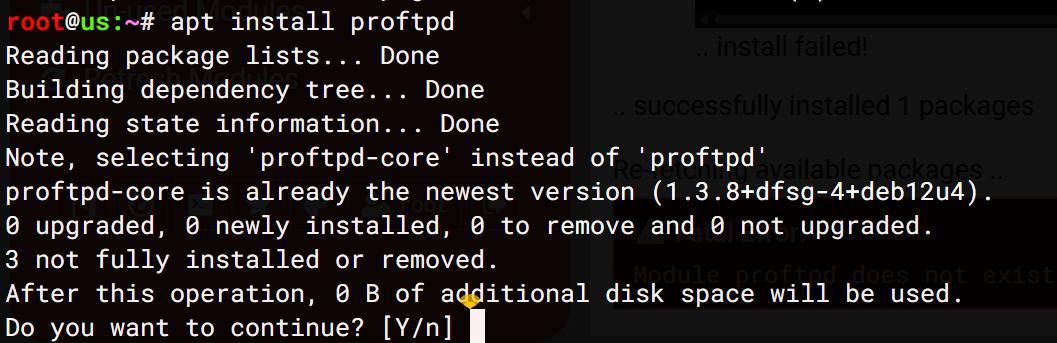
So you didn’t install proftpd which is the actual package you needed to install (as I said previously) so you asked it to install anything that starts with proftp, which should have installed along with everything else that matched so maybe check if the proftpd service is running with, i think debian has it, service proftpd status which should report if proftpd is running
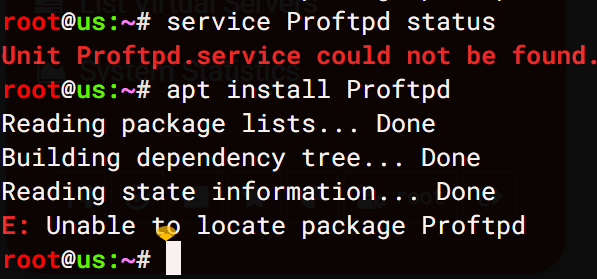
Case Sensitivity: While you can use the capitalized name “ProFTPD” in documentation, the actual binary, configuration file (/etc/proftpd/proftpd.conf), and package manager command must be lowercase to work correctly on Linux. [1, 2, 3, 4, 5]
try proftpd not Proftpd
I have dyslexia therefore can’t code it is just too hard if you can’t spell
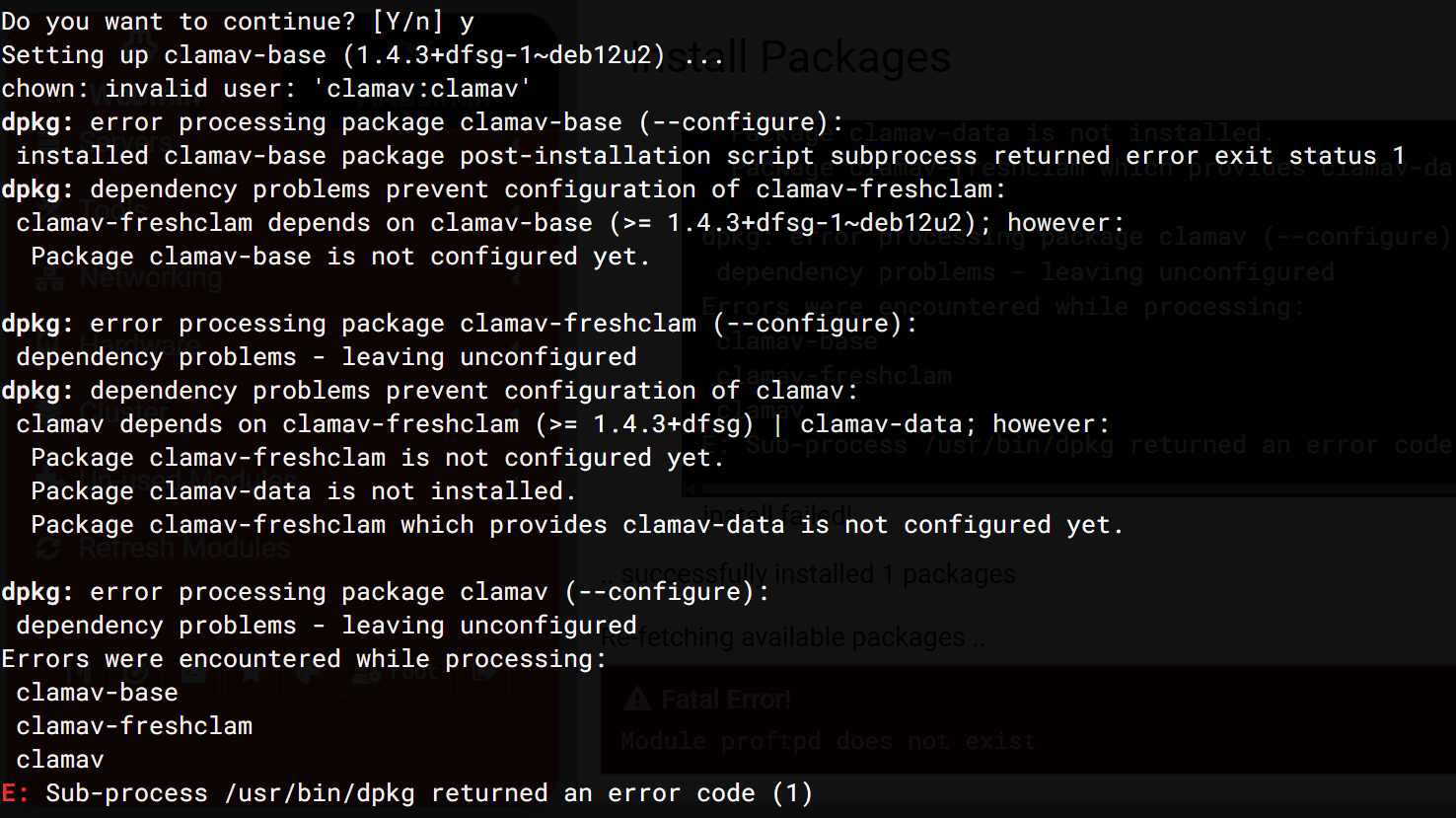
why is profptd trying to install and configure clamav:
Why This Is Happening:Security Integration: The proftpd-mod-clamav package integrates the open-source ClamAV anti-virus engine directly into your FTP service.Automatic Protection: When a user uploads a file via FTP, ClamAV scans it; if a virus is found, the file is deleted immediately and the client is notified.Module Requirements: The mod_clamav module requires a running ClamAV daemon (clamd) to scan files in real-time.
If you do not want this functionality, you may be using a package variant of ProFTPD that includes this module by default (e.g., proftpd-mod-clamav), and you can remove it or recompile ProFTPD without the module.
From google.
how to install profptd without clamav:
Installation Steps (Debian/Ubuntu)Update Repository bash sudo apt update
Use code with caution.Install ProFTPD bash sudo apt install proftpd -y
Use code with caution.Select Method When prompted, select standalone.
It is a bug that you can’t disable a feature when the service or plugin related to it is not available.
@Ilia@Jamie if someone wants to disable a feature related to a service that’s no installed, we should let them! It’s toxic to require installing/enabling a bunch of stuff the user doesn’t want/use, in order to turn it off.
Note it’s still not clear to me how your system got into this state, there’s so much confusing stuff in this thread, people talking about unrelated things. Nonetheless, that feature should have never been enabled, but I guess you restored a backup where it was enabled before you removed ProFTPd and now that ProFTPd is gone, you can’t turn it back off. Again, that’s a bug. Turning something off shouldn’t require installing that thing.
Obviously, if I knew an easy way to fix it (other than installing ProFTPd and the ProFTPd Webmin module, which I think has already been suggested, and I don’t know if that has been tried and failed or if there’s still some question about what that means…I don’t know, I cannot handle this thread, it’s too long and crazy), I would have given it in my first reply.