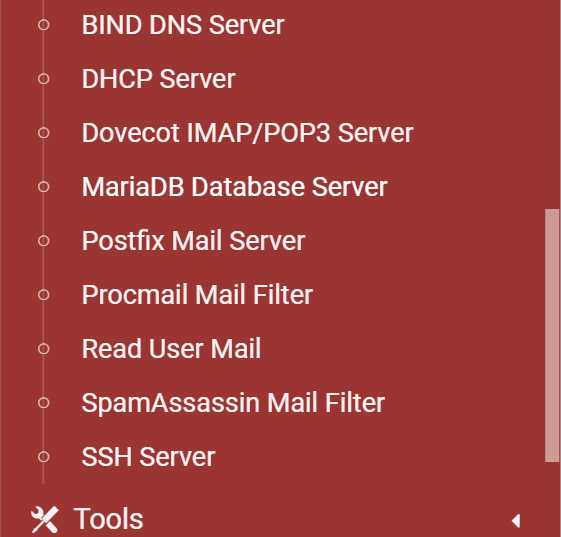
As suggested
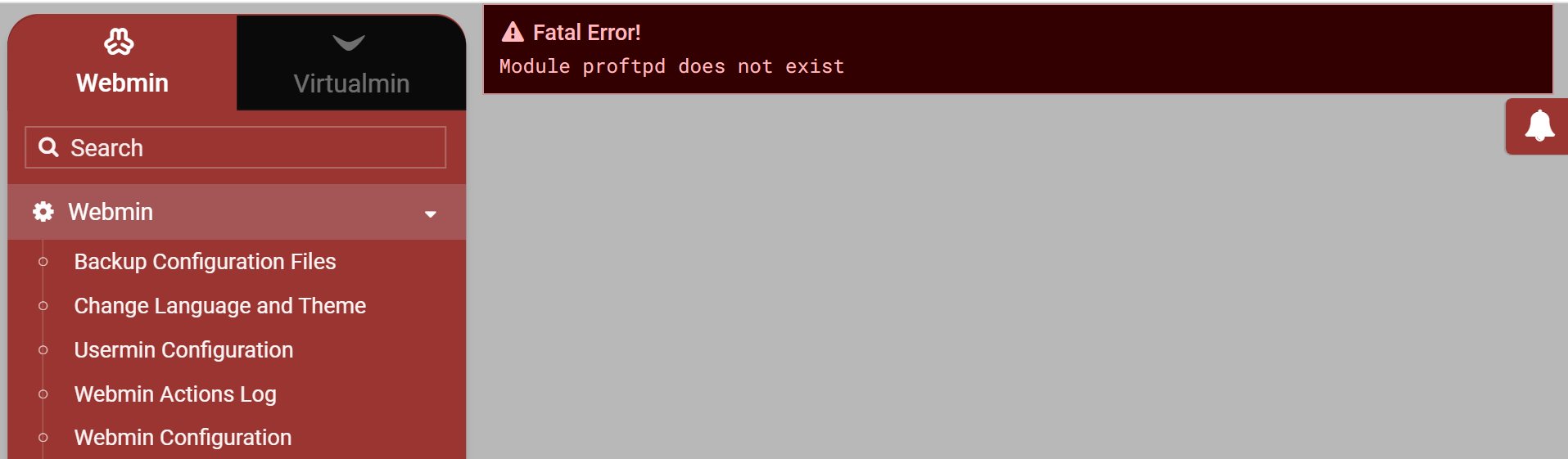
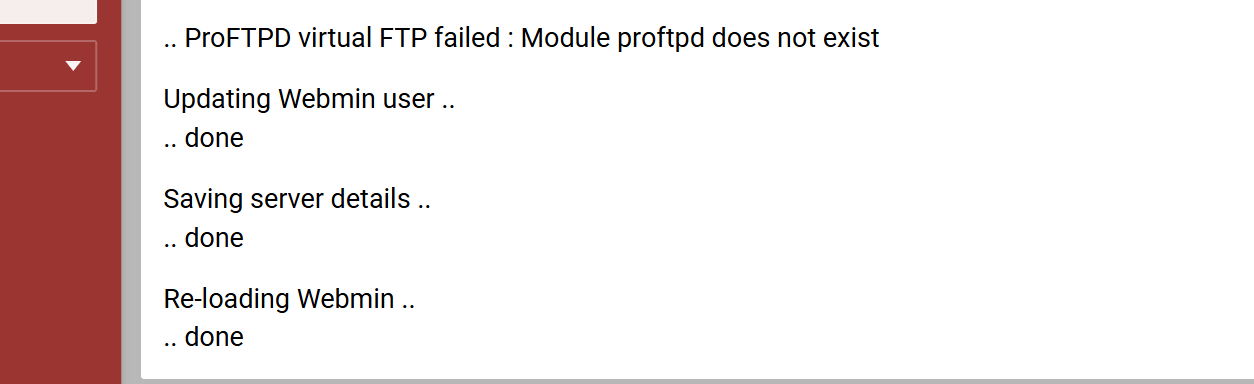
simply go to Webmin Tab and i get this error
sure the error message is correct but why.
ProFTP is not installed and not wanted so why even test for it?
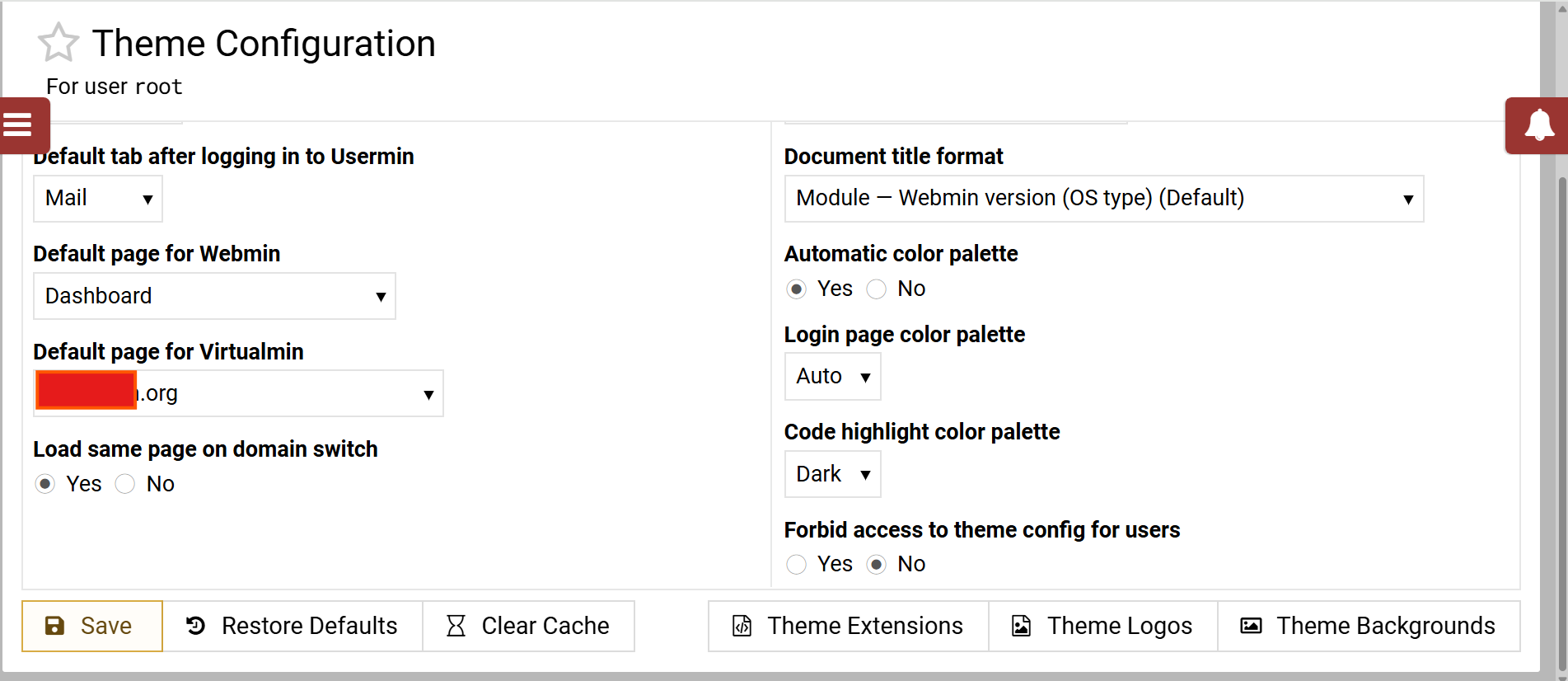
and as regards to theme settings: (probably not relevant)
Was ProFTPd disabled before removing it? Is it removed from the configuration, meaning did you re-run the configuration check?
i have no idea when or where it came from.
or even when it went.
all i know is that was never asked for, is not there now and is not wanted.
there just seems to be no way of STOPPING Webmin from looking for it or discovering why it is even looking for it.
Okay, so did you try to re-run the configuration check?
Because it is switched on somewhere.
Try: Virtualmin, System Settings, Features and Plugins, is ProFTPD ticked ON?
On the right hand side is a button to Show domains, test that too.
If you have already done this, sorry I missed it.
well it should not especially as the prompt clearly discourages it’s use - requires an option on install perhaps as discussed in the other topic
have you removed the module ? or is this a VM that there are other admins that have the ability to remove modules ? TBF just add the proftp module again to remove that error. Seaching for packages won’t help you need to be looking else where, TBF if this is the same server you had other problems with, I’m not surprised.
thanks yes same VM ( but the only one throwing this error) there are clients on this VM with admin SSH access. but would not expect them to add a module without checking with me first.
one of my first thoughts was, why not install then remove again but that seemed to be complex - just look at the number of packages that are available! it is a really greedy install. and why it is not needed
The problem is the module has been removed, not added, So re add the module which will remove the module error, then work out what (I guess) someone else has done trying to remove proftpd, or in fact ask them what they did, which may help you in fixing the problem
wish i had your confidence - have you seen the pile of crap it insists on dumping on the machine. (44 new packages requiring 119M of additional space) now there is space but a load of junk including clamav* packages also not wanted. (and meticulously removed when this was built)
it is a Debian 12 OS - with all the work involved and loss of custom, i am tempted to start over with a newer box and go through an upgrade to Deb 13
if proFTB was installed at the install step removing it should be simple and total that is a lot of mess to understand and pik through.
Virtual FTP is not the same as having ProFTPd installed or using FTP features. Virtual FTP is a very specific use case of ProFTPd. It enables an IP-based VirtualHost for the domain, which is only useful for anonymous FTP in the year 2005 or before (or whenever name-based VirtualHosts arrived in ProFTPd, it’s so long ago I can’t even guess the exact year).
You are confusing two different concepts. ProFTPd is normal, it is installed by default when you do a full Virtualmin install. Virtual FTP is not normal, and no one should enable it today (and almost no one should have ever enabled it…probably the only person who ever needed it was the one person who asked us to add it).
I have no idea what’s happening on your system.
At least you now know why it is on your system, it was enabled for a domain at some point.
You can’t disable it for that VPS because you have removed the module apparently.
You need to enable/install the module, then un-select it for that VPs, then you can un-tick it in Features and Plugins.
Like the LE cert thread, so much stuff here to confuse you and ignore the actual problem.
it certainly is confusing me.
what is the specific module that i need to install, so that i can untick it in “Features and Plugins” to get that to work?
and then to remove that option altogether.
then will that also get rid of the “Fatal ProFTP” error?
First off I would get the server back to a default install, assuming you used the virtualmin installer script, by reinstalling proftpd apt install proftpd then restart webmin. If you can log in to the webmin instance, navigate to the refresh modules link on the webmin menu after that you should see proftpd listed in the webmin servers dropdown. If you can great, then go to the domain that has proftpd enabled and disable proftpd then check everything works as expected, if so great. Go to webmin->system->bootup and shutdown and find the proftpd service entries and tick them
whatever that means, what other junk was installed ?
and you did refresh the modules ?
just reread
why not just instal proftpd rather than proftp* that could be where you got loads of stuff installed
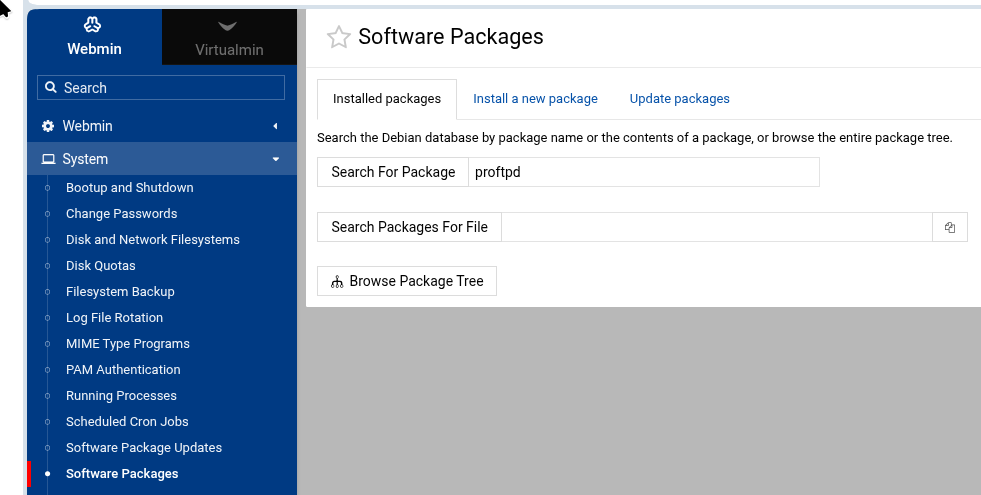

 and I cannot find another this VS was a pretty old one