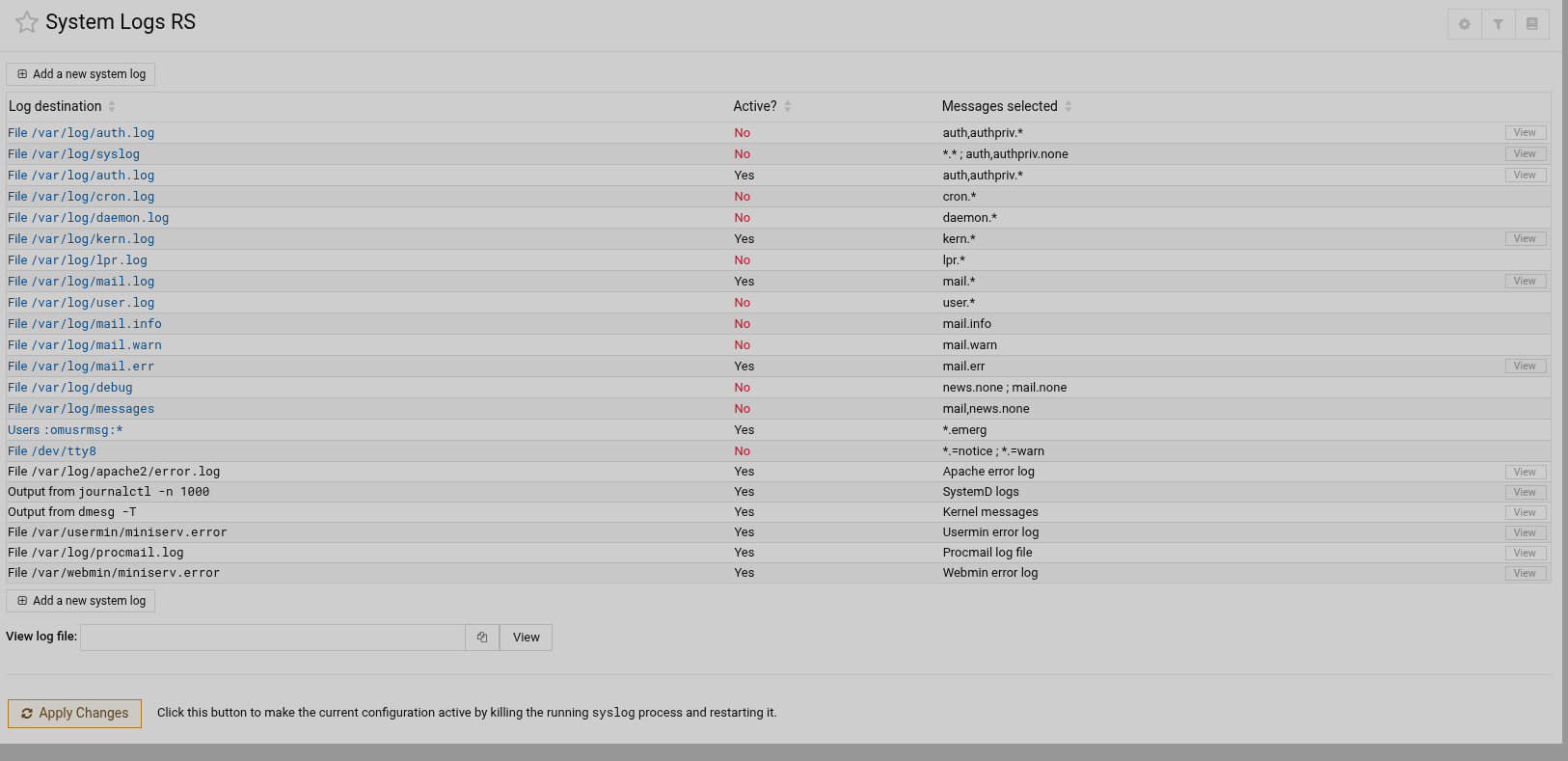
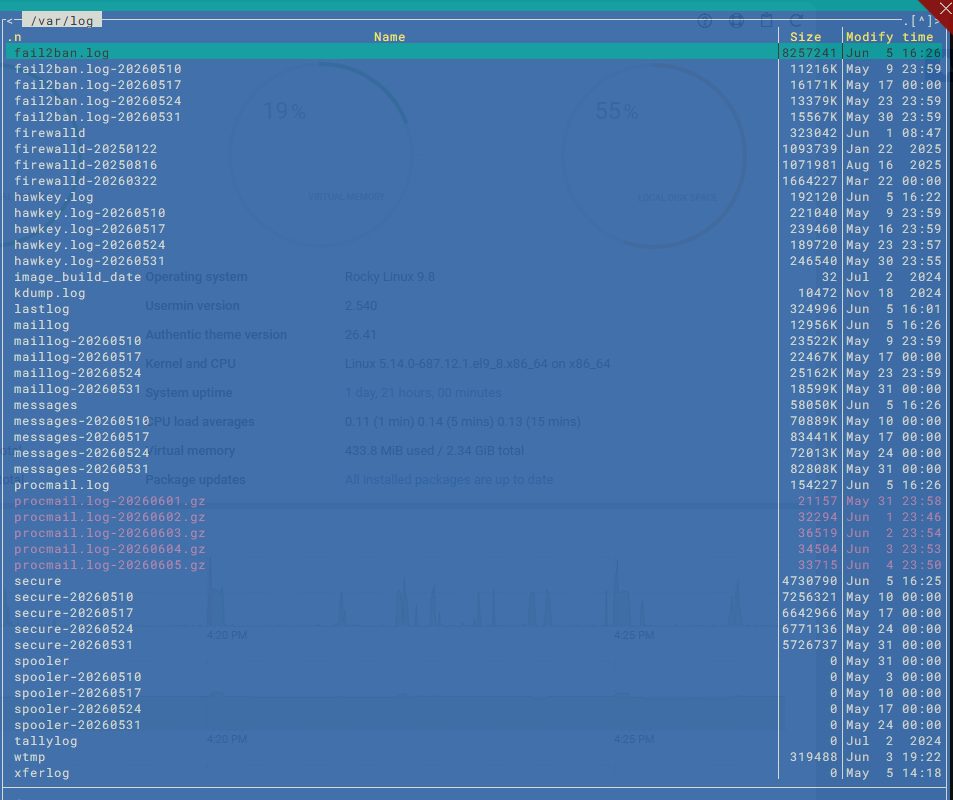
Most logs in modern systems are in the journal. If you want them to go somewhere else, like the traditional text log, you’ll need to configure the services to log to those old files.
What you want is the new System Logs module, and you want probably to look at the postfix or dovecot units.
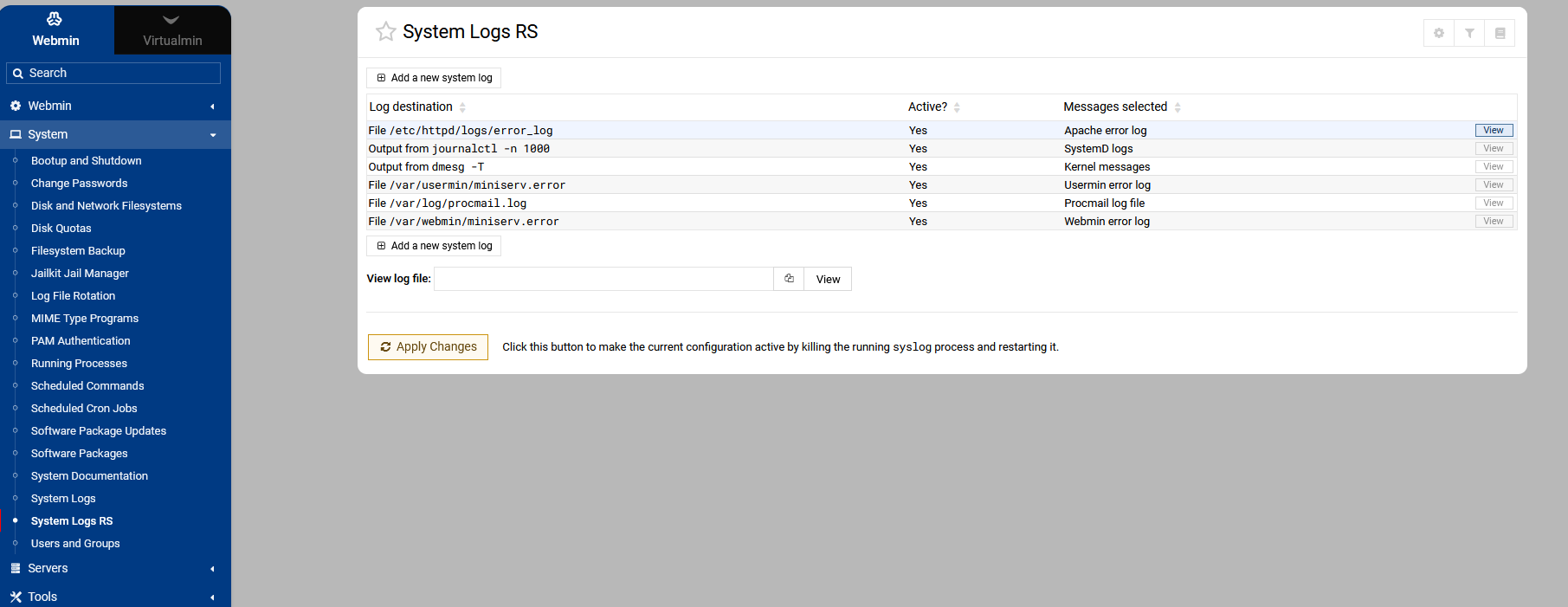
The System Logs RS module is for older systems that use rsyslogd by default, and writes everything to text logs.
This isn’t a Virtualmin thing, this is just how Linux systems work today.
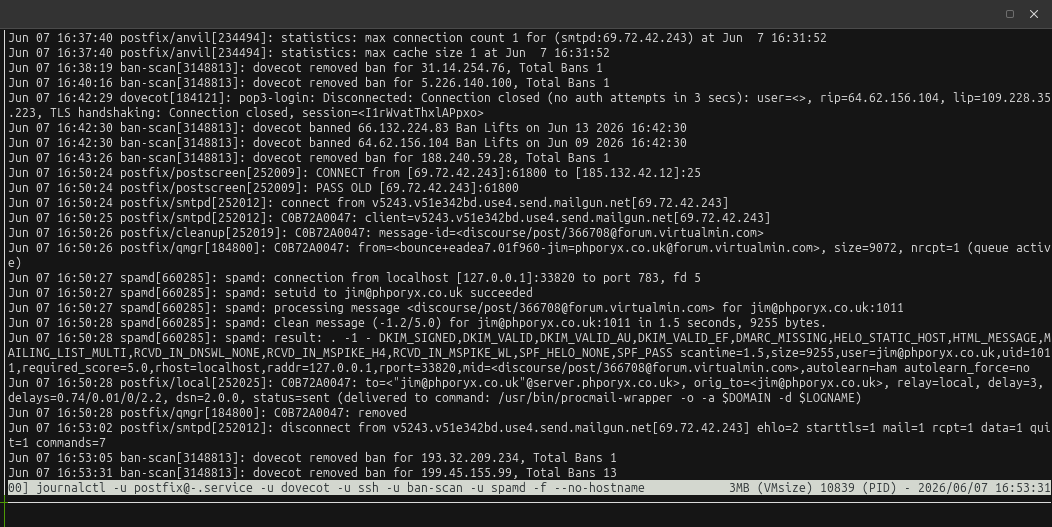
I do use the journal rather than the older log file system, but I tend to use it on the command line rather than the webmin module, for the reason you can only select 1 service at a time using the webmin ui where as when i want to view mail logs I combine postfix, dovecot and spamd. Not required I use multitail which allows more than one log combination to be displayed at the same time which is great for debugging multiple services at the same time.
All in need is the ability to multi select from the service drop down, however with --reverse this sorts on service rather than time/date so you don’t get a cronilogic order, maybe, if they get around to it webmin could sort the data chronologically rather the by service and then dispense with the --reverse option
The assertion that reverse sorts alphabetically is maybe a problem, though? If that’s the case it would have to be a Webmin bug, as using the flag in journalctl does not sort by unit name, it sorts by time.
@jimr1 are you really seeing an alphabetic sort? That’s not what I see at all on any of my systems. I see a mix of all services in the default journal feed in the System Logs module, in chronological order.
To simulate the data you would get from the ‘older’ mail.log output which from memory was input from postfix, dovecot and spamd ( there could be postgrey as well ) so to achieve that I run
but as things have progressed I’ve added -u sshd so I can tail everything in one place rather than jumping between different units or having loads of tmux windows open tailing each service or using multitail
example :-
 (i.e. I like my new emails at the top)