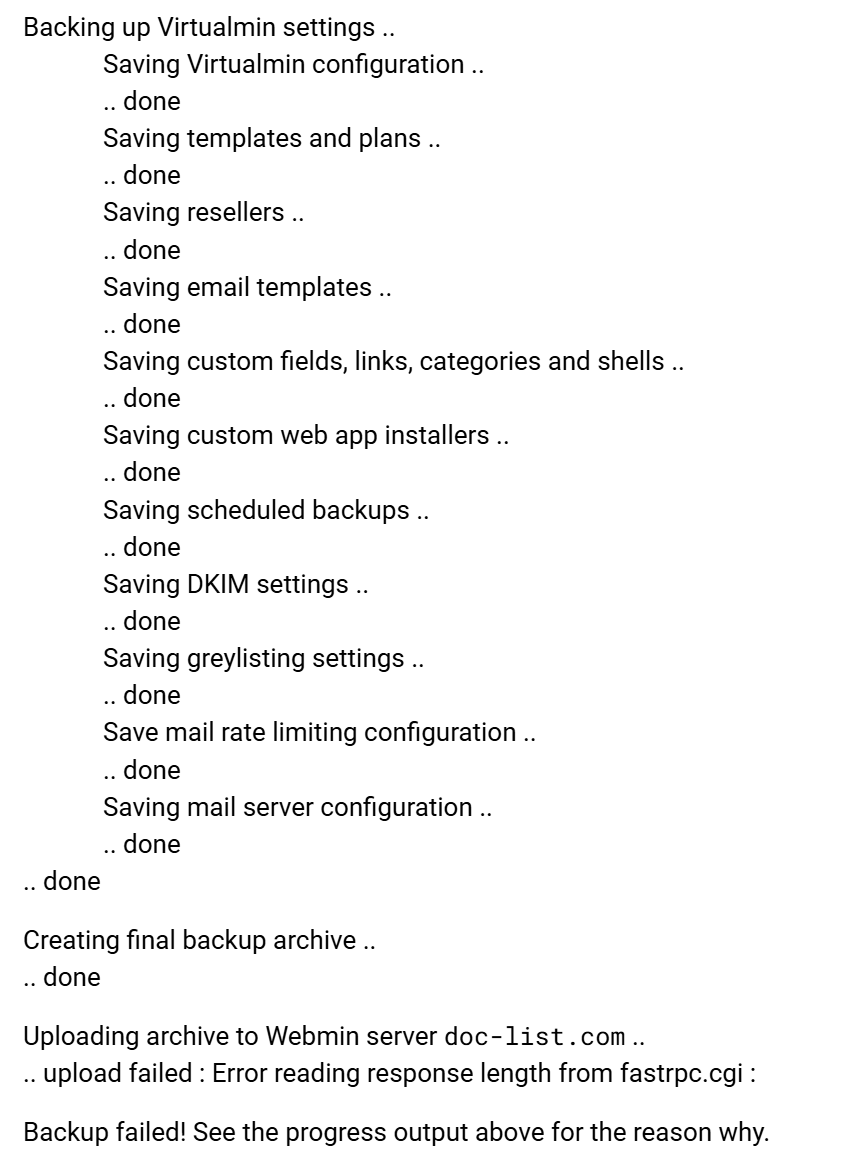
I was very excited to see the option to backup directly to a Webmin server as this will make backing up my system automatic and easy. Unfortunately, there are errors.
The Webmin server that I was backing up to is behind a firewall and ports need to be opened. Fortunately, the error messages were informative. It should be pointed out that not only does port 10000 need to be open but 10001 and 10003 need to be opened for this to work. When I opened these ports, this part worked.
Small virtual servers were successfully backed up. Unfortunately, larger virtual servers were not. If I have a server that is serveral gigs in size it will produce an error.
Unfortunately, this error did not occur until almost the entire script was run, taking a lot of time and did not save anything even on the source server so I did not have a local copy to download. The script needs to be fixed to allow the backup of large virtual servers. One of my servers is 11 gigs. My largest server is over 110 gigs. The backup of both of these servers failed. Smaller servers were successfully backed up.
I opened up ports 10000 to 10010. I had ports 10000 to 10005 opened before when the error I displayed occurred.
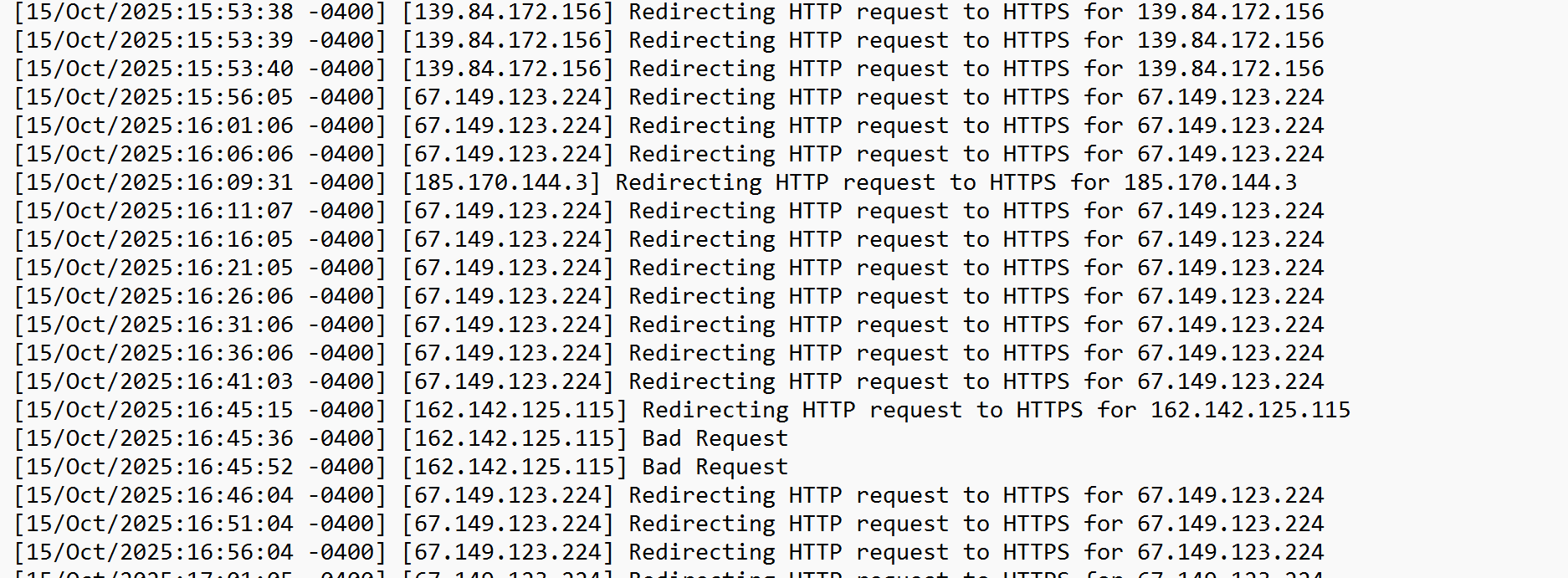
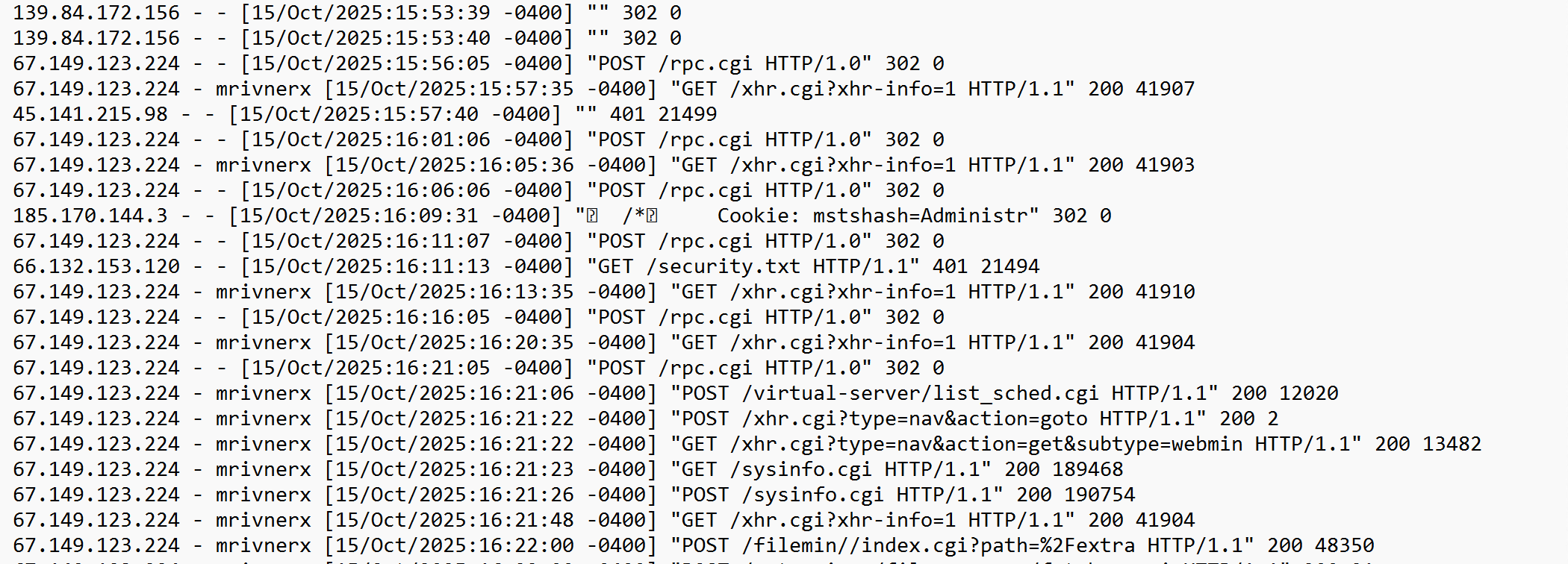
I looked at the miniserv.error file and also the miniserv.log file and did not see anything interesting occurring at the time of this error. The time of the error was 10-15-2025 at around 16:20:49.
But you need to open a wider range of ports - -at least a hundred of them - 10000 - 10100. You appear to have opened only ten - 10000 - 10010. You need to correct this for Webmin / Virtualmin to function normally.
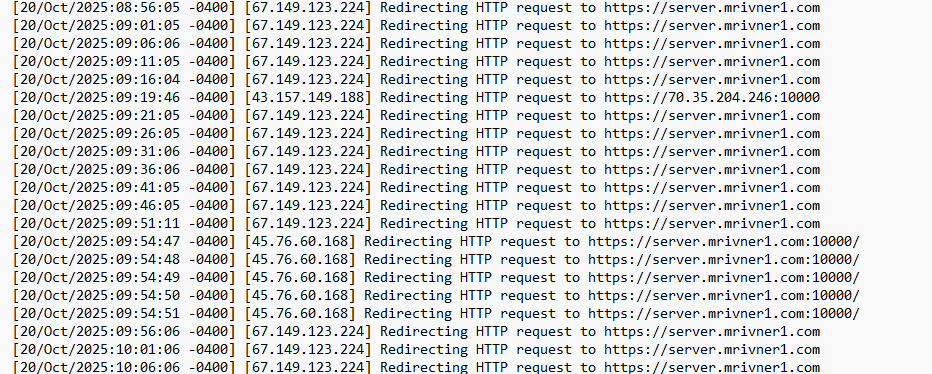
I also looked at miniserv.error during this time and saw nothing of interest. Only redirects from http to https which really are not errors but are probably not related to this task.
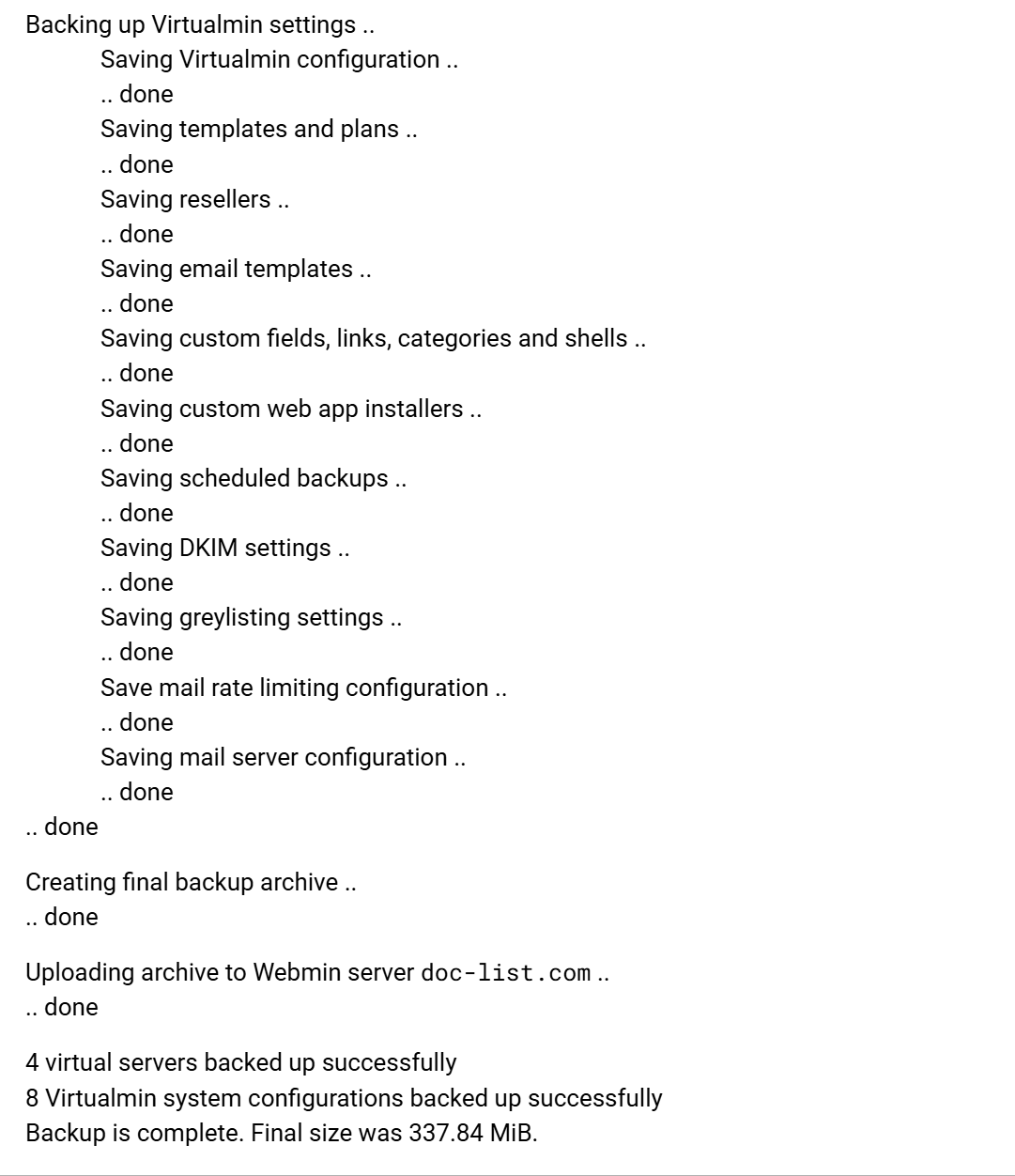
Ok, assuming that it is the size of the backup which is triggering the issue, we see from the screenshots that archives of approximately 350 MB transfer successfully.
I thought someone else had an issue with large backups and there was a hard limit of about 100GB. I could be wrong it is something that has just popped in my head.
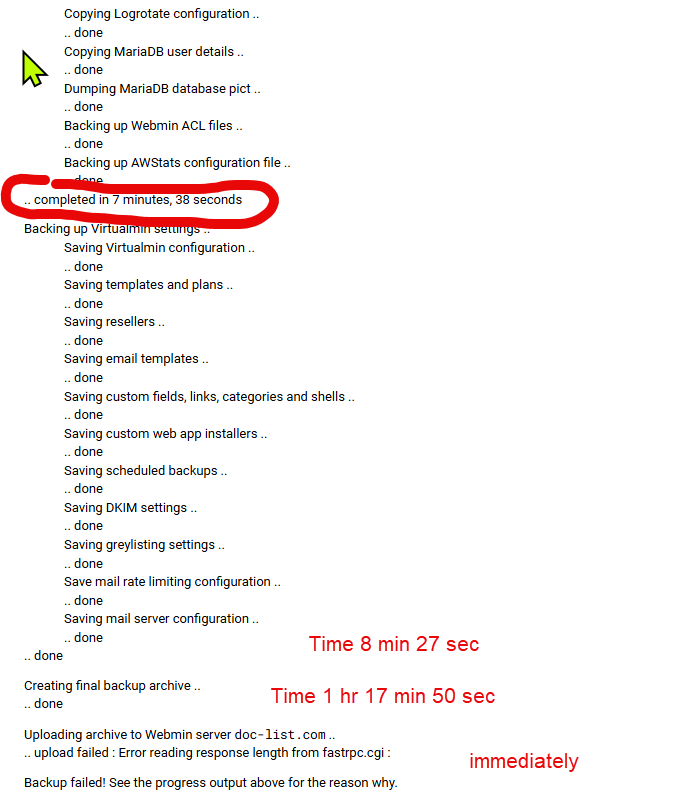
The 12.5 gig file failed after 17min 38 sec. Created the backup archive section was finished. As soon as uploading archive started the error message occurred–this was within a second from when this started
The 1.1 gig file completed in 3 minutes–time for uploading archive 1 minute
337.47 meg file completed in 56 seconds
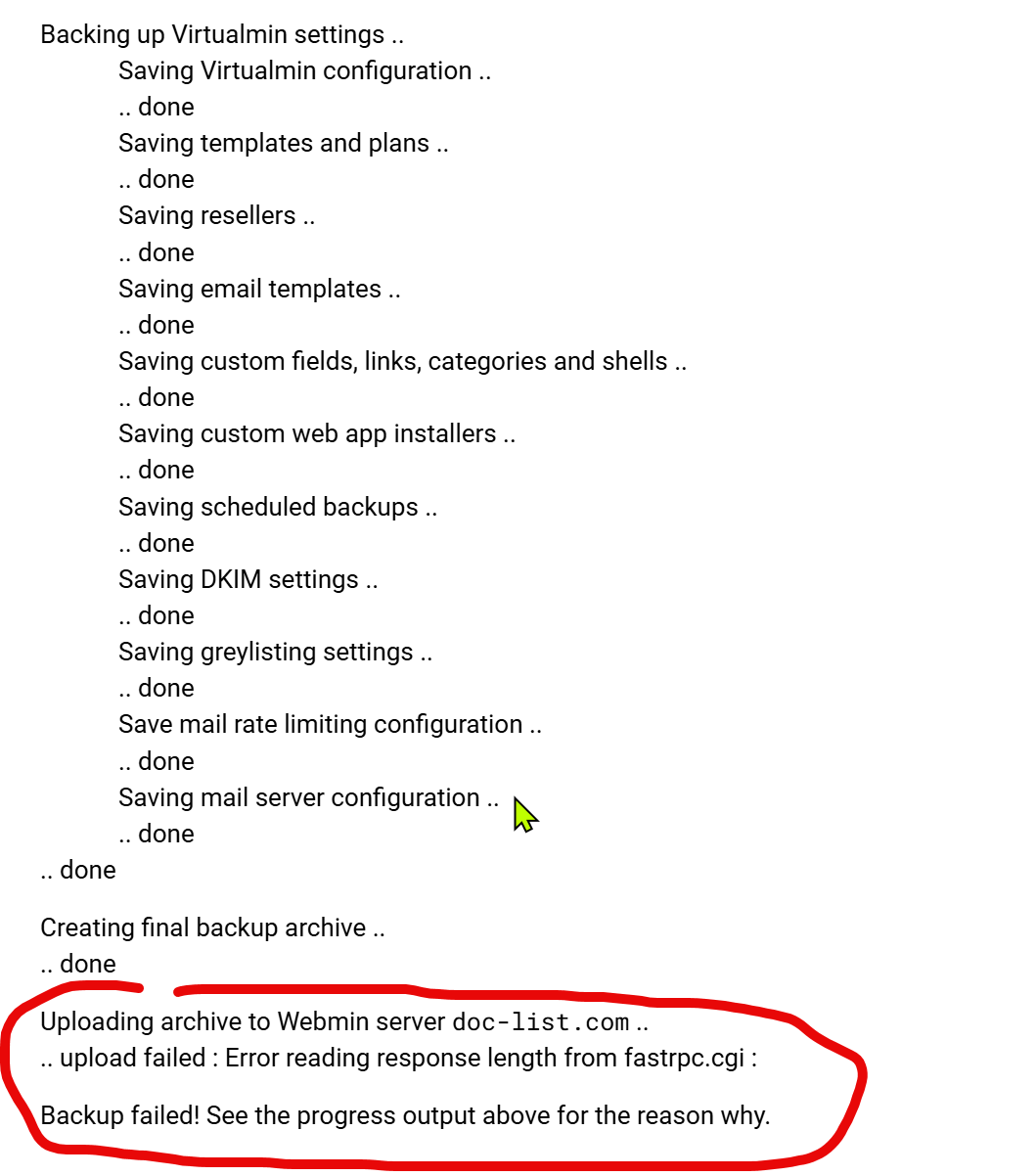
I still believe it is he size not the time that is important. The backup archive was created but the upload did not start and immediately gave the error message “error reading response length from fastpc.cgi”
I tested the time it took for my large backup to fail. This backup is 147.1 g. This backup ran for 1 hour 17 minutes and 50 seconds before it failed. Once again like the other backup that failed, the final backup archive was created. As soon as the “uploading archive to Webmin server” was started the backup failed immediately with the error “Error reading response length from fastpc.cgi”
To sum this up:
The 12.5 g files failed in 17 min 38 seconds after creating the final backup archive step. The 147.1 g files failed at the same step, as soon as the upload archive began. Here is the log of the key sections.
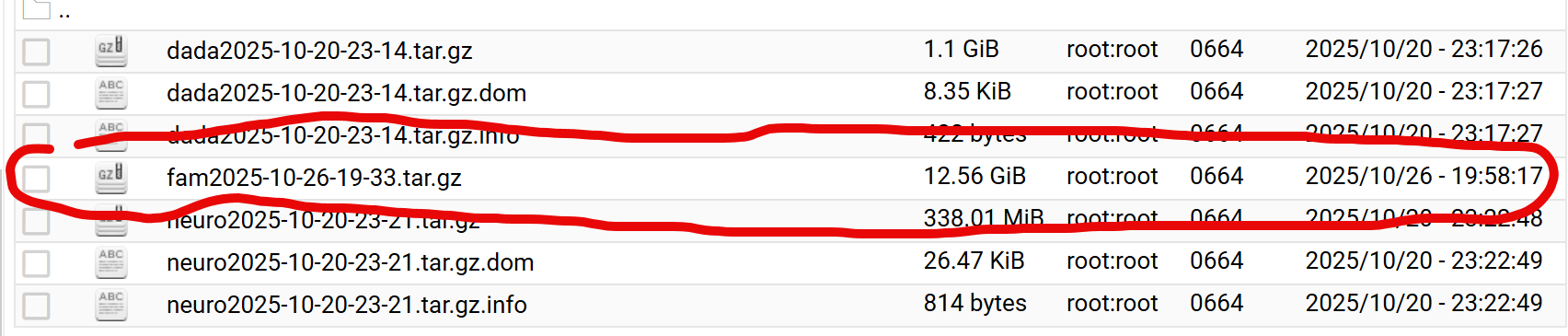
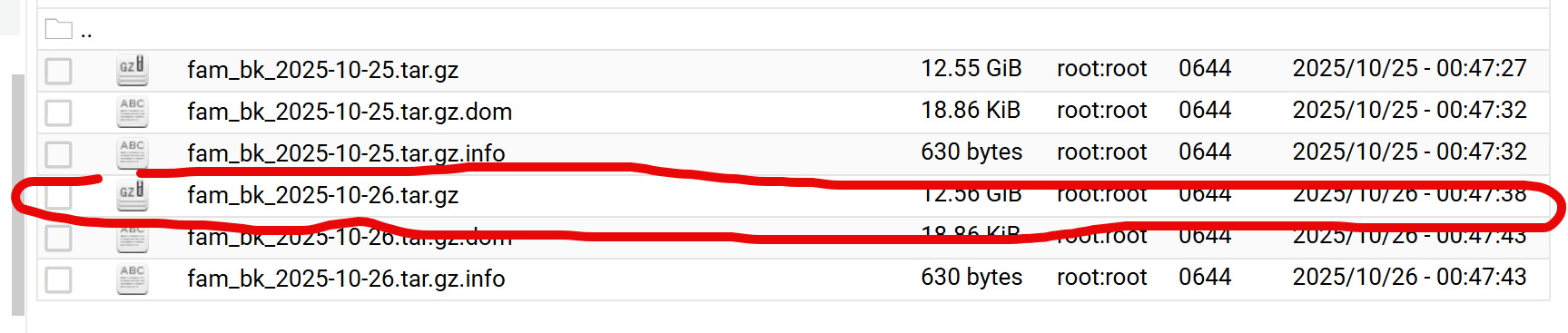
The file in question was fam2025-10-26-19-33.tar.gz it looks like all of the file was uploaded. However, the .tar.gz.dom and the .tar.gz.info did not upload.
This is what the backup from this morning looked like on the source server. This is a different backup to a local destination but not much had changed since then.