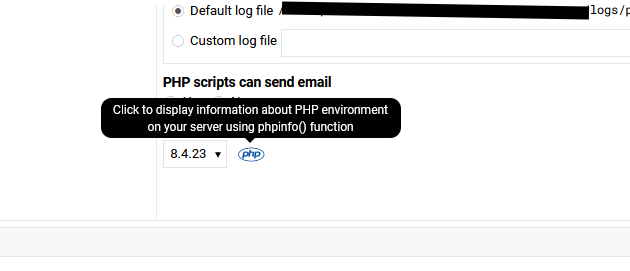
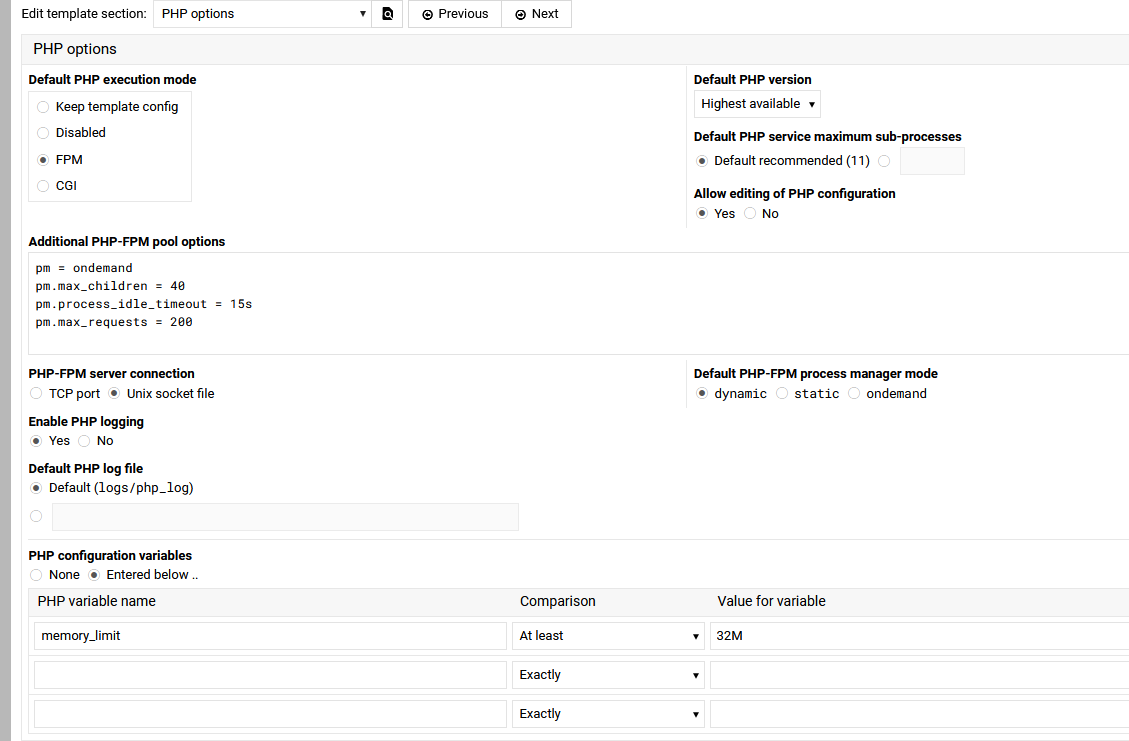
I get — Apache website : PHP-FPM configuration error found : No listen directive found in FPM config for all my sites after the latest update, the sites run and have the correct php version but the UI settings are lost (it shows the wrong php version) but also the includes directories are lost and this caused a lot of sites errors and had to be fixed. Setting the php version and fpm (on some sites) fixed the problem but it did cause some headache.
Update to the versions listed above from the previous versions
Which update? I’ve had several php updates since the last time WM/VM was updated. But the last WM/VM update wasn’t that long ago so we do need to know which update.
Virtualmin Pro has an option to do it in no time using the mass update feature in the UI form “List Virtual Servers” page. GPL version users could still do it using the CLI.
And by the way, downgrading won’t help. If you got into this state, this has to be fixed manually. We really expected this sporadic issue to be fixed by now, but a few users still keep reporting it. Sorry about that.
By the way, from which version did you upgrade to Virtualmin 8.1.0?
Is it possible to get Virtualmin Pro for one month at $12.50 and then cancel afterwards?
I mainly want to try it and discover the Pro features, but since I’m not rich, I can’t afford to pay for it every month.
When purchasing the license, do I need to install a special version of Virtualmin, or is it the same Virtualmin as I have now with an additional license? This would make it easier for me to go back to the previous version of Virtualmin once the license expires.
For the “List Virtual Servers” option, will it be possible to guide me if I can’t figure it out?
Is it easy to use?
This will also allow me to make a donation to Virtualmin, since I haven’t done so in the two years I’ve been using the software and I am very satisfied with it.
I just tested another method on another domain that is not important this time.
I tested on another domain because I can’t see the error anymore on the previous one: “Warning! PHP FPM configuration error found: No listen directive found in FPM config”.
Here is my other test on a different domain with the error “Warning! PHP FPM configuration error found: No listen directive found in FPM config”.
It’s a bit like clicking the “Save” button, but you just have to make sure you select the correct PHP version. You need to check it beforehand and choose the right one.
To verify the correct PHP version, you need to go to, for example:
/etc/php/8.3/fpm/pool.d/17159755981939xx.conf
There is the version number in the path, just after “/etc/php/”.
Bit confused, are they setting you want?
I modified those setting in my setup to have these defaults with no issues.
Just noticed something I need to fix