That means you should first enable it on the “Features and Plugins” page. Or, if this is a new installation or one using new repositories, follow our tutorial to learn how to complete the setup:
that is pretty clear for new install of Webmin/Virtualmin however this is an old VM with several VS (including one at least production) all otherwise happy.
I could (with some effort) build a new VM - backup the old VS and transfer it to the new one. - but that just feels clumsy.
I have installed postgresql with apt install postresql
and run virtualmin-config-system --include PostgreSQL
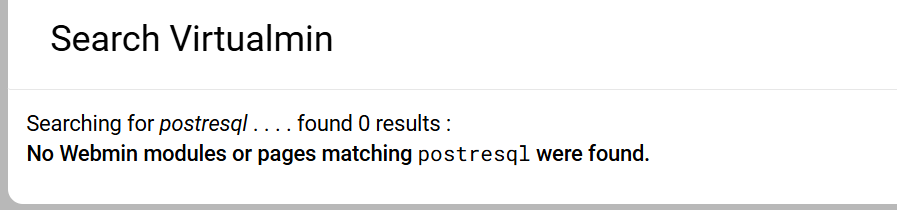
and validate virtual server but no Postgresql appears in Associate and Disassociate Features
And, your system already has a command for installing packages. We don’t reinvent the wheel for well-solved problems, and installing software is a well-solved problem on all of our supported distros.
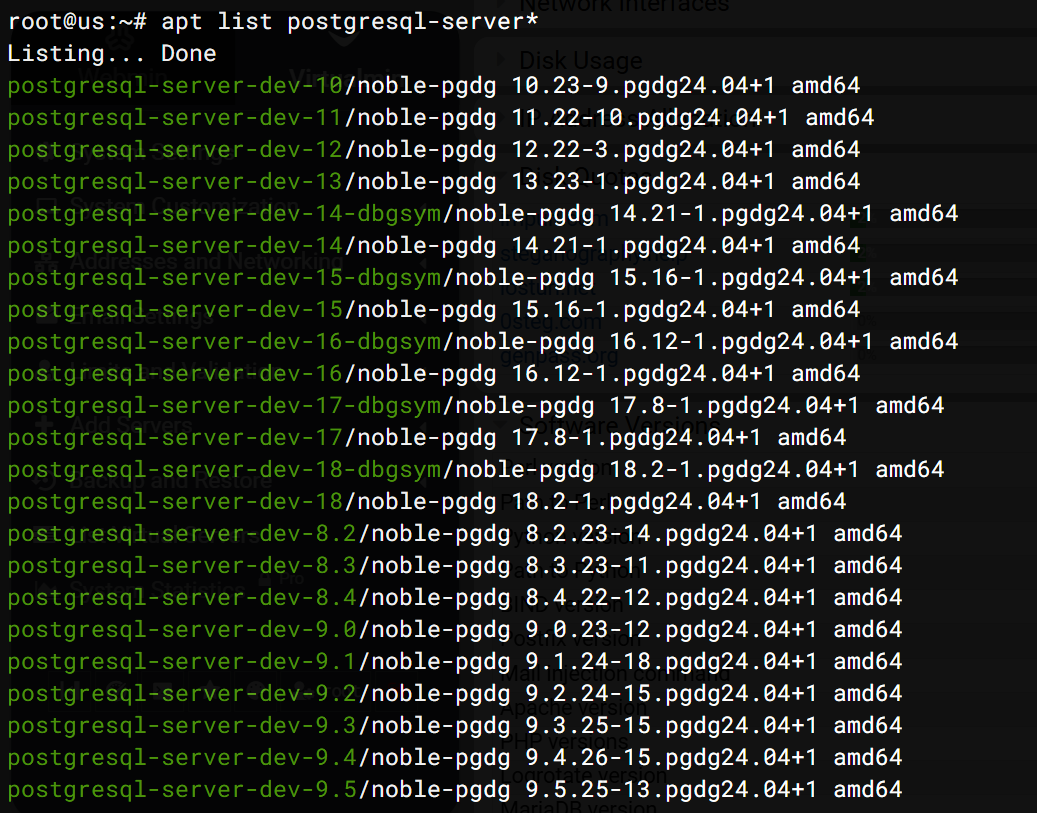
i thought that was pretty clear and confirmed by apt list postgresql*
i did expect the additional command given by @Ilia in that link to fix the missing parts taken out of Webmin/Virtualmin - that is to fix the missing “configuration” following install. (it just seems peculiar they were removed) sure i am aware that postgresql is not as popular as mysql/mariadb but it is still (i think) used by many.
PostgreSQL should never be removed during upgrades, because the latest code explicitly prevents that.
And, on a fresh install, if a user chooses PostgreSQL, they’ll see a short message with simple instructions to re-enable it by running a few commands which takes less than a minute.
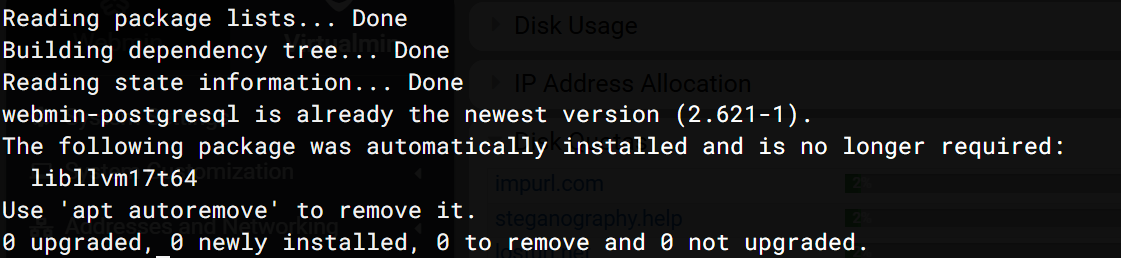
Ah, yes, that looks right and expected. The Webmin PostgreSQL module is there.
But look, based on your earlier output, I think you missed what the docs say and didn’t install the postgresql-server package. Once you install it, everything should work again.