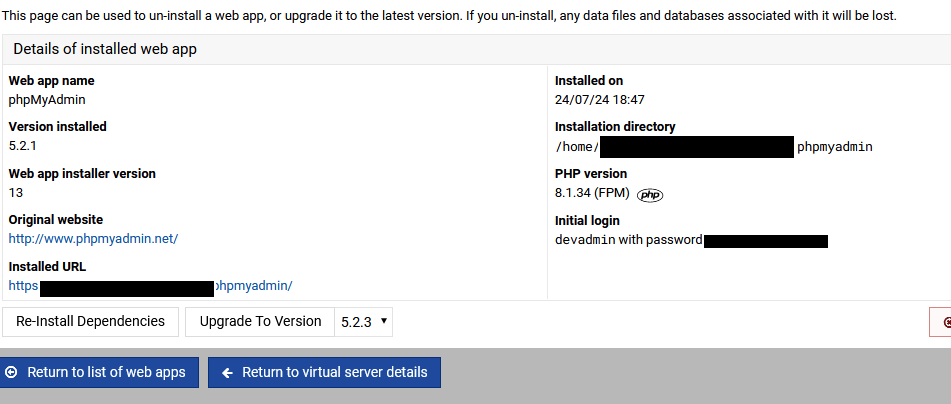
On my devsite, i already have phpMyAdmin installed and this was done via virtualmin a while ago.I went to the app and assumed I could just set it as the site wide one. Is the setting somewhere else or is it only possible to do this on an new app install?
did you mean server wide ? If so I would remove your instance and reinstall using the new installer to insure everything is correct. However as I use Apache & Ubuntu I tend to use apt to install phpmyadmin then I’m ensured (?) of having a version of phpmyadmin with the OS I have installed. As you might be aware the Ubuntu installer (apt) installs Apache configuration to work with all set up domains so it’s a case of restarting Apache and phpmyadmin is available to all, the only draw back is if a domain is not running the version of php that the OS comes with, but you wouldn’t install extra php versions on a server where you want everything to work e.g a production server
Yeah, it’s only possible right now on a clean phpMyAdmin install.
This isn’t ideal now since phpMyAdmin is being integrated into the “Edit Databases” page, giving one-click access to your databases. Give it a try, and I think, you’ll probably never go back to the standalone phpMyAdmin install from the repos.