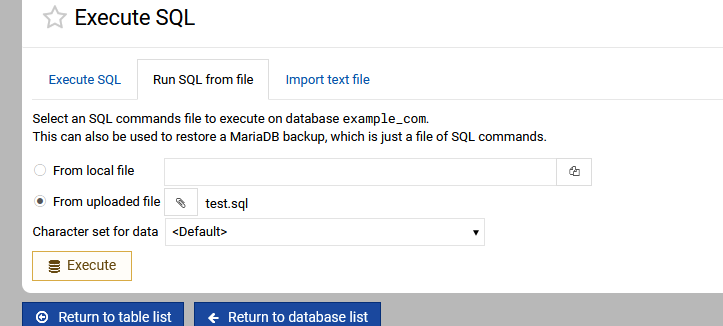
So I’ve been testing it – and I noticed a strange behavior when using the “Execute SQL Query” box. I could enter these lines “one at a time” but couldn’t add the entire script all at once or it would fail:
CREATE TABLE `auction_items` (
  `item_id` bigint(20) NOT NULL,
  `item_name` varchar(255) NOT NULL,
  `item_img` varchar(255) DEFAULT NULL,
  `item_desc` text DEFAULT NULL,
  `bid_end` datetime DEFAULT NULL,
  `bid_min` float NOT NULL
) ENGINE=InnoDB DEFAULT CHARSET=utf8;

ALTER TABLE `auction_items`
  ADD PRIMARY KEY (`item_id`);

ALTER TABLE `auction_items`
  MODIFY COLUMN `item_id` BIGINT(20) NOT NULL AUTO_INCREMENT;

CREATE TABLE `auction_bids` (
  `item_id` bigint(20) NOT NULL,
  `user_id` bigint(20) NOT NULL,
  `bid_amount` float NOT NULL
) ENGINE=InnoDB DEFAULT CHARSET=utf8;

ALTER TABLE `auction_bids`
  ADD PRIMARY KEY (`item_id`, `user_id`),
  ADD KEY `amount` (`bid_amount`);

INSERT INTO `auction_items`
  (`item_name`, `item_img`, `item_desc`, `bid_end`, `bid_min`)
VALUES
  ('An Apple', 'apple.png', 'A very high quality apple, not half eaten.', NULL, '1.5');
Because we submit the multiline query as flattened text on a single line and pass it in a single call to the SQL executor, which effectively supports only one statement at a time.
Alright, I’ve dug into the problem and many hours later come up with a solution that works well with both single-line and multi-line queries. It should be much more user-friendly now. Try applying the following patch, give it a try and let me know how it works for you: