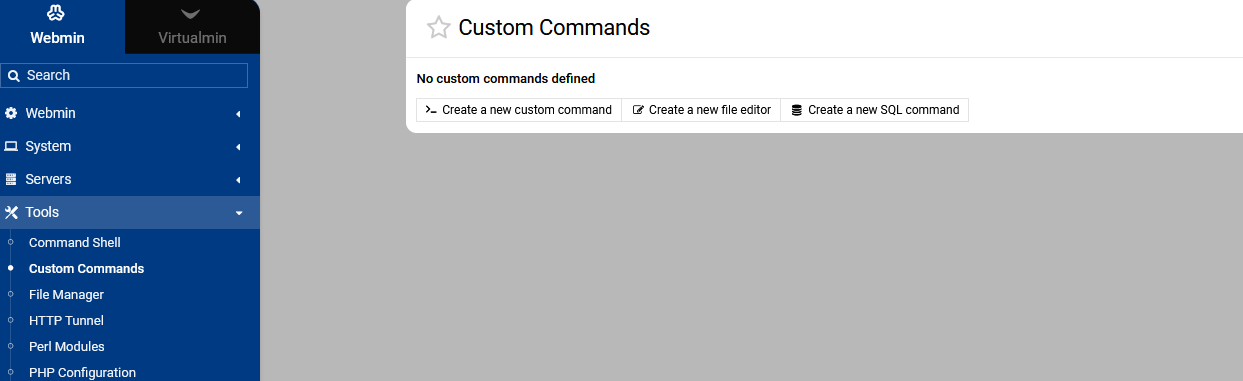
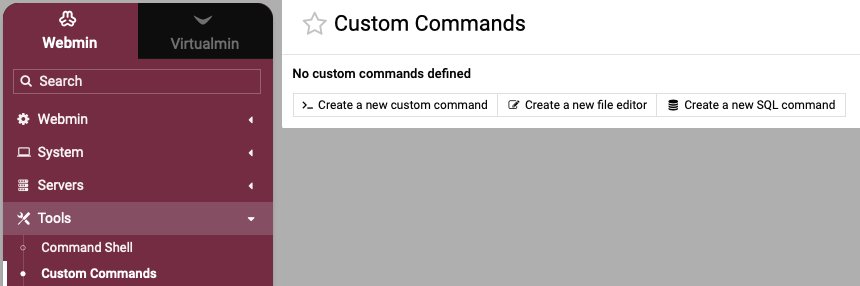
I went to fix a custom link I had made (link to Apache Status Page) and there is no more Custom Commands under Webmin/Tools ? I am logged in as root admin with all permissions
Has this been removed or is this a local issue here?
I cleared cache and logged out and back in etc… etc
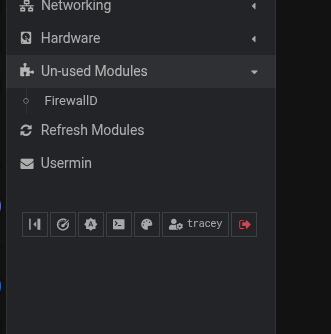
I checked my gpl version and all commands are there, however with my pro version there appears to be a load of stuff removed, this has caused me a few problems with the firewall as both the webmin modules firewall and firewall6 disappeared, the unused modules is empty bar the firewalld module which I have not used for 3 ~ 4 years, in fact that module should have been removed.
Pro :-
there are more modules as you would expect
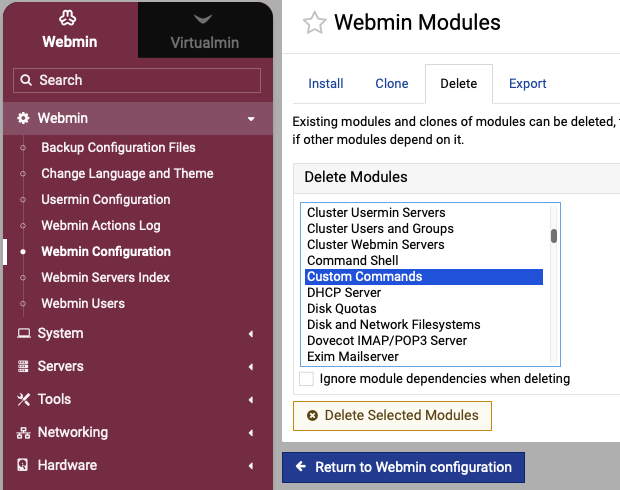
net result the OP needs to reinstall the module with the package manager (apt, dnf etc) and the module name is webmin-custom
how come I ‘lost’ modules I was actually using on my pro install and not the gpl version ? I suggest that was some form of over zealous removal. It would be good if there was a way of restoring all the unused modules so I can see what I can install if I want to, or maybe create a webmin module that handles modules rather than having to use the system package manager to install a module, I would guess webmin should know what non 3rd party modules are available and just clicking on a module from a list of modules that are not installed, however that module is then installed is up to the webmin devs
Ilia didn’t like how big the Webmin package had become. Folks run Virtualmin on tiny systems. I’m ambivalent about the change. But, nothing is stopping you from installing those modules. They are available via the package manager.
What mail functions in Usermin are you talking about? I don’t think anything mail-related was removed from Usermin. If it was, it should have been installed by the installer, and we’d want to fix it. (But you can also install it yourself using your system package manager. Any module that was removed is available via your system package manager. Nothing has been taken away from you.)
It is also 100% do-able in the GUI today. (I’m not opposed to a module specific thing, but you don’t need a special module. They are regular rpm or deb packages in our dnf or apt repo and the regular software packages module can install them.)
@Joe
Just (to me anyway) that the minimized install and how(and in some cases what to install) is seeming to be a confusion point for new and experienced end users.
Yeah, I agree. I think Ilia rushed it. But, I mean, Webmin had gotten big, some people had complained about it (though nowhere near as many have gotten real mad about modules not being there right after install…that’s really upset a lot of folks).
@Joe
I think Ilia was on the right track, I mean trying to find a solution to slim it down.
Hard to find the correct middle ground on a solution if people wanted a smaller install.
Not really sure what to say for a solution but a module would help stating these are the available modules and having explanations what they are for, click to install type thing. Just my personal opinion and what like to hear other opinions/advice.
This would only apply to new installs from the new Virtualmin 8 repos. Existing installs still using the Virtualmin 7 repos are not getting the new minimal Webmin package.
So, are you talking about something completely different?