| SYSTEM INFORMATION | |
|---|---|
| OS type and version | Redhat Enterprise Linux 10.2 |
| Webmin version | 2.653 |
| Usermin version | 2.552 |
| Virtualmin version | 8.1.0 GPL |
| Theme version | 26.50.4 |
| Apache version | 2.4.63 |
| Package updates | All installed packages are up to date |
Hello,
Appreciate you flagging this!
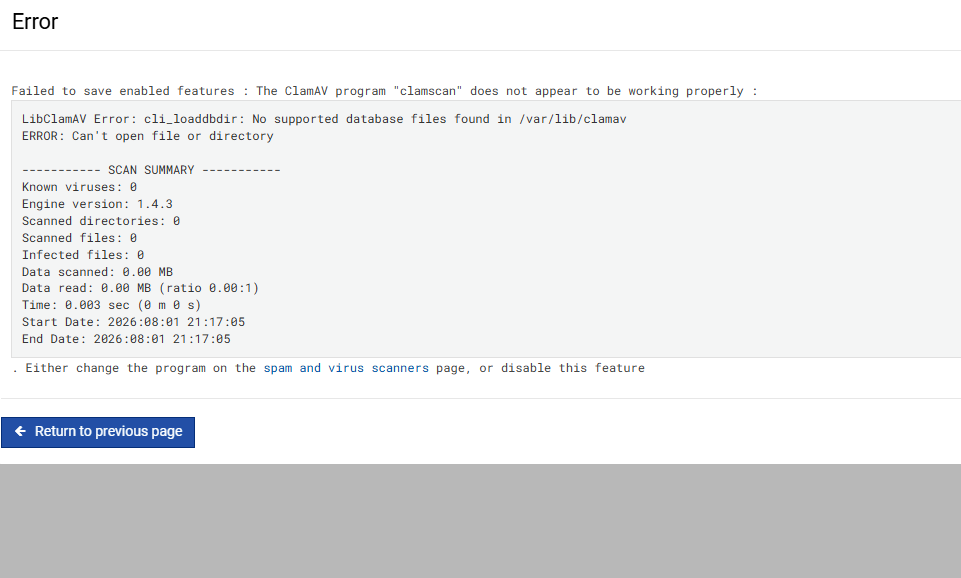
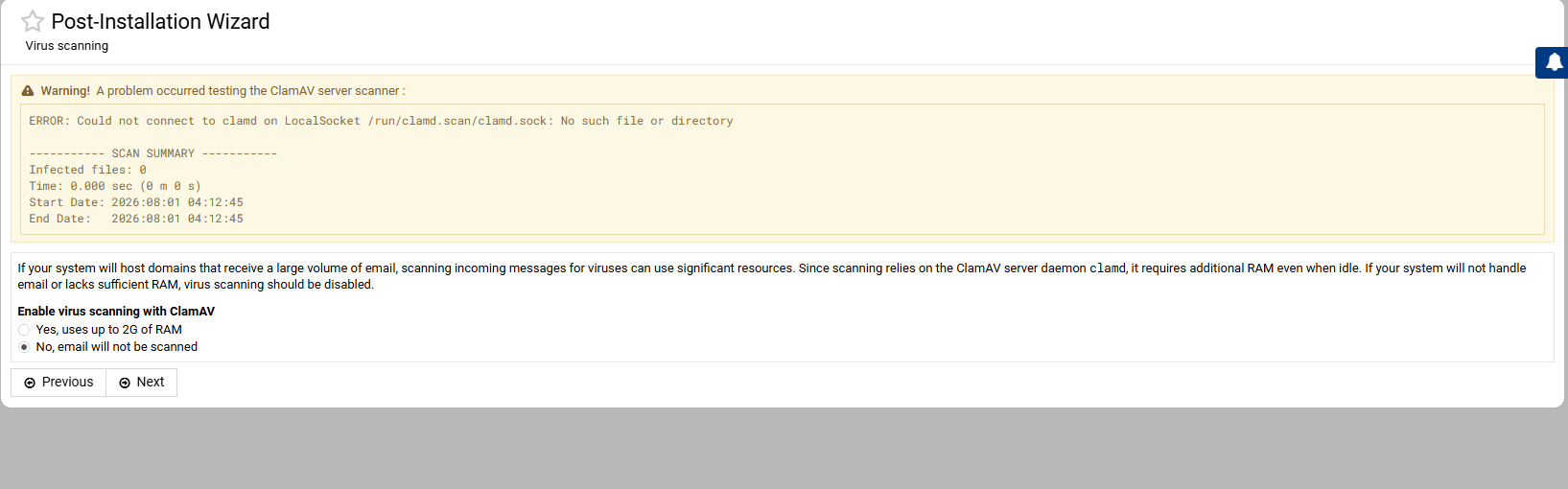
It’s been sitting on my to-do list for a bit now. I’ve run into the same problem myself recently but haven’t been able to quickly pin down what’s going wrong or, most importantly, why it used to work fine before and doesn’t anymore.
I’ll dig into it a bit more and post updates on this ticket as I make progress.
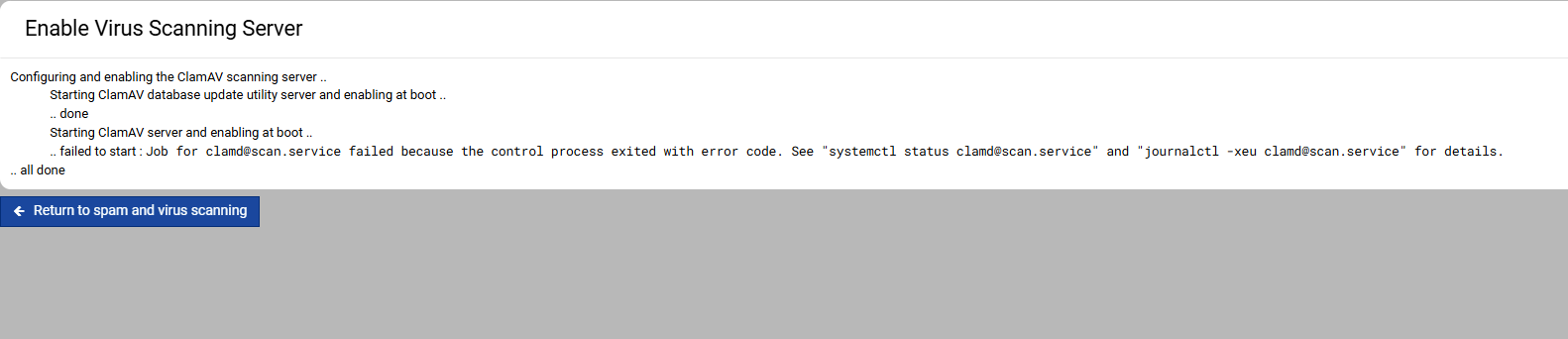
This happened to me on EL10. Ai suggested a permissions problem, I tried to fix but it still wouldnt start. I didnt invest much since it was just a test build.
On the plus side with the bleeding edge version of the script ubuntu 26.04 seems to work fine and has many recent packages.
I know about this issue on EL10 systems. I will look into fixing it.
And, Ubuntu 26.04 support is coming to Virtualmin 8.2.0 as well. Ubuntu 26.04 is great!
I can’t find ClamAV in Webmin and Virtualmin.
try
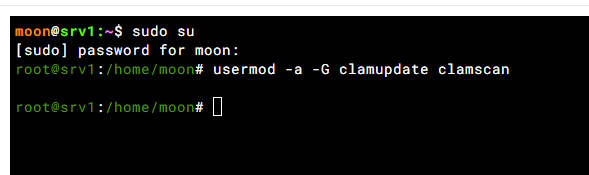
usermod -a -G clamupdate clamscan
First is clamav installed?
rpm -qa | grep clamav
I am formatting my server with RHEL 10. Deleted rhel10.2. Both are unstable RHEL10.2 AND VIRTUALMIN.
Yes .ClamAV was installed when I installed VirtualMin, but I didn’t see it when I logged into VirtualMin; however, the terminal showed it as installed.
Interesting, I’m running Rocky Linux 10.2 and supposed to be 1:1 compatible with RHEL and no problems here.
Try RHEL10.2. I know RHEL and rocky both are much similar.
That is what I was saying, Rocky Linux 10.2 here so not sure what you are meaning to say?
I have 2 servers running Rocky Linux 10.2 and not had a problem with clamav.
And no thanks on the continued registration for RHEL

I trusted you 
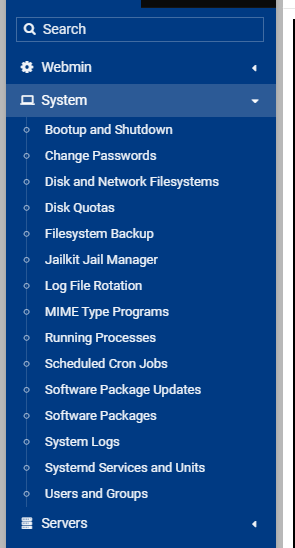
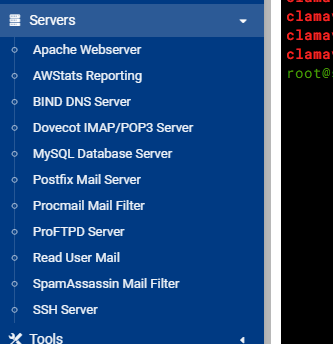

You went to Virtualmin → Features and Plugins and enabled Virus Filtering?