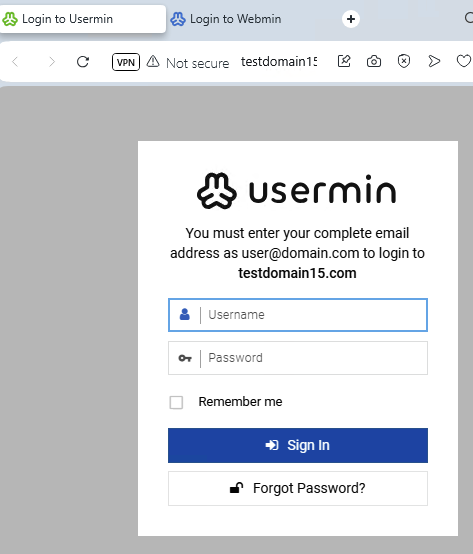
I have my :20000 login text customized to specify that you must enter your complete email address to login, because that has been my experience. (I believe that I documented conclusively last year that the setting for “Automatically try appending domain name to usernames” under Webmin → Webmin → Usermin Configuration → Authentication does not have the hoped-for effect of assuming @yourdomain.com an allowing just a username login: https://forum.virtualmin.com/t/can-usermin-assume-the-domain-from-the-url-at-20000-for-the-logins/129871 at least on Ubuntu 24.)
Is there any way that I could join it to the line with the domain on it rather than the (generated from somewhere) domain appearing on a new line by itself?
Right now I have “complete email address as user@domain.com to login to the-domain.com”… it would be slick if it just said “complete email address as user@the-domain.com”
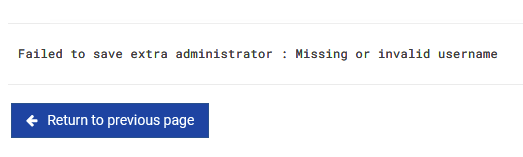
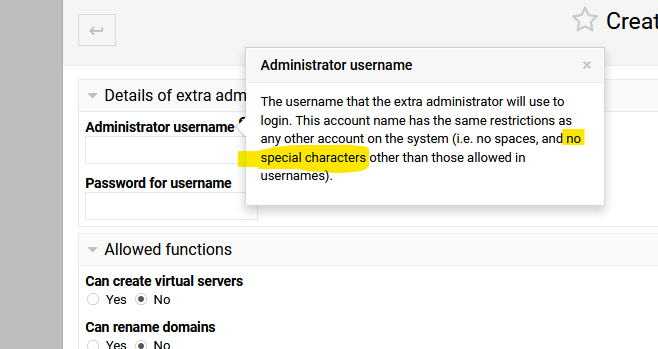
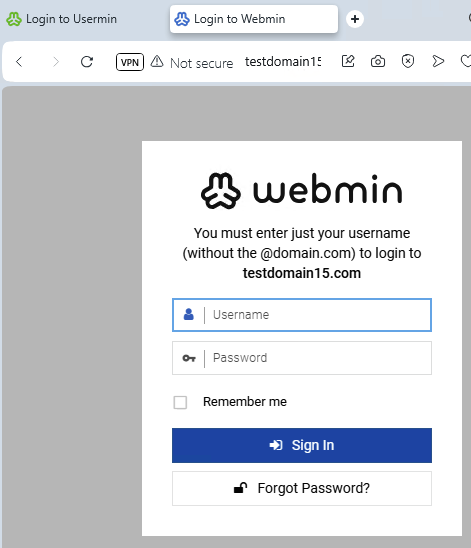
For me it is important to make the text clear as certain users will also be directed to :10000 when they are domain owners and ask about account management. For that login, the opposite is true (those users are from Virtualmin → the-domain → Manage Virtual Server → Manage Extra Admin, and they cannot be fully qualified email addresses), and I would be interested to know if the auto-generated the-domain.com can be removed from that page).
In the past I was helpfully directed to this post to customize the text of my logins:
https://github.com/webmin/authentic-theme/issues/639#issuecomment-271138852
For anyone who wants a quick and dirty recap (of just that bit) search the file:
/usr/share/webmin/authentic-theme/lang/en
/usr/share/usermin/authentic-theme/lang/en
(webmin is for :10000, usermin is for :20000… “en” is for English, adjust accordingly… “share” might be “libexec” in some OSes apparently)
for the thing that you would like to change (in my case “login_message”)
Make (or edit) a file here:
/etc/webmin/authentic-theme/custom-lang
/etc/usermin/authentic-theme/custom-lang
With just the lines you would like replaced (the theme will use those just for those lines). For example:
login_message=Ron is cool
Ron
| SYSTEM INFORMATION | |
|---|---|
| OS type and version | Ubuntu 24.04.2 |
| Virtualmin version | 2.402 |