Hi everyone,
I just ran into a pretty nasty issue after deleting a Virtual Server and I’m honestly quite frustrated about how this can happen when everything in Virtualmin is supposed to be automated.
What I did was very simple:
- Deleted an old Virtual Server that was no longer needed.
- I did not manually modify any mail configuration .
After that, suddenly Dovecot would no longer start and all mail clients started timing out.
The error was:
ssl_cert: Can't open file /etc/ssl/virtualmin/17605374043346109/ssl.combined
When checking the system, that directory did not exist anymore , because it belonged to the Virtual Server that I had just removed.
So what happened is essentially this:
- Virtualmin deleted the SSL directory of the removed Virtual Server.
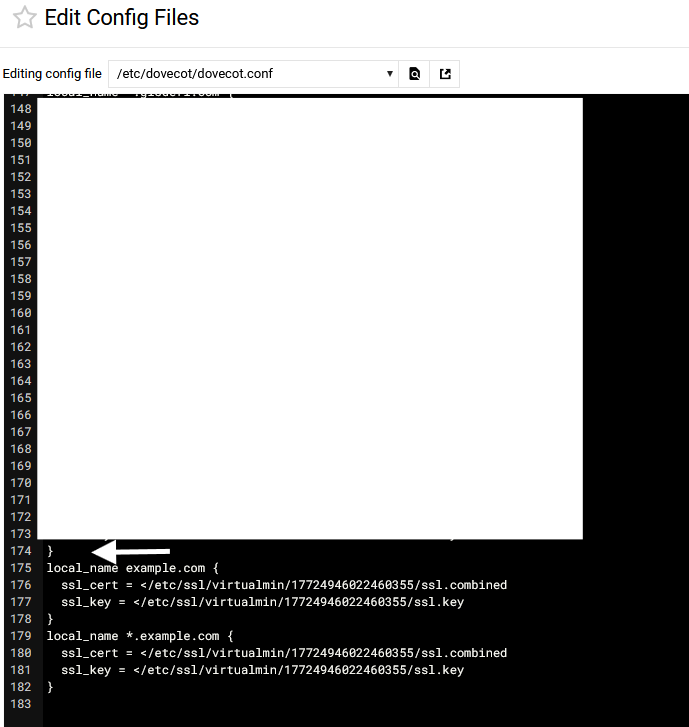
- But the reference to that certificate remained inside the Dovecot configuration .
- When Dovecot restarted, it tried to load a certificate that no longer existed and completely failed to start.
The only way to recover was manually editing the configuration and removing the broken SSL reference.
Example:
ssl_cert = </etc/ssl/virtualmin/17605374043346109/ssl.combined
ssl_key  = </etc/ssl/virtualmin/17605374043346109/ssl.key
After removing those lines and restarting Dovecot, everything started working again.
My question is simply:
Why is this not cleaned automatically when a Virtual Server is deleted?
This seems like a fairly dangerous situation because:
- An admin removes a domain in the GUI.
- Everything keeps running fine for a while.
- Later Dovecot restarts (reboot / update / service restart).
- Suddenly the entire mail server is down because of a stale SSL reference.
Looking around the community and issue tracker, it seems this has happened to others as well. like years ago? And still this is buggy as hell? What The Freak?
In my opinion, Virtualmin should at minimum:
- Remove any SSL references from Dovecot when a Virtual Server is deleted.
- Or run a configuration sanity check before restarting services.
- Or refuse to apply changes if a referenced certificate path no longer exists.
Right now it’s possible for the automation itself to leave the system in a broken state — which is a bit ironic for software that exists specifically to prevent admins from breaking things manually.
Whoever designed that cleanup logic must really trust sysadmins to enjoy surprise downtime. Thanks for that little adventure.
Because honestly, that’s not something an administrator expects when using a management panel that’s supposed to automate and safeguard these tasks in the first place.
Is this expected behaviour, or is this a bug in the cleanup process when removing a Virtual Server?
And if this is expected behaviour, which it shouldn’t be, maybe the installer could just run sudo rm -rf / (for people who aren’t understanding sarcasm DON’T RUN THAT COMMAND. it is a joke. this will actually remove every file) right after setup. That would save everyone the suspense and guarantee the system never works at all. But
Thanks.