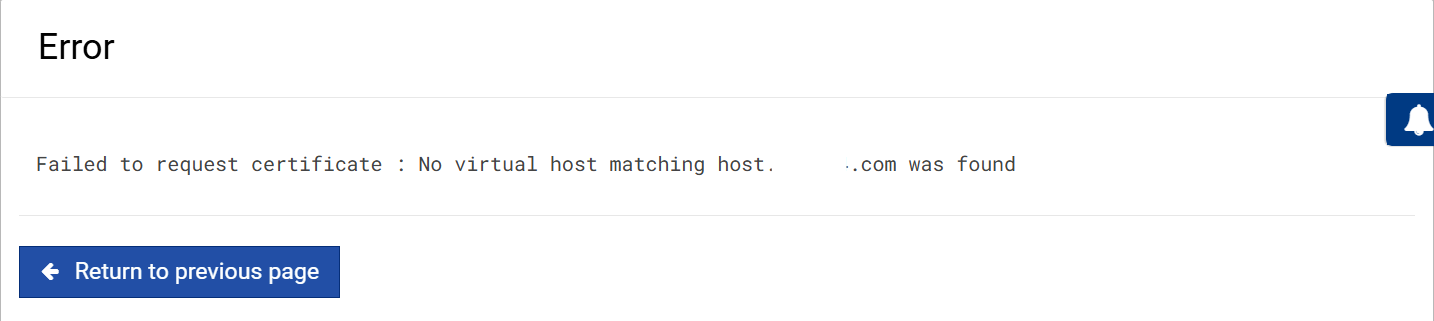
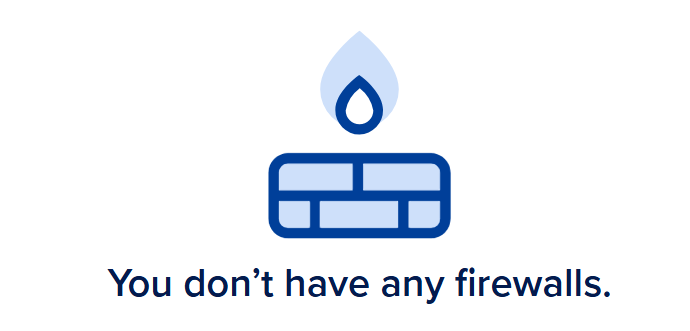
after hours digging around today the LE still fails but now at least is using the correct IP4 (i do not know what - exactly made the change) i only deleted and re assigned the domain in Digital Ocean (which seemed silly) as virtualmin was correctly showing the correct IP4 as host name.
of course with no LE cert i still cannot login with 'https://0xxxxxxx.com:10000 and stuck with http://IP4:10000
i have just logged in http://IP4:10000 failing again with first Web based then DNS based
Saving debug log to /var/log/letsencrypt/letsencrypt.log
Requesting a certificate for ********.com and 2 more domains
Certbot failed to authenticate some domains (authenticator: webroot). The Certificate Authority reported these problems:
Domain: .com
Type: connection
Detail: 178.62.75.182: Fetching http://.com/.well-known/acme-challenge/TO1xzuJNRoJWNaYW2X623-8PGP-ok0cLDMdvR5Q-pqA: Timeout after connect (your server may be slow or overloaded)
Domain: mail..com
Type: dns
Detail: DNS problem: NXDOMAIN looking up A for mail..com - check that a DNS record exists for this domain; DNS problem: NXDOMAIN looking up AAAA for mail.********.com - check that a DNS record exists for this domain
Domain: www..com
Type: dns
Detail: DNS problem: NXDOMAIN looking up A for www..com - check that a DNS record exists for this domain; DNS problem: NXDOMAIN looking up AAAA for www.********.com - check that a DNS record exists for this domain
Hint: The Certificate Authority failed to download the temporary challenge files created by Certbot. Ensure that the listed domains serve their content from the provided --webroot-path/-w and that files created there can be downloaded from the internet.
Some challenges have failed.
Ask for help or search for solutions at https://community.letsencrypt.org. See the logfile /var/log/letsencrypt/letsencrypt.log or re-run Certbot with -v for more details.
still no cert and fails after a long delay as if it is losing its way
there is only one domain on this VM and the IP is correct now
From previous thread, use a Private Window and login to Webmin, then:
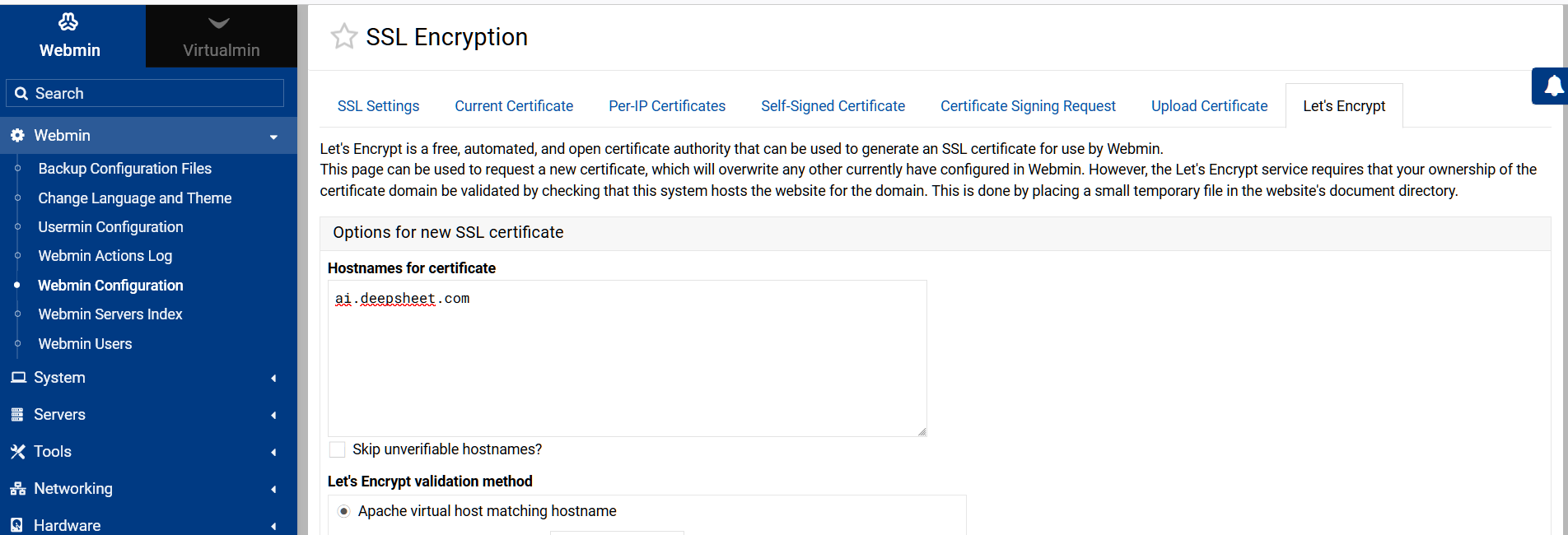
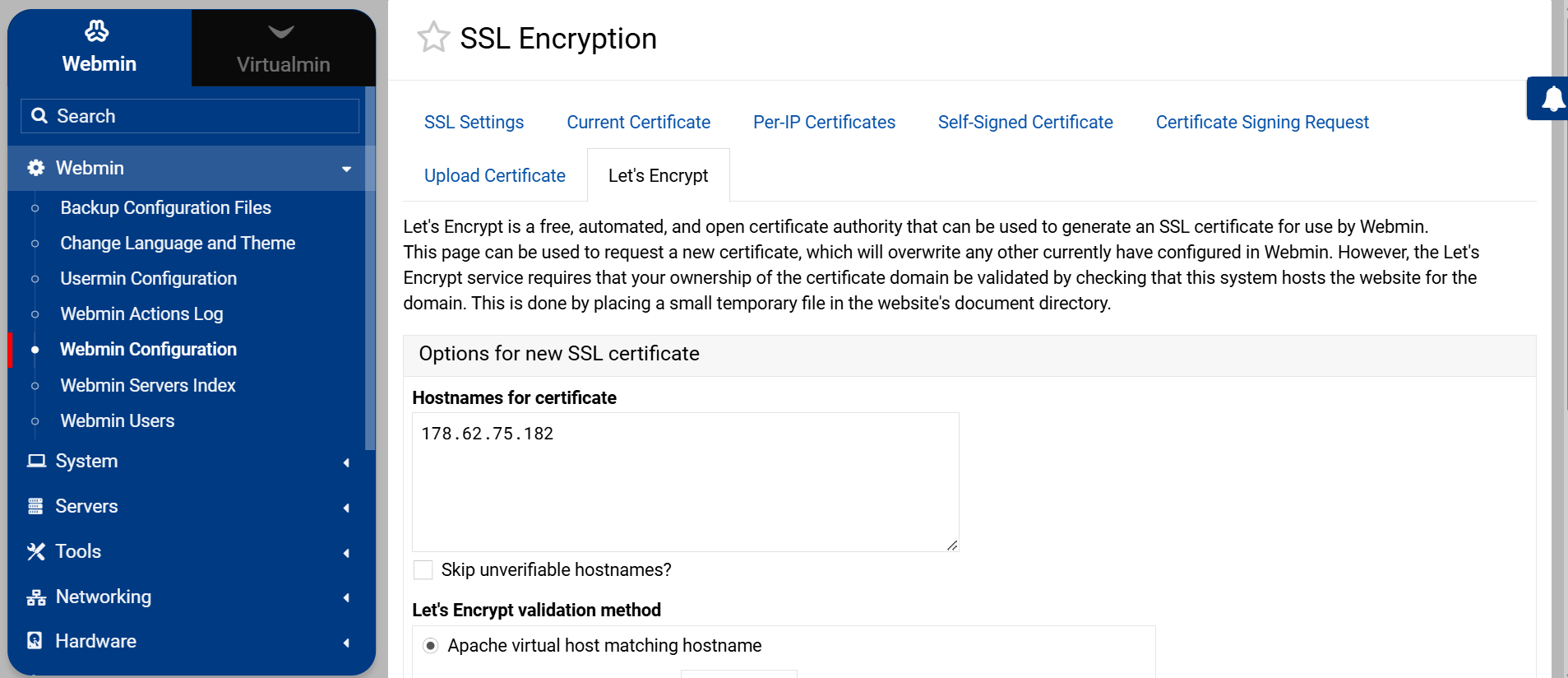
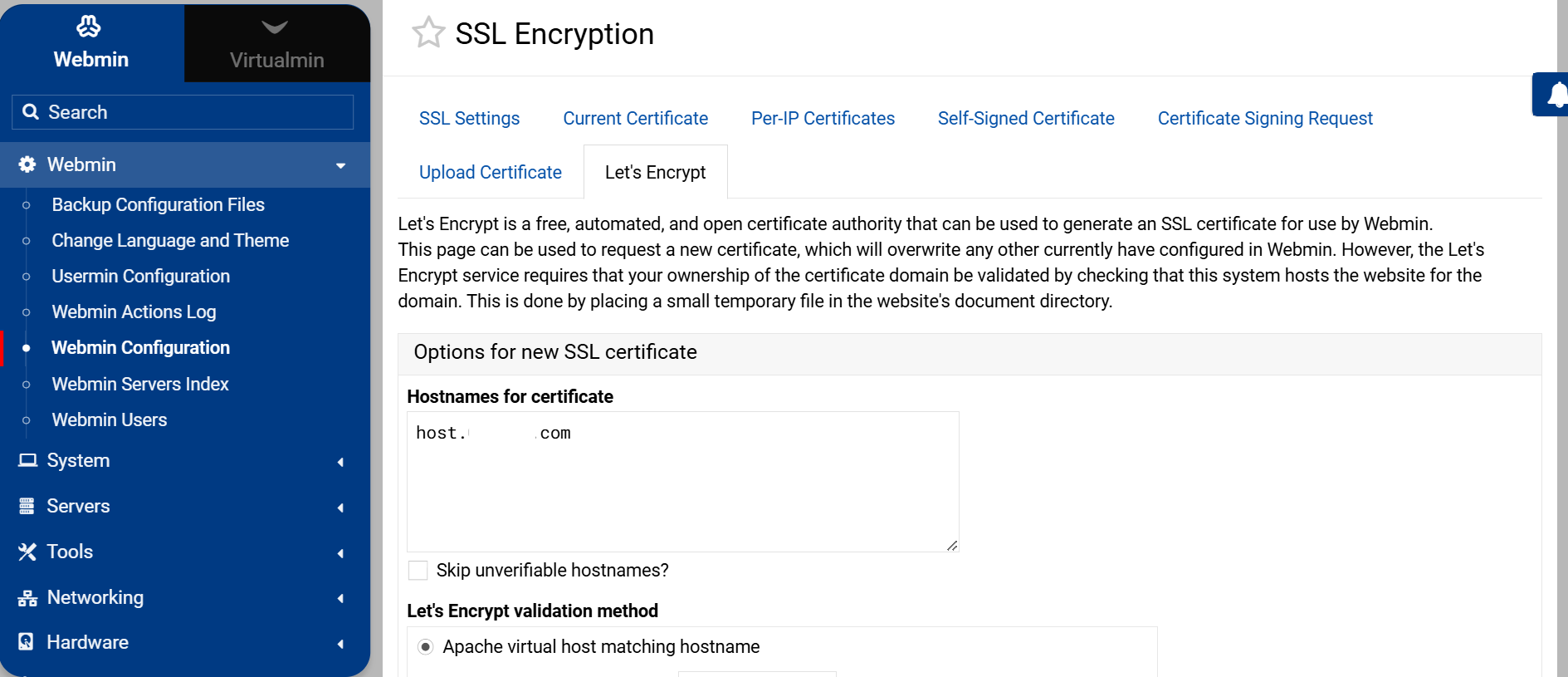
Webmin > Webmin Configuration > SSL Encryption > Let’s Encrypt tab at top, you then just want the Hostname - should already be there, then find the colourless Request Certificate button.
I think you are trying to do it in Virtualmin with it listing extra hostnames.
Are you sure your webmi hosted dns is working ? Why not as an experiment, add the dns records to your supplier and enable their dns servers ? Id that works there is an issue with your dns hosted by webmin, i tend to use a spare domain that has the a records for your dns servers so therefore resolve through their name servers, then thereafter the newly created names servers are the ones you created in your spare domain
that was everything as displayed i just obscured the domain name which virtualmin also mucks up because it does not like domains starting with `0...` so it converts them to zero...` for some reason
where in Virtualmin/Webmin is the FQDN used - not in that form and unusually it was not requested at installation
yes I am sure that is the problem and not having experience of Digital Ocean set up, I have tried a new clean ‘droplet’ and gone through the same steps as in that original post. This is so easier when I use Linode to manage the VM but that is not my choice here so it looks like I am stuck
the host name (host.012345.com is obscured for rather obvious reasons ) this is a public place and although the IP is public giving the domain would just invite trouble.
with Linode (my usual set up) I add a ‘Linode’ VM selecting location, OS, size, etc get the client to point their domain at the registrar(s) to Linode nameservers and I use Linode control panel to install Virtualmin and then log in with my browser to view the required DNS records as listed in Virtualmin then add them using the Linode GUI. I then go back to Virtalmin and add LE cert, usually works every time.
with DO (a friend’s choice and set up) I have access (was SSH now root password) he selected OS, enabled backups, etc. he pointed his domains at DO from the registrar (same as I have used). I used DO console to install Virtualmin and the DO GUI to add DNS.
I can log in to Virtualmin (so port 80 must be working?) and complete post install but just cannot add LE cert
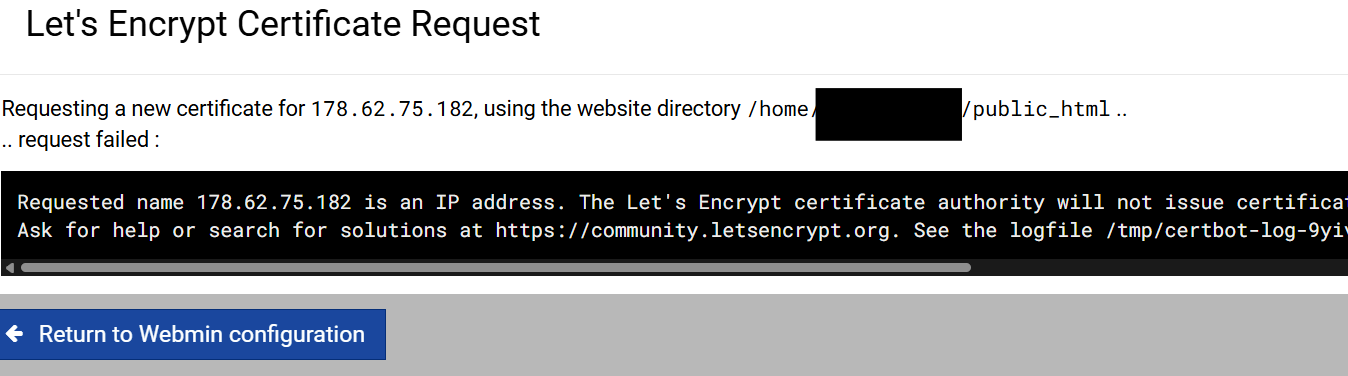
 ).
).