We run a virtuamin (pro) server and we have an resolved SSL cert error that I cannot find a solution for. This is my second time posting to these forums about this same issue.
The problem is that if people access our vmin server by its hostname alone they get a cert error, if they append :10000 then all is well but our security software isn’t happy with the main domain (the hostname without the port 10000 appended)
I was already aware that webmin uses its own webserver for the admin interface (right?) so I did a bit of digging today and found
Webmin → webmin configuration → web server options → Internal redirect URL overrides
Could this option be what I was looking for? I’ve not been able to find any documentation for these options so I’m not sure.
What would I put in the “Redirect prefix”? I presume https:// ?
If I break my webmin server login page after changing this option, how might I revert this option without resorting to restoring the whole system from a backup?
Its not entirely clear to me what is being redirected with this option. What I’m hoping it will do is essentially redirect mydomain:443 to mydomain:10000.
You have posted a Virtualmin related question in the forum for Webmin. It would help if we knew the version of Virtualmin that you are using. I ask because as luck would have it, the latest version of Virtualmin has begun to handle differently virtual servers which have the same domain name as the hostname of the Virtualmin server.
Furthermore, how did you get the SSL certificate which is working with domain:10000 port but not on 443? Did you get this SSL certificate via Webmin or Virtualmin?
I intentionally posted in the webmin forum because I thought this question was more webmin than vmin related?
Speaking of virtual severs that have the same domain name as the host, setting that up had already been suggested to me as a solution but I’ve not tried it yet as the vmin developers seemed a bit wary of me doing that although at least one user said they had done that without experiencing any issues. I wanted to check what the webmin webserver had to offer before I try that.
I set this server up over five years ago so I don’t remember exactly how how I set up the certificate. I don’t recall doing anything hacky to get the SSL cert configured but it seems I didn’t do it correctly if it should work with and without the port.
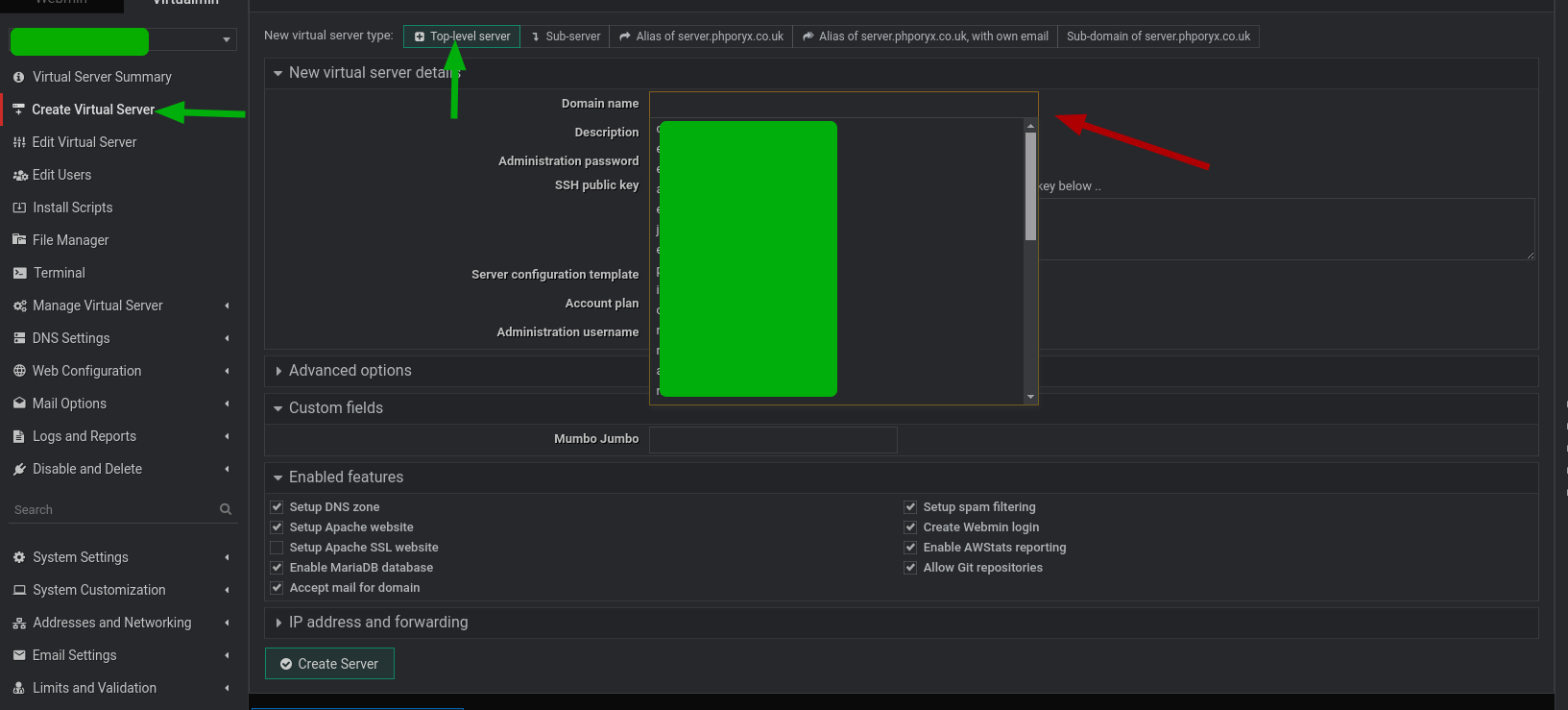
then go to the newly created domain → Web Configuration → Website Redirects and redirect / to the same site but with :1000 appended it should look like this
Do step 1 exactly as @jimr1 suggests above.
But don’t do step 2. Instead, go to SSL Certificates, apply for a Let’s Encrypt certificate and then make it default for Webmin as well as Postfix, Dovecot etc.
I have been using this method before Virtualmin 7.10 and it has worked well for me over the years. For example, my vps14 was set up using the above method. However vps15 set up with the new installer and I had to do stuff to make https://vps15.indiax.com look like https://vps14.indiax.com
Didn’t i read somewhere on this forum that in the future that option will dissappear on new installations if so it may be worth noting that this option is only available with certain virtualmin installations
@jimr you are correct but I cannot remember what the final outcome was in regulars could you manually creat the hostname as a virtual server but without mail.
That’s the sort of command I’ve been using to create to create new domains.
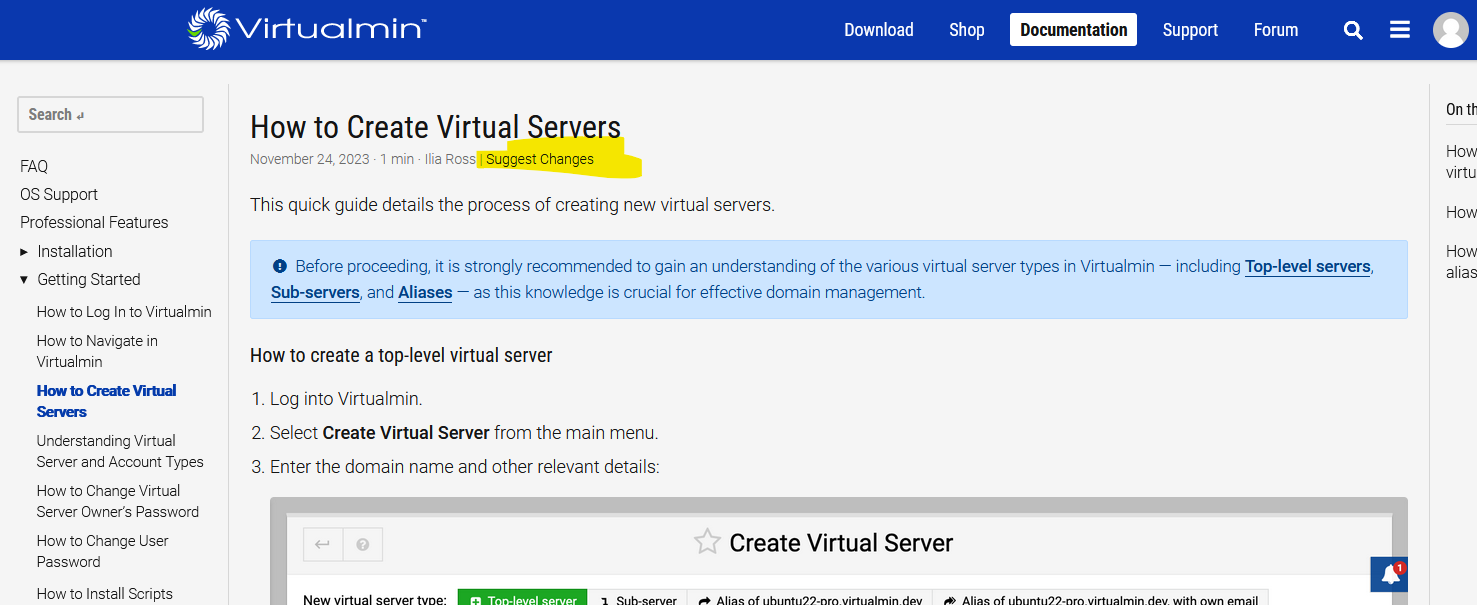
I am the master admin but I can’t remember how I’m supposed to create new domains from the web UI that aren’t sub-domains of an existing domain. That is something else I’ll have to include in my bug report as is not clear where the correct menu option is (for the master admin) on
If I knew exactly what needed to be changed and how I would’ve made a PR but thats not the case so opening a ticket seemed like my best bet. I’m a bit vague on the details here.
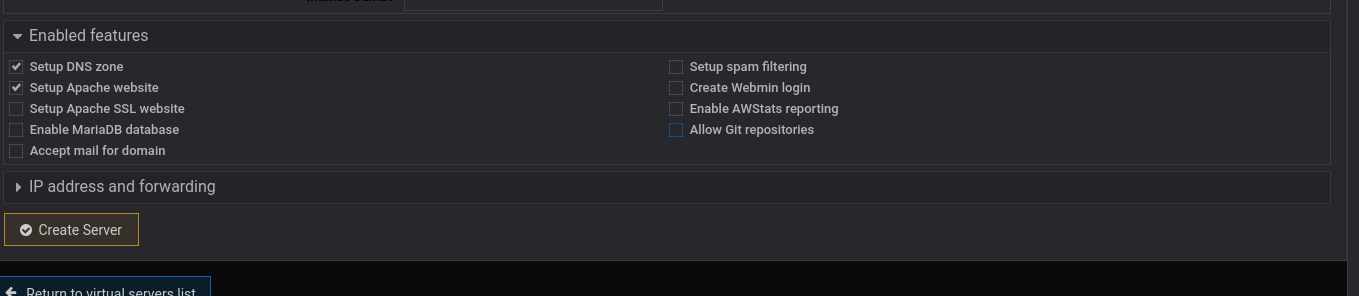
I was trying to make it easy and with no mail you would not need to make the cert the default for postix and dovecot, perhaps I missed a point somewhere?
I’ll be able to work out the command to create a new top level server (thats not using my plans) but I’d like to know how to do it from the web UI. I only seem to be able to create subdomains of existing domains from the web UI, hence my recommendation for them adding more screenshots to the docs.
Yes that was very helpful Jim! I wasn’t sure if I was creating a top level server doing it that way. I have now got the hostname redirecting to port 10000.
If anyone else is trying to configure this, when creating the website redirect rule you need to choose:
Source URL path: /
Under ‘Destination’ options choose ‘URL at other website’ then type the full URL with the port that you wish to redirect to.
Then for ‘Redirect subdirectories to’ I chose ‘Just destination URL’ before clicking ‘Create’.