I’m not sure whether this is a webmin question or firefox or linux.
When I browse to webmin on my Rocky laptop using firefox, I see a list of two usernames; one of which is actually a valid password rather than a username.
How can I delete these entries?
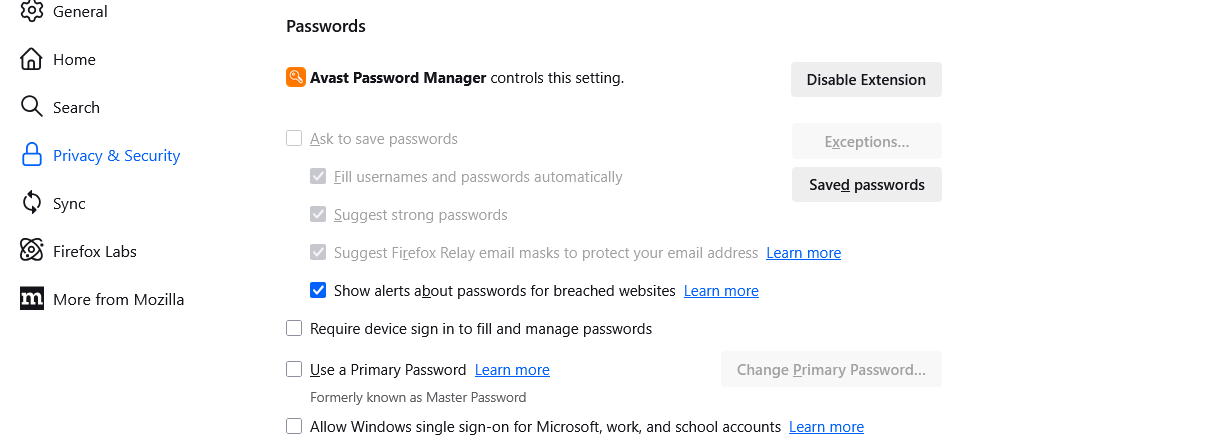
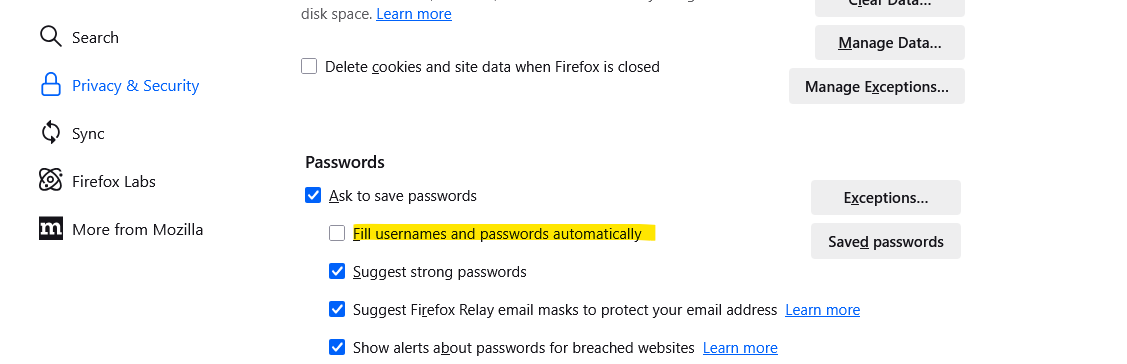
The “names” are not in the firefox passwords store and the one that is actually a password is not an authorised webmin user.
@stefan1959 posting AI-generated slop is prohibited by our guidelines. One of the primary reasons AI is banned (it’s what spammers do to gain reputation) doesn’t apply to you, as we know you’re not a spammer, but the fact that LLMs lie profligately is always true.
If you haven’t actually done the thing you see AI suggest and you see it works without dangerous side effects, you cannot post it here. If people want wrong answers fast, they can ask the lying machines themselves. If they want answers from actual humans, who have tried the thing they are suggesting and know it probably works in this scenario, they come to a forum and talk to people.
In short: AI might be right. But, you cannot post AI-generated answers here if they are not filtered through your own experience of trying the damned thing and making sure you’re not posting hallucinations.
Also, don’t post screenshots of text. It is not accessible and hard for some people to read. Use copy paste (but not of AI answers, for the reasons just given).
Obviously the password probably got typed into the name field by accident. Not that I would know from personal experience.
I have Firefox set to clear all stored data on close. You can always do it manually though. I do this on other browsers when I hit my ‘free article’ limit.
I uninstalled and reinstalled firefox.
This didn’t destroy the drop-down but that or my manual editing of
webmin config files at least made the password into garbage.
I guess I will have to live this.
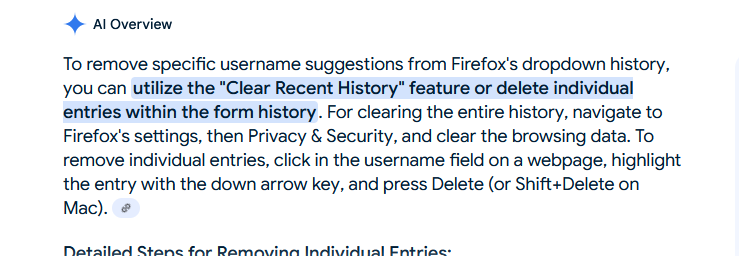
To delete entries from dropdowns, click the field, use the down arrow key to select the unwanted entry (avoid using your mouse), then press Delete. If that doesn’t work, hold down Shift and press Delete.