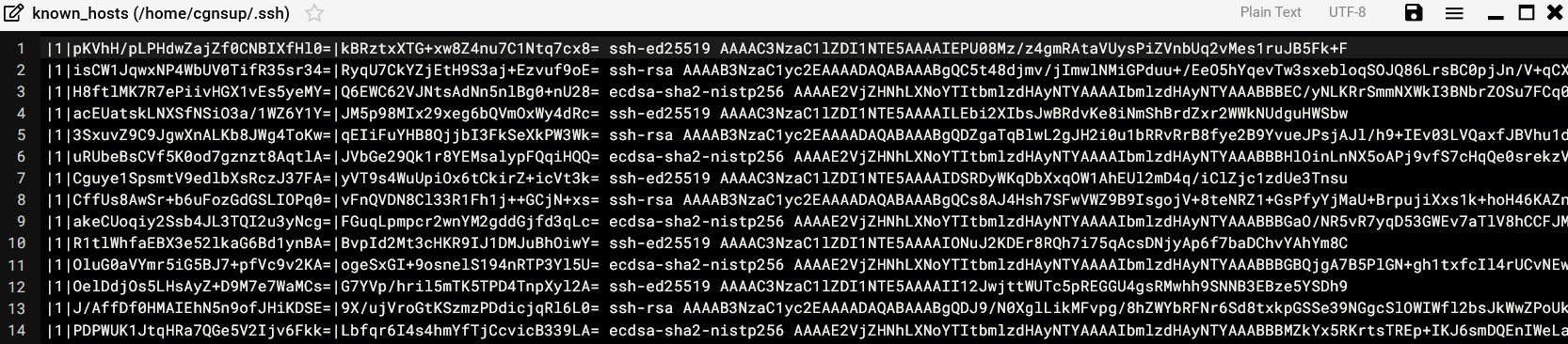
Hi, I usually work things out but this one is tricky…
Server A = production Server B = backup server 1 Server C = backup server 2
All are same OS and Webmin version. All runs SSH, same version. cgnsup = backup user account
Task: To run scheduled backups to B and C from A via SSH
cgnsup has new fresh SSH-keys (ssh-keygen) on all servers. ssh-copy-id works fine.
Now, manual login from A:
$ ssh cgnsup@B = OK
$ ssh cgnsup@C = OK
Now, webmin backup via SSH: A to B works fine A to C does not work:
scp failed
…
Host key for B has changed and you have requested strict checking.
Host key verification failed.
So, from A:
why is ssh cgnsup@B working but not the Webmin backup via SSH
why is webmin backup to B working bit not to C
A, B and C has the same versions and configurations regarding Webmin and SSH.
Note: There are another (new) server D that Webmin backups via SSH to C works. There are also a Red Hat server E that Webmin backups via SSH to C works. All servers Webmin backups to B works.
Webmin backup doesn’t work, scp from command line works. I’ve redefined all SSH keys. SSH login is OK cgnsup@192.168.1.63.
THIS IS, according to Webmin debug log, the command - it DOES NOT WORK (on this actual server, webmin backup from this server works to another backup server, same configurations):