Hello,
I’m using Webmin IP access control on Virtualmin version 8.0.1 GPL, accessing it from a computer on an IPv6 connection.
This works fine if the allowed list includes the explicit IPv6 such as 2001:DB8::/32, but it does work with domain names like foo.bar.com, even when the DNS record of that domain name resolves to the IPv6 of the computer trying to access Virtualmin, i.e., one gets an “Access denied” error.
So it seems that Virtualmin only retrieves the IPv4 for the domain names in the allowed list.
Would it be possible to include IPv6 access for the allowed domain names?
Many thanks!
Robert
Hi, Robert!
Do you have “Resolve hostnames on every request” option enabled in “Webmin ⇾ Webmin Configuration: IP Access Control” page?
Yes, “Resolve hostnames on every request” is enabled, and it does work for IPv4 access with dynamic DNS where it is likely to change, but when accessed via an IPv6 connection, Webmin seems not to look up the IPv6 of the listed Domain Names.
Thanks so much!
It work fine now.
Independently from this issue, there is one small interface bug which was there even before your patch:
when making changes in the list of allowed addresses and then clicking “Save”, the command never ends, i.e., the red progress bar at the top keep going back and forth indefinitely.
If one opens a second browser window one can see that the change was actually saved, so it’s just a missing acknowledgment to the interface call.
Thanks for the feedback! Good to know!
Are you sure you’re not entering IPs in the box that are being blocked? Does the issue still occur if you invert the list and select “Deny from listed addresses” instead?
It seems to be only a problem with the animated gifs running on that cause the red bar at the top and the rotating “save” button to keep spinning.
In any case, it happens in all combinations of the options:
“allow from all addresses” with nothing in the address list,
with addresses in the list and “Deny from listed addresses”
and as before with "Only allow from listed addresses”,
all with "Resolve hostnames on every request” on either yes or no.
Either way, one can always click on “Return to Webmin configuration” and then re-open the access control, and the changes have been saved.
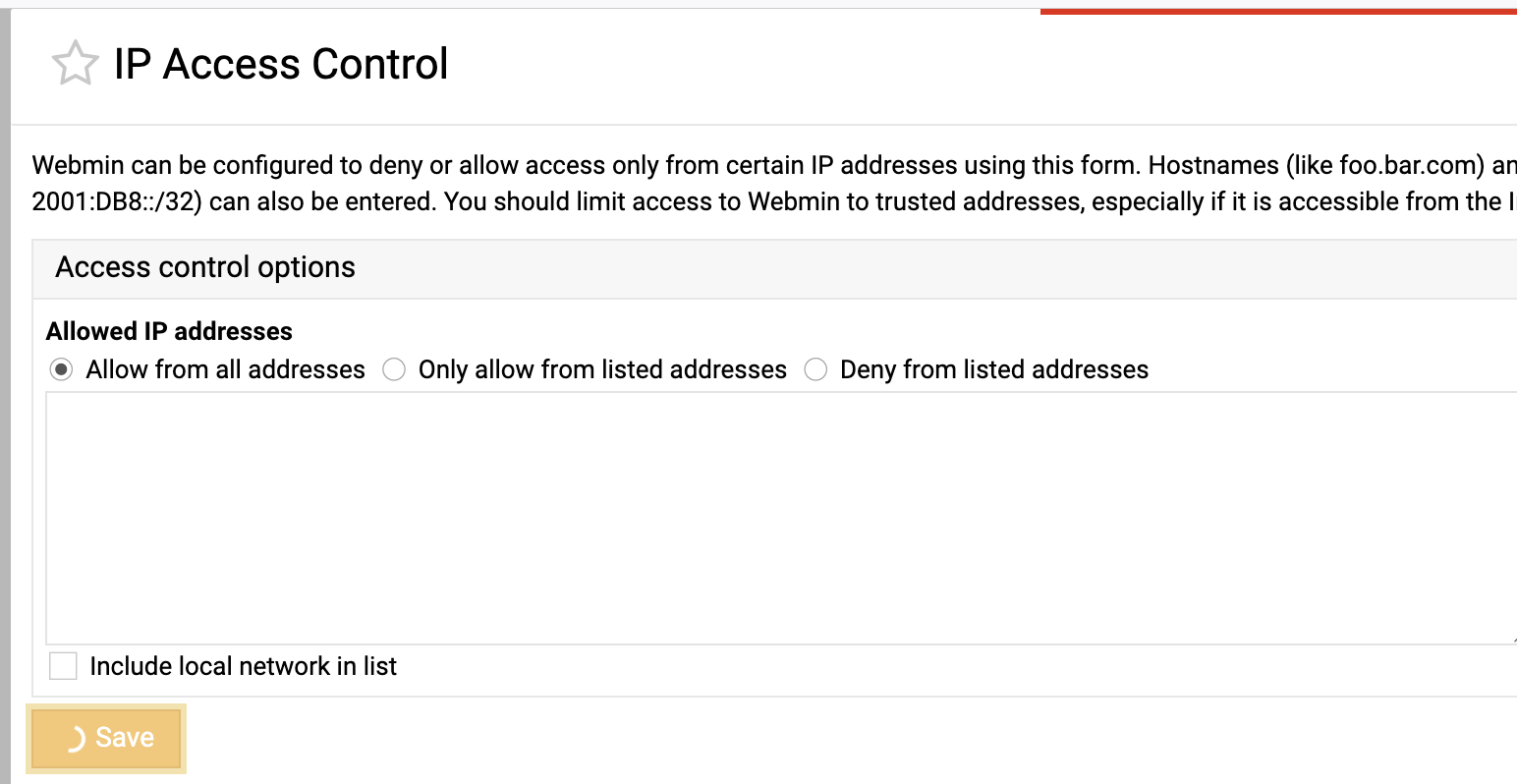
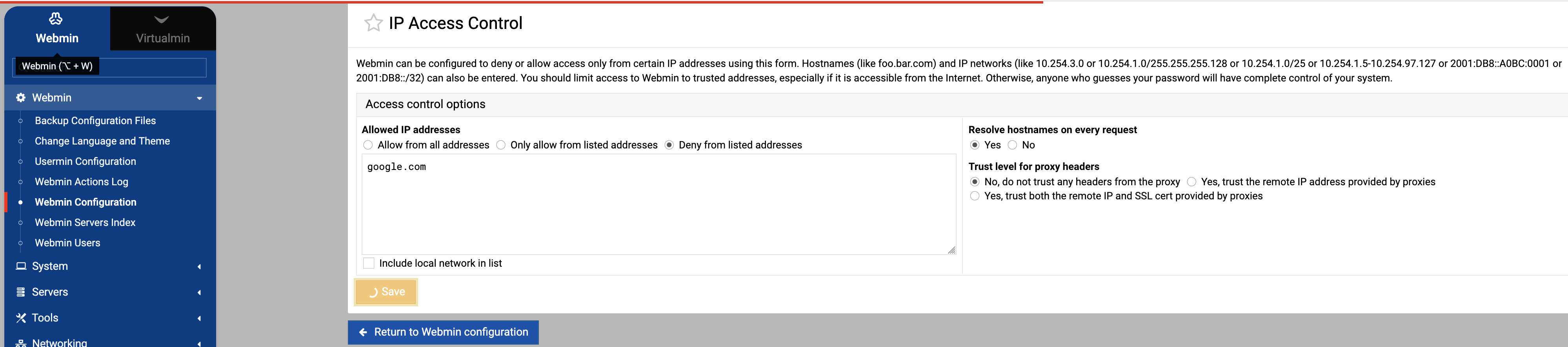
Actually, in looking at the system log, I see that when the saving of the access control fails to complete and the “Save” button keeps spinning, there is an authentication error:
Feb 22 11:49:35 mydomain perl: pam_unix(webmin:auth): authentication failure; logname= uid=0 euid=0 tty= ruser= rhost=  user=root
Feb 22 11:49:37 mydomain webmin[2936]: Webmin reloaded configuration
One can click on “Dashboard” in the left column and continue on the Webmin interface without problem.
Thanks for the feedback! I doubt that the auth failure is related in any way.
Moreover, I tried saving that form with different options, and it worked fine for me just fine every time.