Today (Sep 8 2025) the following APT package updates became available for Debian 12:
- usermin 2.400
- webmin 2.501
- webmin-virtual-server 7.40.0.gpl-1
As usual, we proceeded with the package updates through Webmin interface.
However, the update failed halfway, without any indication. Virtual servers stopped working (due to PHP-FPM) and manual intervention was required. We had to use dpkg multiple times to fix the installation.
After dpkg seemingly completed the update process, Webmin and Virtualmin interfaces are acting weirdly and I cannot trust that the update has actually succeeded. Maybe some files were silently left behind on old versions?
Examples of misbehavior:
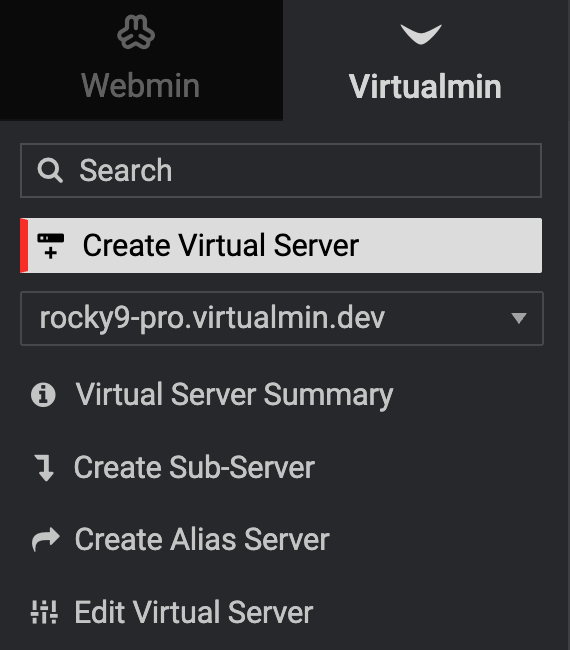
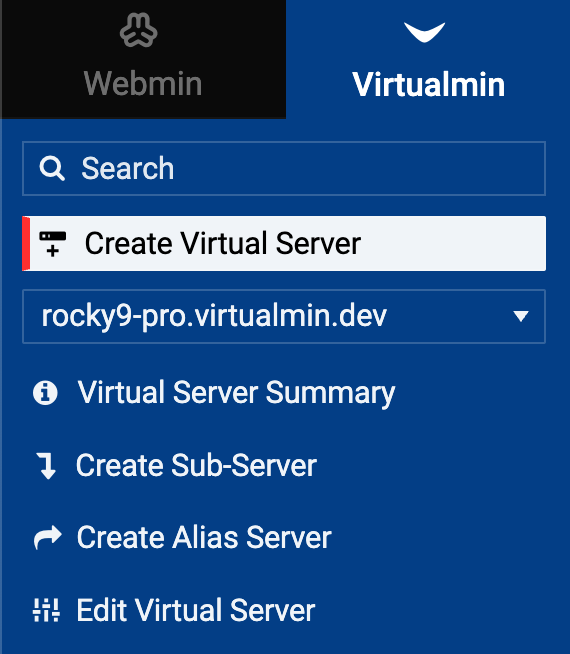
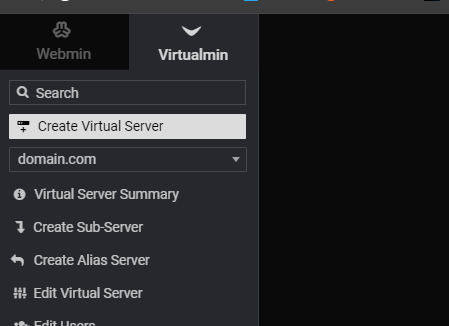
- Random ‘Create Virtual Server’ button which does now follow selected theme is showing up in Virtualmin pages (see screenshot below).
- If I keep a Virtualmin page open for more than a couple of seconds, and then I try to use the sidebar to navigate, none of the sidebar buttons work. I have to completely refresh the page for it to work again.
- Package updates is stuck to ‘3 updates available’ even though we updated
- Overall speed and feel of the web interface is different, as if something is missing
- Authentic theme cache was not cleared automatically upon update - had to be done manually. Did not fix any of the above issues
Is there a way to run some kind of “integrity check” or health check on the Webmin/Virtualmin installation? This has affected one of our production servers and the uncertainty is frustrating.
| SYSTEM INFORMATION | ||
|---|---|---|
| OS type and version | REQUIRED | Debian 12 x64 |
| Virtualmin version | REQUIRED | 7.40.0 |
| Webmin Version | 2.501 | |
| Usermin Version | 2.400 | |
| Authentic theme | 25.01 |