I’m experiencing an issue with Virtualmin backups where the MySQL database dump is incomplete. Here are the details:
Environment:
Devuan Linux, MariaDB 11.8
Friendica 2024.12 (PHP8.2-fpm / MySQL application)
Virtualmin backup to local directory
Problem:
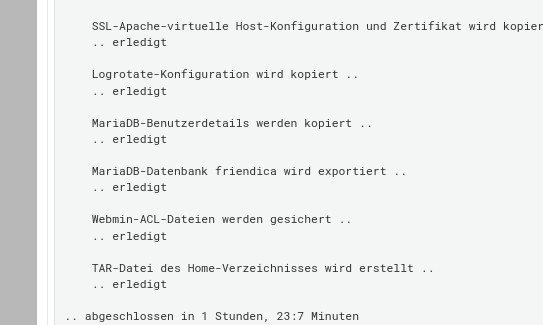
Two scheduled backups (April 1 and April 15, 2026) were created successfully without any errors. However, when restoring, the database was missing most of its data.
After extracting the backup archives, I found that the .backup/domain_mysql_friendica files contain only 22 out of approximately 80 tables. The missing tables include the larger data tables such as user, post, post-content, post-user, pconfig, profile, item-uri, and others. The tables that are present are mostly system/configuration tables (contact, config, apcontact, conversation, etc.).
The MySQL dump file is about 3.1 GB in size, so it’s not empty - it just stops after certain tables.
What I’ve checked:
Both backups (April 1 and April 15) show the exact same set of 22 tables - the cutoff point is identical
No errors appear in the backup logs
Running mysqldump manually from the command line produces a complete dump with all ~80 tables
The MariaDB server is running normally and all tables are accessible
Questions:
Has anyone else encountered Virtualmin backups producing incomplete MySQL dumps without reporting errors?
Are there known issues with mysqldump timing out or being interrupted during the Virtualmin backup process?
Is there a configuration option that might cause certain tables to be excluded from the dump?
I can provide more details if needed. Thanks for any insights.
i think the database dump is one of the last items backed up (i might be wrong).
if it is and there is some other interruption in the process
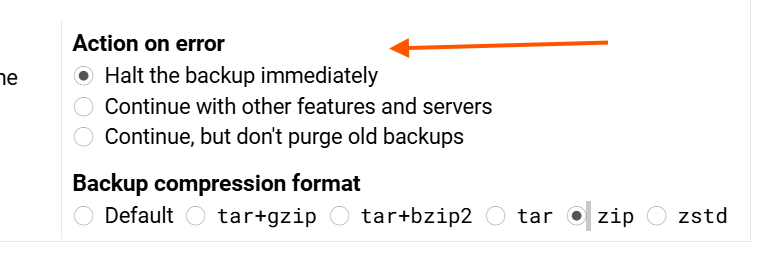
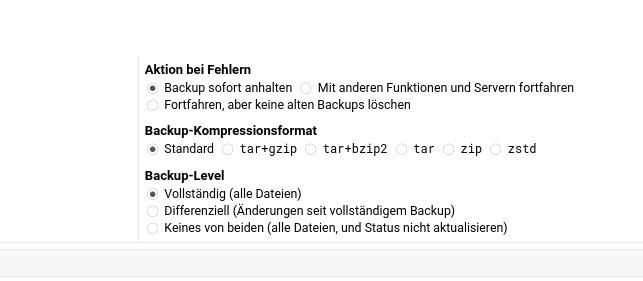
then it might well depend on the “action on error” setting.
just a guess perhaps the backup module exec’s out to mysqldump to create the dump, the mysqldump fails through OOM but perhaps webmin is not correctly reading the return correctly from the exec or if in OOM the exec return is always 0, which would then allow the module to think the exec completed correctly. That said I have no idea what the return from OOM would be, never had that one
I will later in the evening check this.
Should be easy to reproduce with a separate /tmp Partition of 500MB size. This should run into errors, and maybe I could debug this.
It absolutely shouldn’t report success if the database backup failed midway through. But, it’s just a database dump, and that should exit with a non-zero exit code if it fails for some reason, including OOM. I dunno what to make of that.
I wasn’t able to find any meaningful errors in the logs that pointed to the root cause. Cloning the system for troubleshooting wasn’t straightforward either.
My workaround: I set up a custom post-backup command that runs an independent MariaDB dump alongside the regular Virtualmin backup. This way I have a verified standalone copy of all databases regardless of what Virtualmin’s internal backup process does.