| SYSTEM INFORMATION | |
|---|---|
| OS type and version | Almalinux 9 / Rocky 9 Tested on both with separate servers. |
| Virtualmin version | latest |
Installing on a barebone dedicated server. No proxy. used the same command 10days back and was working.
[root@almalinux987 ~]# sudo sh -c "$(curl -fsSL https://software.virtualmin.com/gpl/scripts/virtualmin-install.sh)" -- --bundle LEMP -m
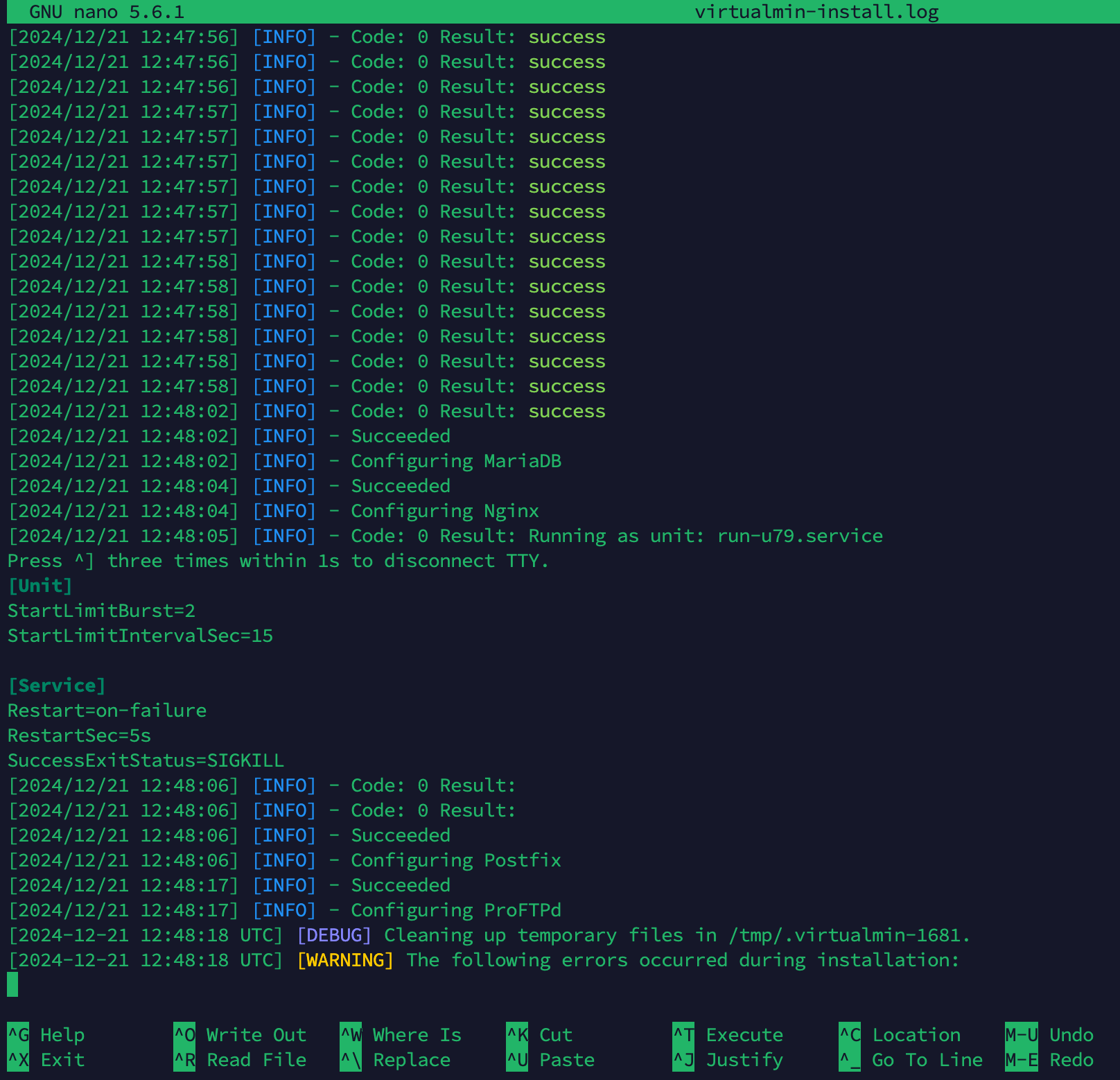
[INFO] Installation log is written to /root/virtualmin-install.log

  Welcome to the Virtualmin GPL installer, version 7.5.2

  This script must be run on a freshly installed supported OS. It does not
  perform updates or upgrades (use your system package manager) or license
  changes (use the "virtualmin change-license" command).

  The systems currently supported by the install script are:

    Red Hat Enterprise Linux and derivatives
      - RHEL 8 and 9 on x86_64
      - Alma and Rocky 8 and 9 on x86_64
      - CentOS 7 on x86_64

    Debian Linux and derivatives
      - Debian 10, 11 and 12 on i386 and amd64
      - Ubuntu 20.04 LTS, 22.04 LTS and 24.04 LTS on i386 and amd64

  If your OS/version/arch is not listed, installation will fail. More
  details about the systems supported by the script can be found here:

    https://www.virtualmin.com/os-support

  The selected package bundle is LEMP and the size of install is
  minimal. It will require up to 1 GB of disk space.

  Exit and re-run this script with --help flag to see available options.

 Continue? (y/n) y

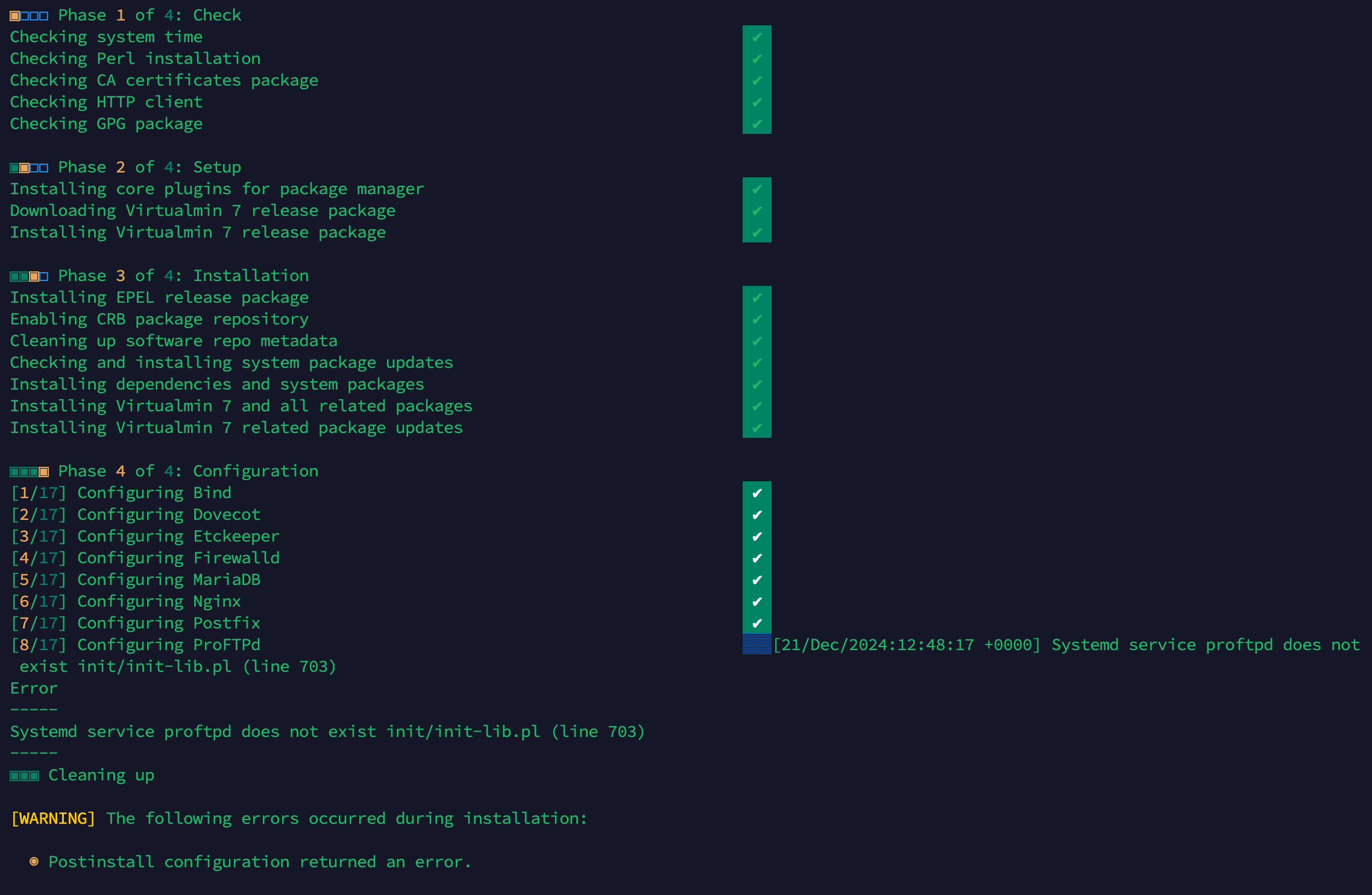
▣◻◻◻ Phase 1 of 4: Check
Checking system time                                                         ✔
Checking Perl installation                                                   ✔
Checking CA certificates package                                             ✔
Checking HTTP client                                                         ✔
Checking GPG package                                                         ✔

▣▣◻◻ Phase 2 of 4: Setup
Installing core plugins for package manager                                  ✔
Downloading Virtualmin 7 release package                                     ✔
Installing Virtualmin 7 release package                                      ✔

▣▣▣◻ Phase 3 of 4: Installation
Installing EPEL release package                                              ✔
Enabling CRB package repository                                              ✔
Cleaning up software repo metadata                                           ✔
Checking and installing system package updates                               ✔
Installing dependencies and system packages                                  ✔
Installing Virtualmin 7 and all related packages                             ✔
Installing Virtualmin 7 related package updates                              ✔

▣▣▣▣ Phase 4 of 4: Configuration
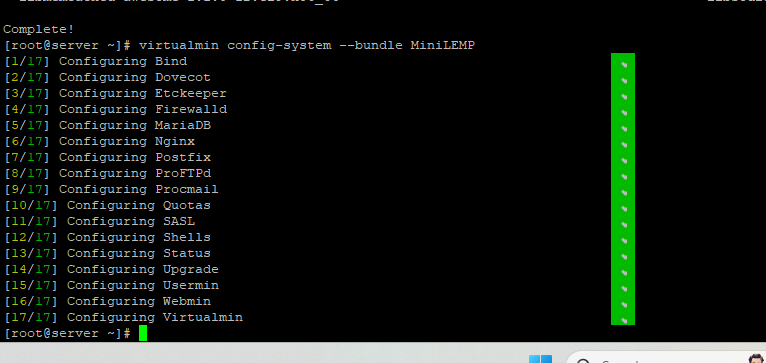
[1/17] Configuring Bind                                                      ✔
[2/17] Configuring Dovecot                                                   ✔
[3/17] Configuring Etckeeper                                                 ✔
[4/17] Configuring Firewalld                                                 ✔
[5/17] Configuring MariaDB                                                   ✔
[6/17] Configuring Nginx                                                     ✔
[7/17] Configuring Postfix                                                   ✔
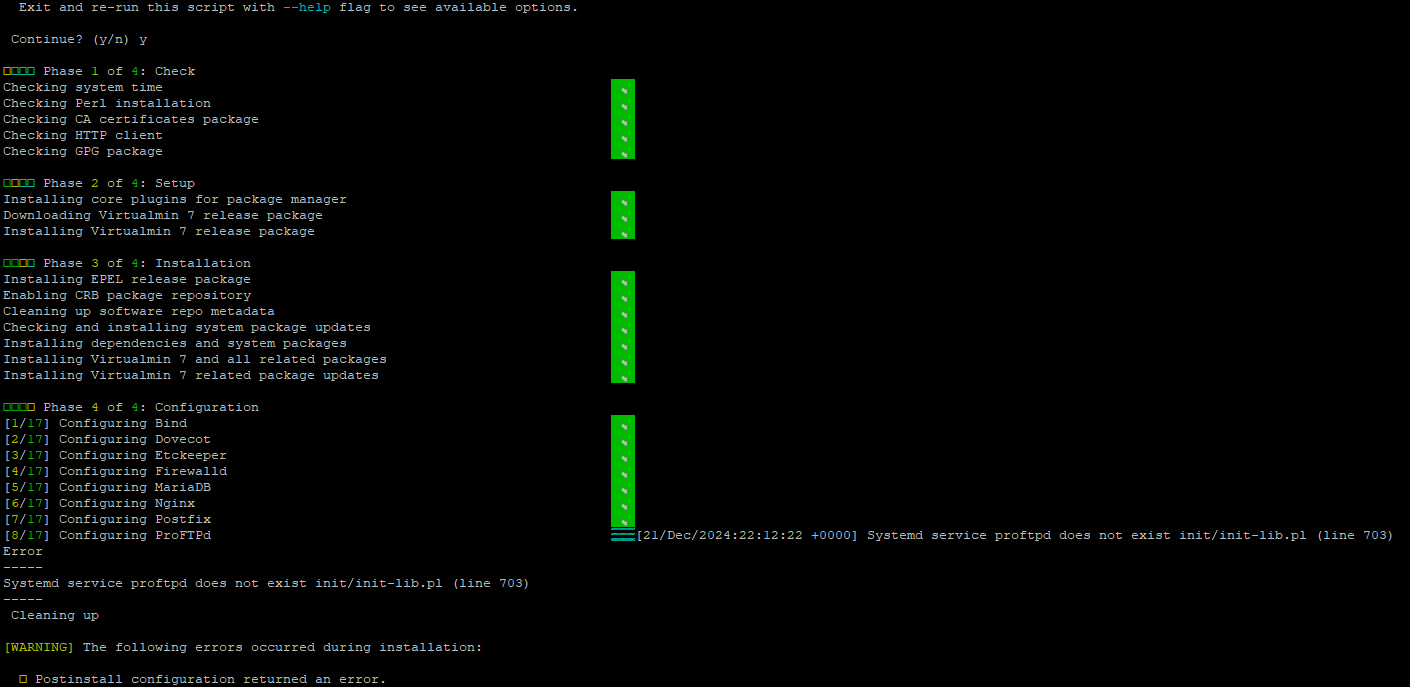
[8/17] Configuring ProFTPd                                                  ▒▒▒[21/Dec/2024:12:48:17 +0000] Systemd service proftpd does not exist init/init-lib.pl (line 703)
Error
-----
Systemd service proftpd does not exist init/init-lib.pl (line 703)
-----
▣▣▣ Cleaning up

[WARNING] The following errors occurred during installation:

  ◉ Postinstall configuration returned an error.