No, Webmin-only users are not out of luck.
Webmin 2.510 standalone doesn’t have the option that you mention it will have in Vmin?
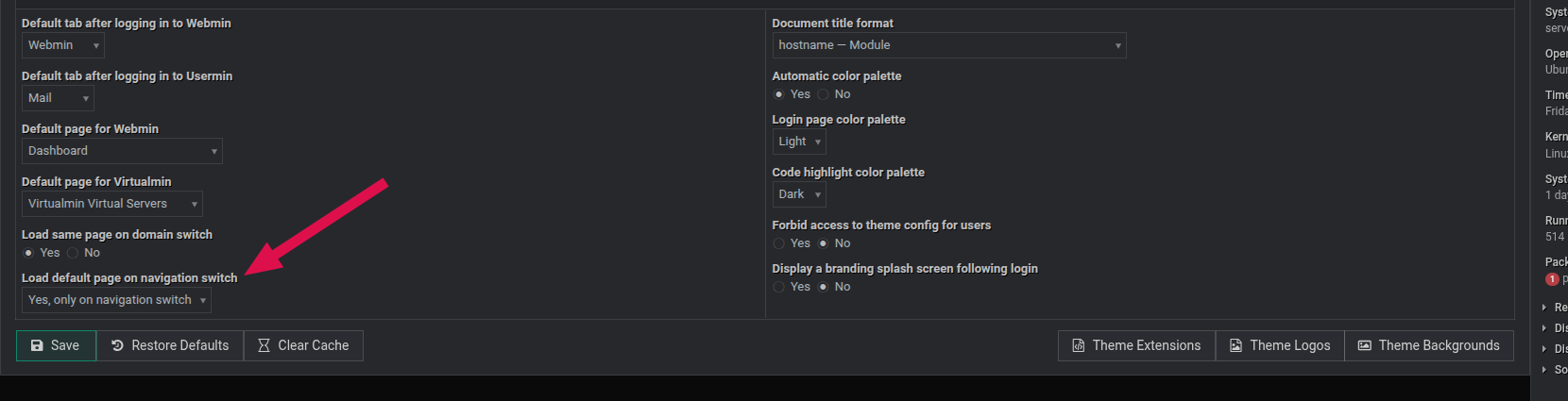
Thanks for adding back the “option” to use previous behavior 
Thanks Ilia, much appreciated.
I look forward to seeing this previous default behaviour return to Webmin even as an option.
I have no idea what “Load default page on navigation switch” means or how it implies “Make the Webmin tab go to Webmin”. Old age catching up to me - I still like some manual buttons and dials on my car dash rather than only a touch screen.
Please try it with the latest Webmin 2.510 release.
 those little pop-up question marks do help when there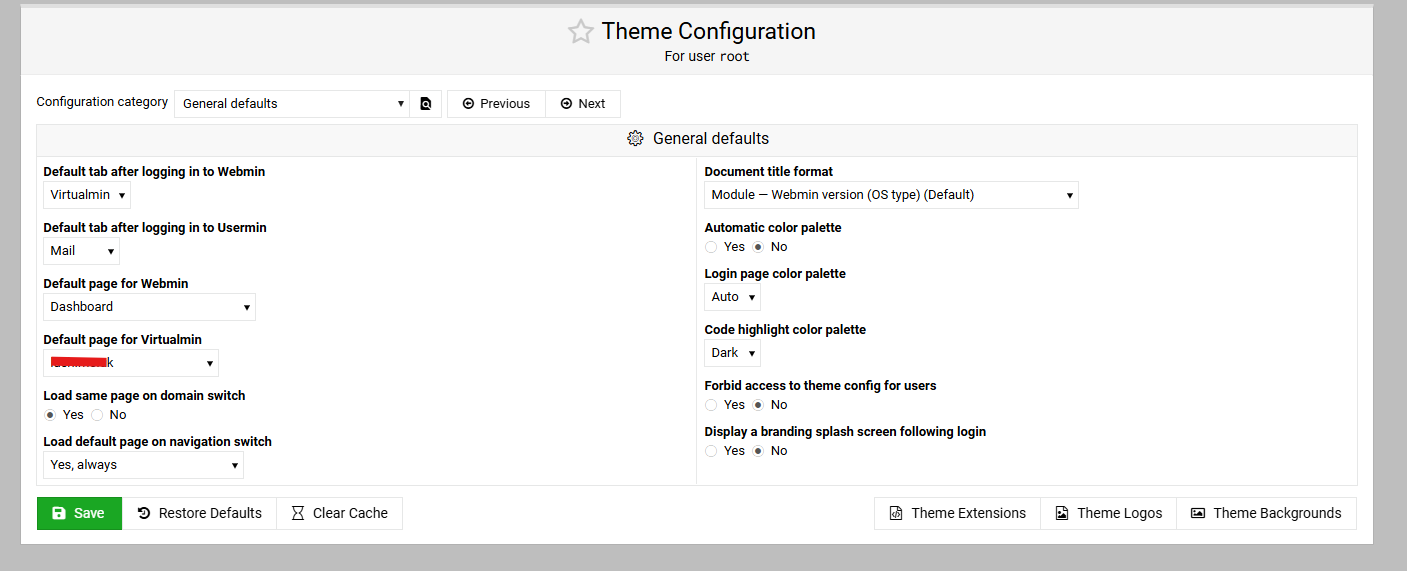
Installed when first released, tested every day since.
I had to use AI to help me download it (I have no idea how Github works) but it is installed and now the option is there.
What I don’t understand is why it was a good idea to change this in the first place, and now we have to go choose it under a kinky title, almost as if you really don’t want users to go back to what worked well?
Reloading the content page without switching the navigation can be irritating, as sometimes, for example, I just wanted to update the navigation menu by clicking the switch without reloading the content page.
I didn’t expect many users to use it that way, sorry about that!
Now I’m thinking maybe it shouldn’t be the default.
yes - still confused here (but that is easy - it has been a long tiring week  )
)
there are 3 options in the new drop-down and no clues on what each means?
It changes what happens to the right page after you click the product switch at the top of the nav menu (like Webmin, Virtualmin, Dashboard, etc.).
Thanks for adding the 3rd option to the drop-down. It works great and now provides users with options to fit their needs.
You guys are great for all the work you do and how you reflect on your users’ request and needs.
Thanks again
I just want the Webmin button to go to Webmin dashboard, can you resolve your issue and keep that? Probably not?
Is that not the option “Default page for Webmin” - as shown in my last post ?
It sure is, but Webmin standalone (not Virtaulmin) doesn’t have it - yet.
Yes, why not? If you applied that patch above (which will also be in a new release), it would give you an option on the theme configuration page to always load the content page when you click the switch (Webmin button).
Yes, I thought an update might be coming soon, but if not, then I can apply the patch on other servers.
What is the Webmin Dashboard in Virtualmin?
Bit confused there as I’ve never seen one.
What page do you want to see?