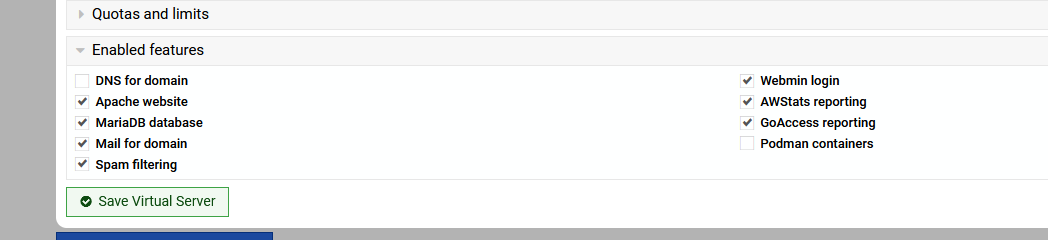
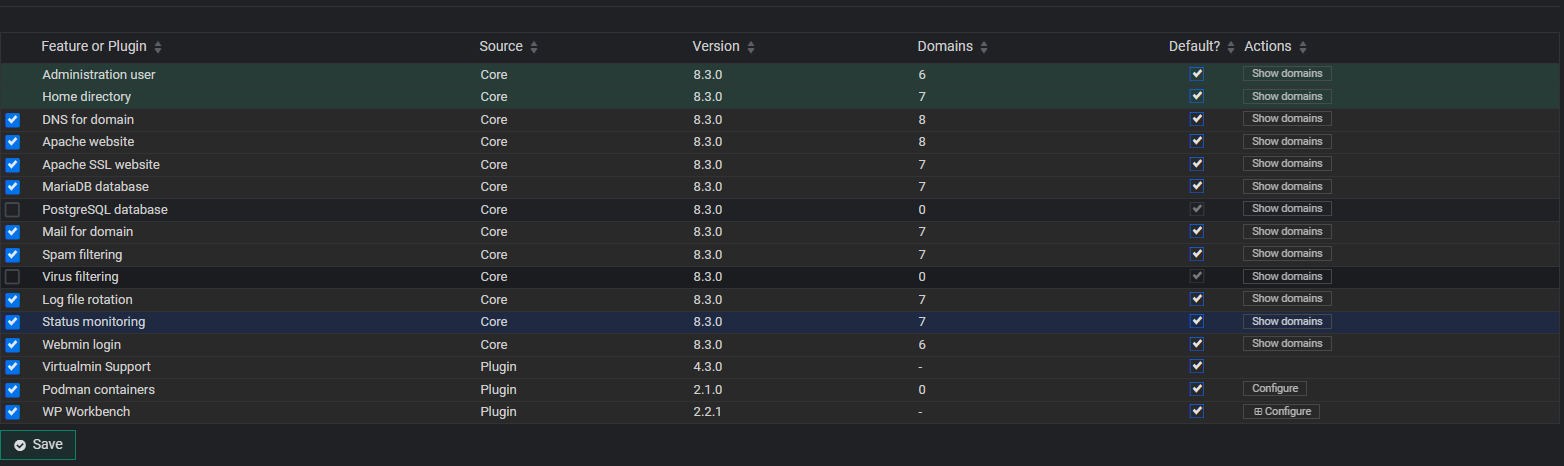
After a good deal of work and testing, I’m happy to announce a new Virtualmin GoAccess module.
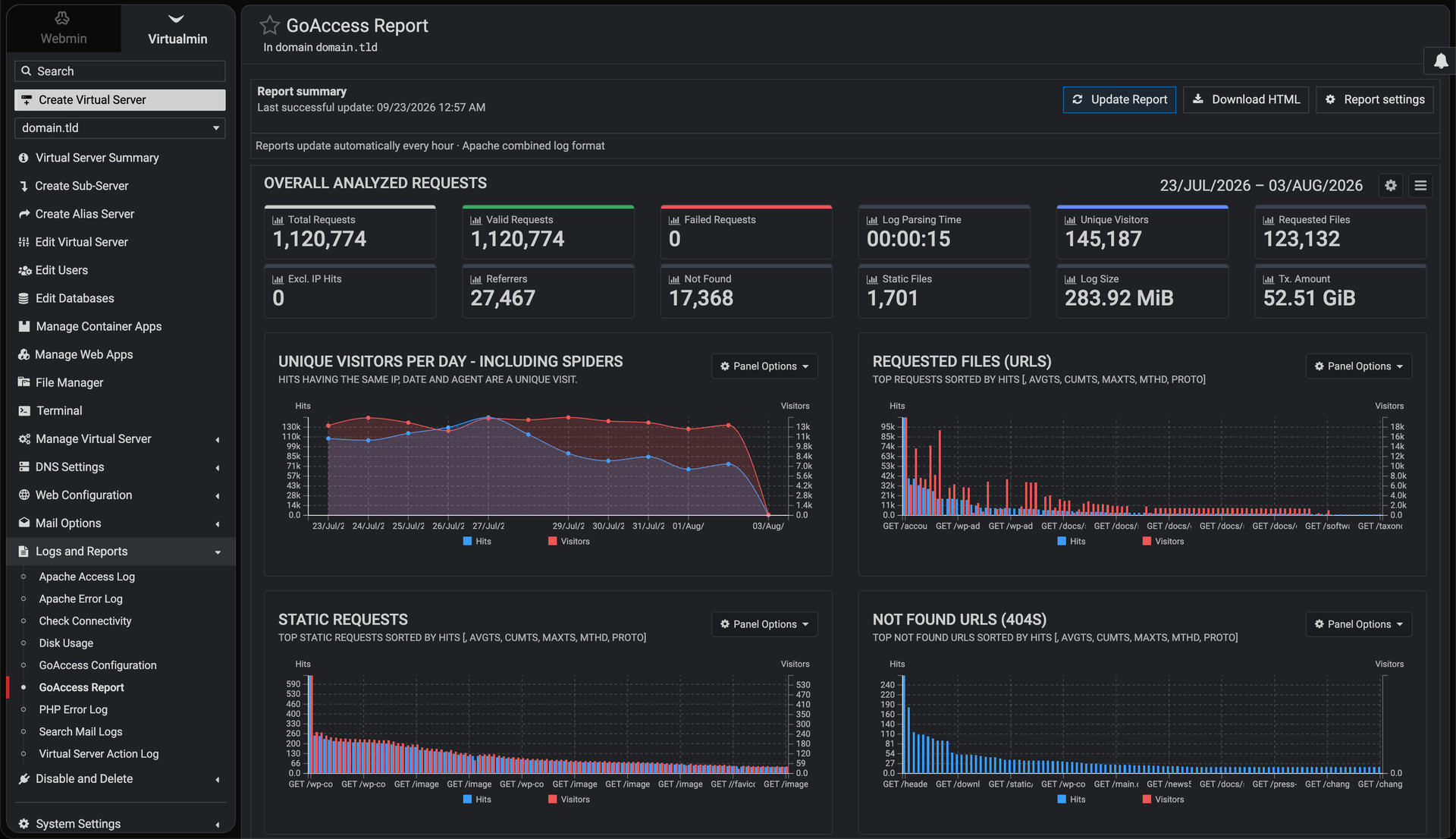
It is a modern replacement for the AWStats and Webalizer reports, with an interactive, good-looking dashboard that follows your Virtualmin theme in both light and dark modes.
What it does:
Builds a GoAccess report from each website’s access logs, including rotated and gzip-compressed ones
Updates hourly, daily or on demand, with a one-click Update Report button
Shows visitors, requested files, referrers, browsers, status codes and more
Lets domain owners view and update their own reports
Includes report settings and the last report in Virtualmin backups
To get started, install the plugin from the repository by package name webmin-virtualmin-goaccess, enable GoAccess reporting under “System Settings → Features and Plugins”, and then turn it on for a virtual server. The report appears under “Logs and Reports → GoAccess Report”.
All new Virtualmin installations will ship with GoAccess as the default statistics tool in place.
It hasn’t shown up in the Virtualmin 7 repos yet because @Joe hasn’t added it there. The new Virtualmin 8 repositories have it. When it’s done, you would be able to install webmin-virtualmin-goaccess and enable it according to the initial instructions.
sudo virtualmin configure-repos Reconfiguring Virtualmin repositories
This should update your repos to the 8 branch stable from which the goaccess module will be available.
Thank you for the hard work. I couldn’t figure out yet how to include Maxmind’s GeoIP2 Country, City and ASN in this install of GoAccess, so still using AWStats for now… I’m also missing in GeoAccess the log search option from AWStats… It’s a bit strange for me that the report doesn’t exclude 404 results from the requested files’ list or referrers from local pages from the referrers list.
@reembar, if the MaxMind account signup is what’s slowing you down, the free IP2Location LITE databases also come as MMDB files and should work with these new settings. I’m from IP2Location, so happy to help if anything doesn’t load.
Country:DB1LITEMMDB
City:DB11LITEMMDB (GeoLite2-City compatible schema, includes country too)
ASN:DBASNLITEMMDB (one file covers both IPv4 and IPv6)
They’re free with attribution and updated monthly. After a free sign-up you get a download token, so they can be refreshed by cron:



 Thank you for that.