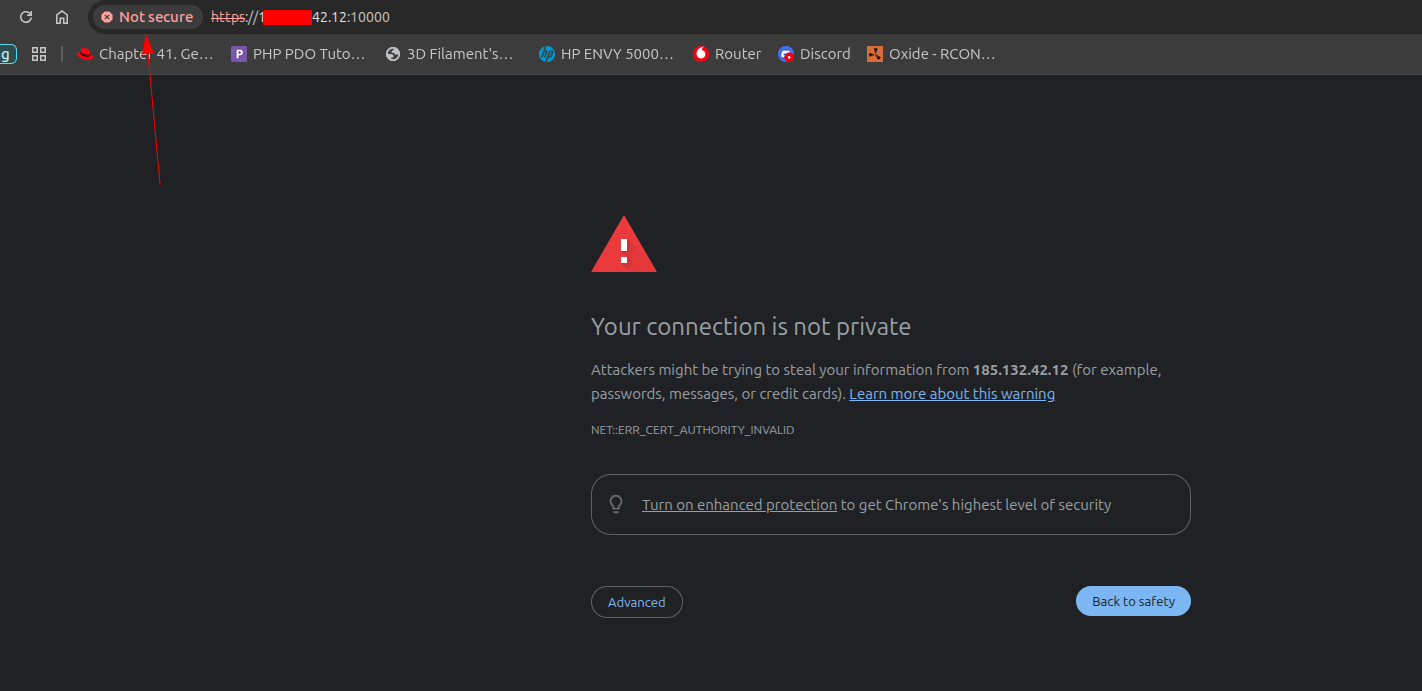
I have an IP with the port 10000 which I can access Virtualmin. However, it is not secured. Where is the documentation to show me how to secure it? I thought the wizard would have done this normally, but apparently I am not doing something right.
So if you connect via an IP address webmin will resolve that to the system hostname and continue the connection ?
Just tested it and I get the same result as the OP.
The certificate is not validated. It does not mean HTTPS is not working.
What does the certificate list as domains etc… It probably is a self-signed cert anyway.
Without knowing the domain etc… if the user is connecting to the hostname, I think there is an option specifically to get a SSL for it and this might not be on.
I apologize for not being more clear in my explanation. I do have a hostname. I have the DNS records pointing to the IP of Virtualmin. When I use the hostame with the default port it says it does not recognize the hostname. I have given the time for it to propagate for 4 days. So it not being enough time is not the issue.I will copy the exact error and post here. Thank you all for being patient.
For that length of time I suspect your hostname doesn’t resolve. Why not create a domain using virtualmin obtain the ssl certificate for it and then log in that way. My guess is your hostname doesn’t resolve the the ip address, qhich in turn could be an error in your dns records. This is impossible to debug without your real hostname and ip address
Read the docs on the FQDN you use for the hostname. DNS needs to be pointing at the IP and resolved for the Lets Encrypt certificate to work when the script is run, else the warning will always happen.
Propagation is not a thing with regard to merely updating records. It can never be longer than the TTL of your zones records, usually about five minutes, by default, on most DNS servers. If you’re waiting on propagation, you’re probably wasting your time. (Glue records might have a propagation time of up to about 24 hours, though more realistically only a few hours, tops.)
You can also know whether records are right pretty much immediately, by explicitly querying your DNS servers (but make sure you know what your DNS servers are).
If you browse to https://your.system.hostname:10000 and it doesn’t give you the same Webmin login as browsing to the IP, then your DNS is wrong. So, you need to track down the problem with DNS (and don’t waste days waiting on “propagation”).