jimr1
November 13, 2025, 7:56am
1
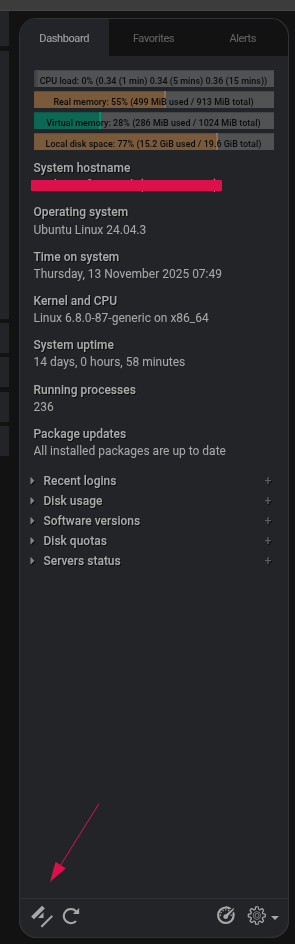
SYSTEM INFORMATION
Version Webmin
2.600
Version Usermin
2.420
Version Virtualmin
7.50.0 GPL
Version Apache
2.4.65
Hi,
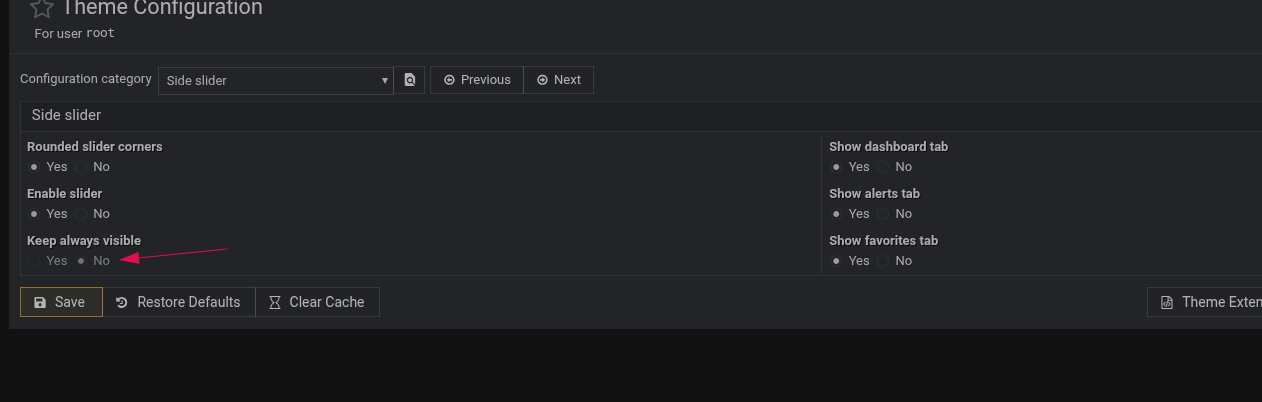
and it is impossible to adjust the setting in theme settings
I am using the same PC / monitor as before the theme update so the local screen resolution can be ruled out any ideas ?
Ilia
November 13, 2025, 11:37am
2
At first, I laughed and thought, there’s no way that’s possible! Then I tried to reproduce it, and when I did, I laughed even more!
This is expected because keeping it visible all the time needs a screen width of at least 1366px. I will add a help tooltip to show that.
But I have no idea why this pin/unpin icon is tilted at 45 degrees, but I’ll take a look.
Thanks for reporting!
Ilia
November 13, 2025, 12:10pm
3
Thanks again! I found a bug. I’m surprised it went unnoticed for so long!
We will fix it in the next minor release!
jimr1
November 13, 2025, 12:24pm
4
I hope the fixed bug fixes this issue as my screen width is well in excess of 1366px
Ilia
November 13, 2025, 12:31pm
5
Hmm, if you reload the page, do you see the radio buttons available for toggling? Or are they always off?
jimr1
November 13, 2025, 12:45pm
6
Just wondering if this could be the local OS reporting the wrong screen resolution to the theme ? Therefore the theme is acting correctly. I’ll do some jquery code to grab the local screen resolution to see if that is the case.
Ilia
November 13, 2025, 1:53pm
7
Alright, thanks! Let me know what you discover.
jimr1
November 14, 2025, 7:28am
8
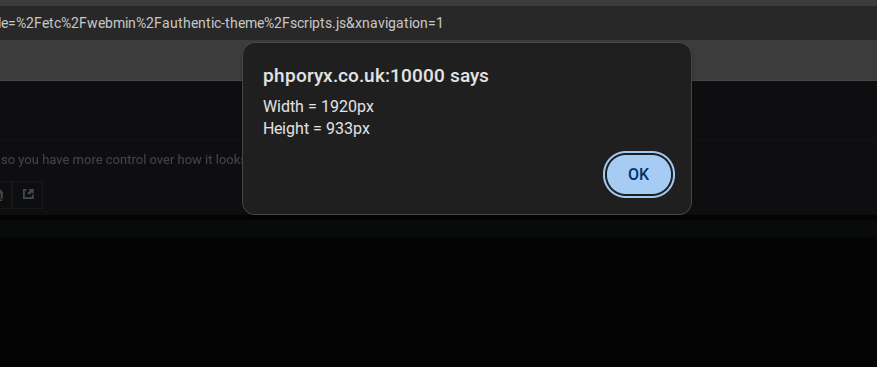
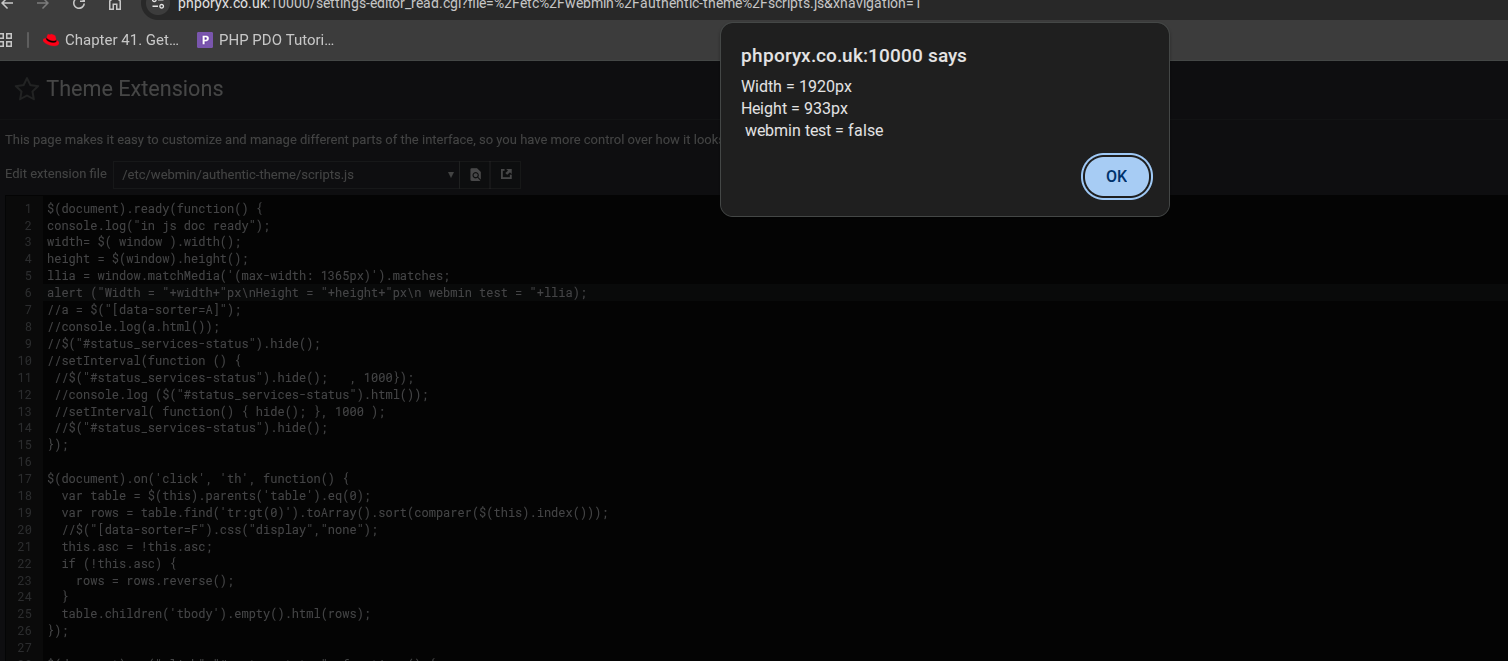
This is the ‘window’ dimensions according to jquery
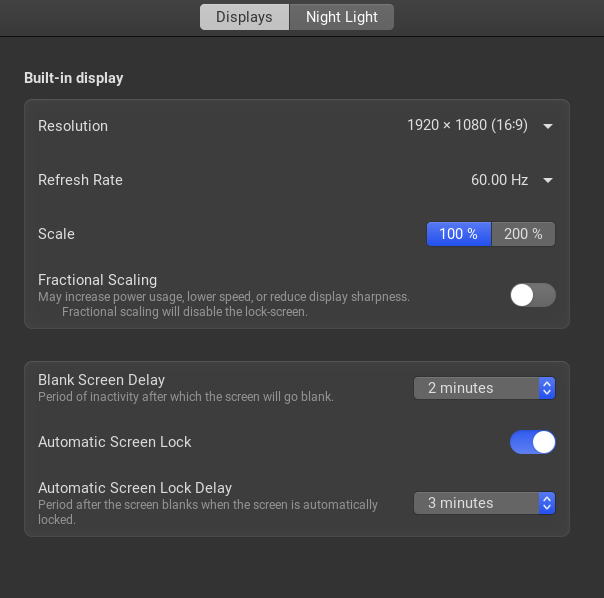
the OS reports this
so both jquery and the OS report a width of 1920px, so it looks like the theme in this case is not detecting it correctly
Ilia
November 14, 2025, 10:11am
9
I can’t reproduce it, but I used a simple test that should return true or false, like this:
window.matchMedia('(max-width: 1365px)').matches
jimr1
November 16, 2025, 8:21am
11
A work around for anyone who has this issue (as @Ilia can not reproduce it)
/etc/webmin/authentic-theme/settings.<user_name>.js
find the line
settings_side_slider_fixed=false;
and change false to true
Notes:
/etc/webmin/authentic-theme/settings.js
no user name needed