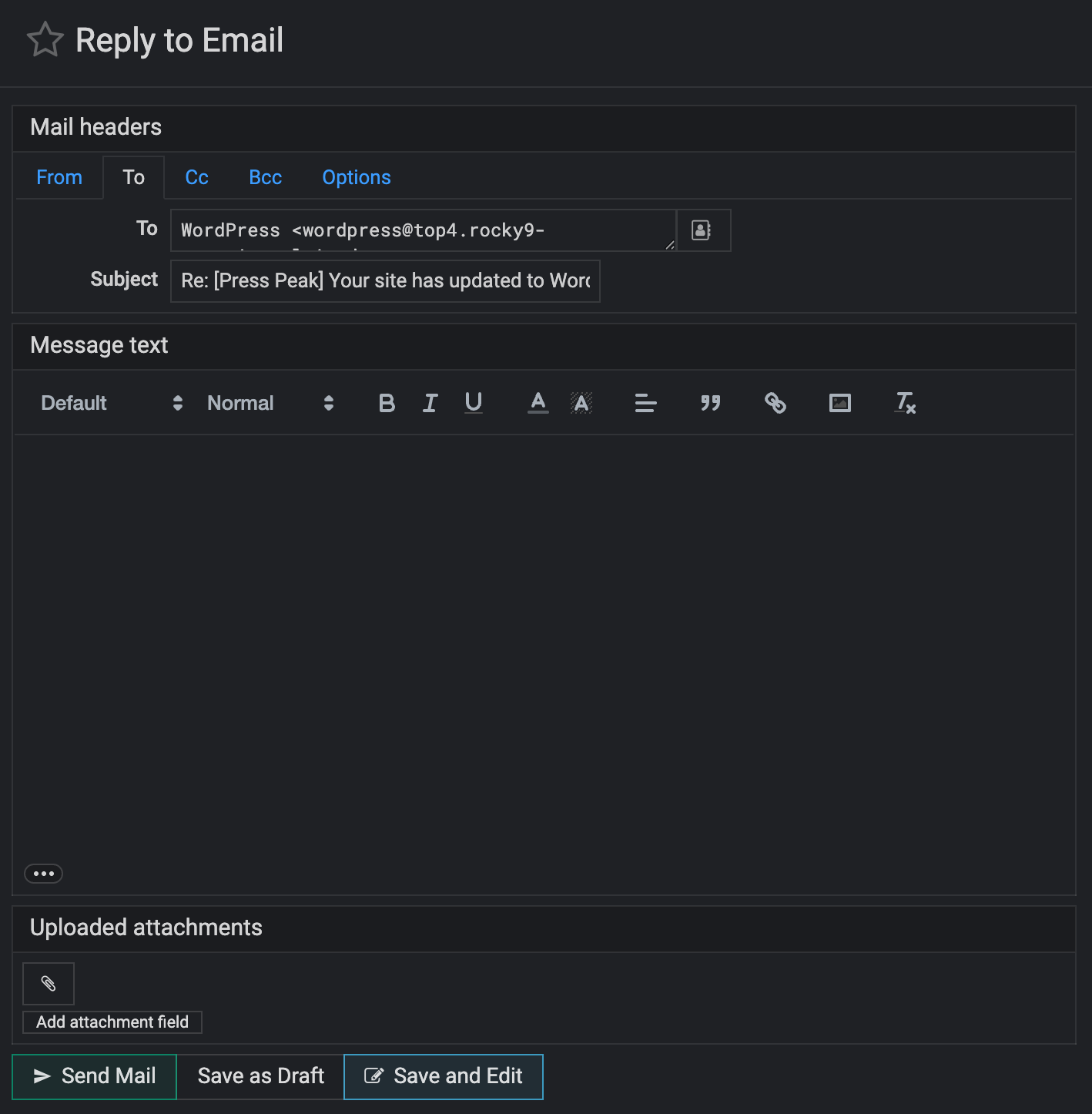
Apart from the colour being bleached out of the buttons, where to begin?
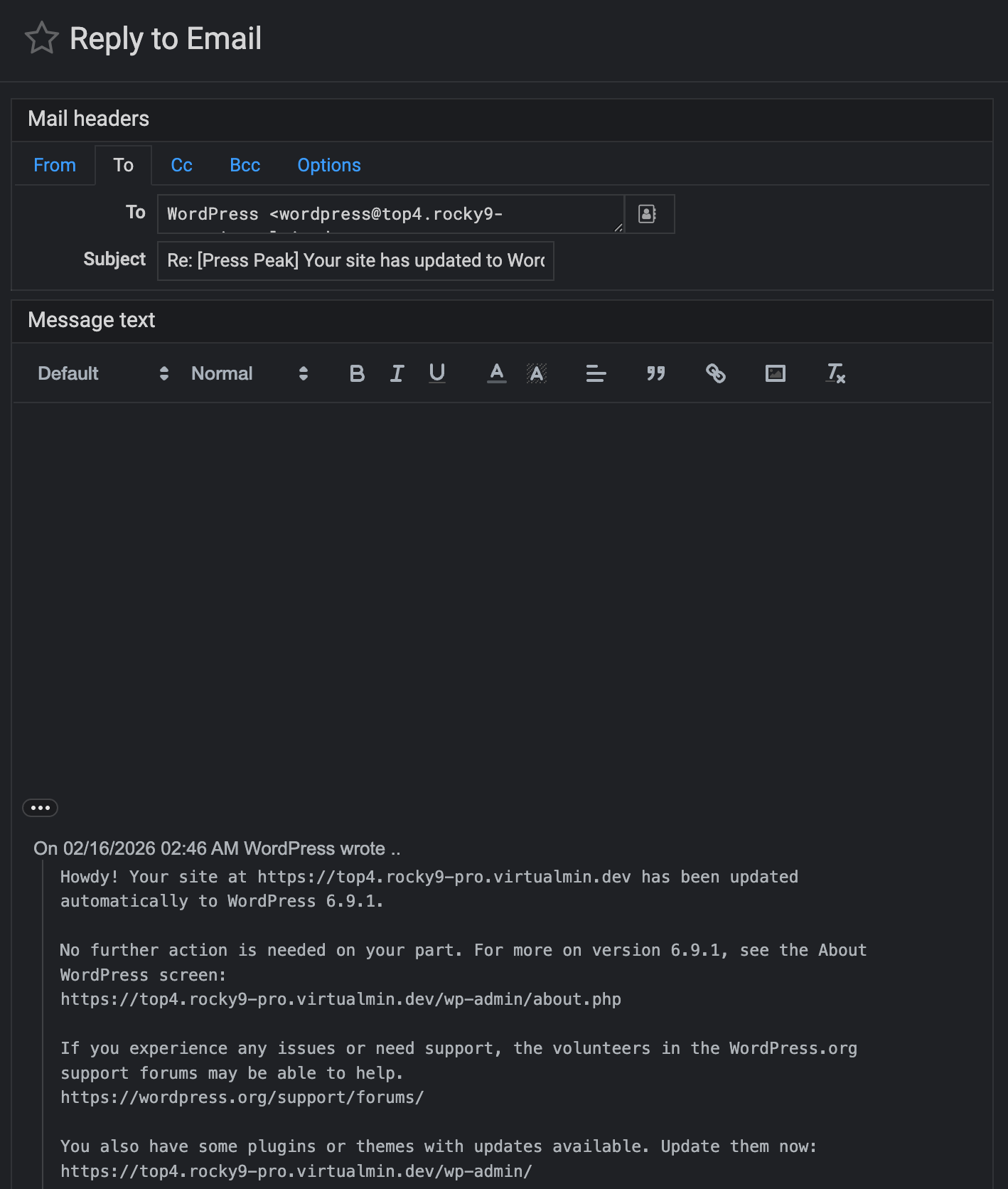
Prior to this release, when replying to an email, the original content was displayed with a small gap at the top to start replying in.
Now we are forced to just see a big empty reply box - with no senders content!
But for the curiosity gifted, there are 3 dots at the bottom of the empty reply box, the clicking of which shows the missing content way down the bottom of the screen under the huge blank vastness that is the reply typing area.
To make the game even better, the old content is now displayed in a smaller font - best bring your reading glasses.
This is expected. It’s a feature, not a bug. I made the buttons bleached because they drew too much attention and didn’t match the dark palette.
Are you sure about this? We haven’t made any changes in this regard as far as I remember. Can you double-check that, and if it still doesn’t work, could you share a screenshot?
This is how it works for me when I reply to an email:
Just on that point, you like all the wasted space and forcing people to scroll up and down more than they should need to, just so you can have a large empty box in the way?
Showing the original mail should be a settings toggle, not every time I do a reply.
Looking at all the email trails I have been in over the years, I have never thought “Gee, I really wish I didn’t have the email I am replying to on display!”
There is one business I deal with that every reply from them is void of the previous mail and it’s quite annoying as if it’s a complex discussion I have to keep checking on all of the previous mails because of it. They might like your design work.
*********** REPLY SEPARATOR ***********
Client: (English not first language)
this is ridiculous. Any logical person must be aware of the need to have bear access to received email so one can respond to matters or questions raised, L
On 04/01/2026 12:36 AM me wrote ..
Hi Client
I see what you mean.
At the bottom left of the Reply box is a small icon with 3 dots, clicking it the shows the content, but it’s way down below the typing area and in an even smaller font.
This is from an just released update and at this point is not something I can fix. I have written to the authors and complained of this being an example of Form over Function.
I am not optimistic of it it being fixed …
Cheers,
*********** REPLY SEPARATOR ***********
On 31/03/2026 at 22:04 Client wrote:
Hi me,
why have you changed the entry inot my emails and when seding a rply I no longer can view the inbox message which makes it difficult to recollect all that was written and reply appropriatly,
Its a web app in virtualmin, you can have both, client can choose.
Doesn’t sound like your client is very happy, and issue doesn’t sound like a easy or quick fix.
This is an introduced problem with Usermin. The simple solution is probably to go back to a previous version.
As it was introduced it should be easy to fix or remove.