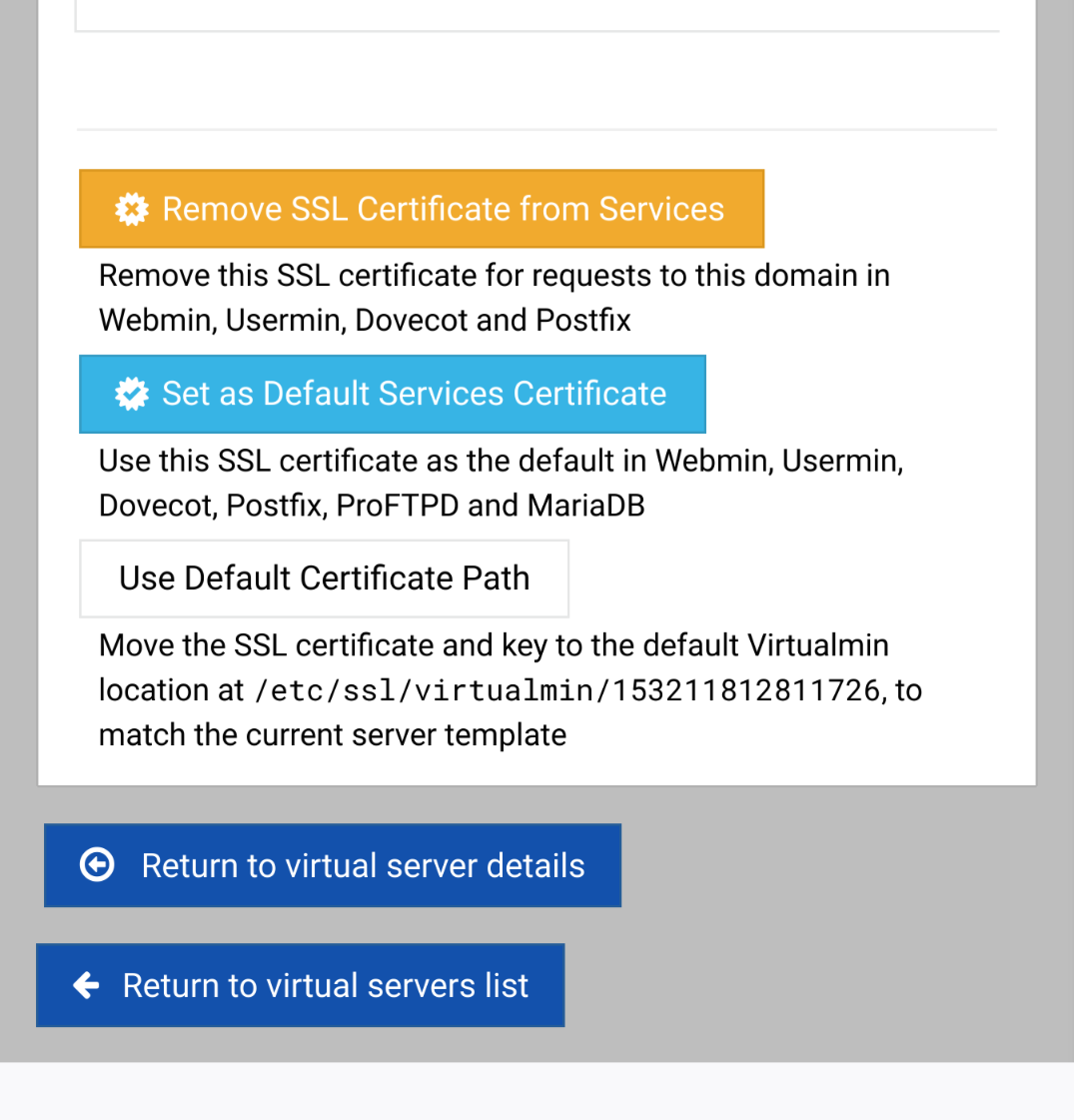
New server just put in service, moved from Centos to Alma with 80ish domains. Is there a quick way on the Setup SSL Certificate screen to “Use Default Certificate Path” aside from clicking that box 80ish times? That didn’t exist on my older Centos so wasn’t a concern until now.
Can you post a screen shot of the screen you are looking at with enough of the left side menu to determine where it is at? The notion that you have to set the default to default is a little curious to say the least.
I’d recommend you test my theory first, as I’m not 100% sure doing that alone will fix it. But, my gut tells me it will. Most things when you disable them and re-enable will get regenerated with the default.
Updating server xxxtacalls.com ..
Changing IP address of virtual website ..
.. done
Adding new SSL virtual website ..
.. done
Creating status monitor for website ..
.. done
Updating Webmin user ..
.. done
.. done
Applying webserver configuration ..
.. done
Re-loading Webmin ..
.. done
Re-starting Usermin ..
.. done
Restarting mail server ..
.. done
With no affect on the use default path stuff.
Question still remains. Can we get this scripted someplace like in the API or in the amazing tools under List Domains? I’m sure this isn’t the last time I get to do this…
Hmmm…OK, that seems bug-like. I think I would expect disabling to delete the configuration for the feature, too. (For most features, if you disable it and re-enable it, you get the Server Template defined configuration.)
@Jamie is there some way to automate this? And, is it intended that disabling SSL and re-enabling does not use the Server Template configuration for where to put the cert?
This all started with a question on the installation script:
Virtualmin gives you the option of keeping SSL certificates and keys in each virtual server’s home directory, or another location under /etc. The former is easier to manage, but introduces the risk that server owners may cause your webserver to fail to start if they delete the certificate file.
Location for SSL certificates In each domain’s home directory Per-domain directory under /etc/ssl/virtualmin
As mentioned before, my existing installation didn’t offer that feature, it was a new thing to me. But I’ve been at this a while.
The message in the screenshot makes it seem pretty clear the default now is the current default. I mean, the button literally says “Use Default Certificate Path”!
In the beginning I was wondering if it reverted because every time I went to that screen it gives the option as to make it default with no indication it already is.
Also I wondered if the default was carried over from the migration but he said his install was ‘pre’ that option. I remember this from the original install and probably the last I’ve thought about it.