That said I have never attempted to run a command on a remote server, so I have no idea what happens in that case or in fact why the option shows when no remote servers are set up. Maybe there is a webmin option somewhere to set up a remote server without the server being listed in webmin servers index ( IDK ) but tbf I would the command should run on all the servers listed maybe staff could enlighten us
The option is hidden because you don’t have any servers in your servers index so it doesn’t need to be displayed.
Why is the multi select a bug ? As it works flawlessly e.g it runs the monitor on the selected servers, but I sort of agree that the run command option at the bottom of the form need to be made more clear on what it does and on which remote server the command on, in one of my webmin installs i have a few servers in the index and I have a monitor that runs on all of them. So perhaps the remote server option should be replaced with a multi select if you have selected multiple servers and if you have not got any servers in the index the option to run a command on remote server should be removed. There would be more elegant was to do this but this is just an example
if <local> is defined then there is no need to hide it.
Exactly, i think the multi-select at the top is only there for this one option. loose the run commands on option and just permanently show the multi-select in it’s place.
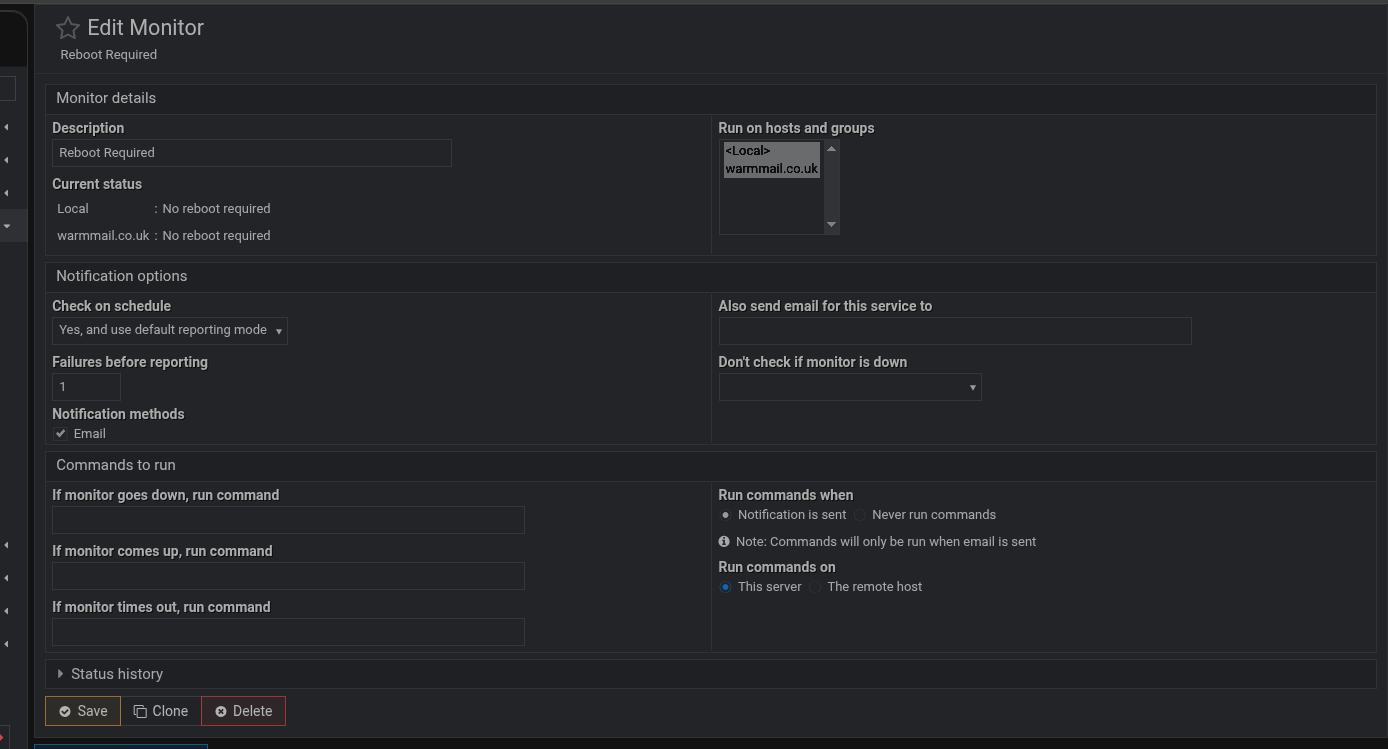
Why is there a need to show it ? Monitors can only run the monitor on the local server so there is no need to show the multi select box , this gives the user an extra thing to do as webmin knows only localhost is defined and will apply it, the difference becomes apparent if more than one server is defined. Unless I’m missing something that you can see and I cannot
There is the other point you can add servers to a group, I know that you can add a group to the monitor command and it works, again, flawlessly so as well as servers, groups need to be taken into account
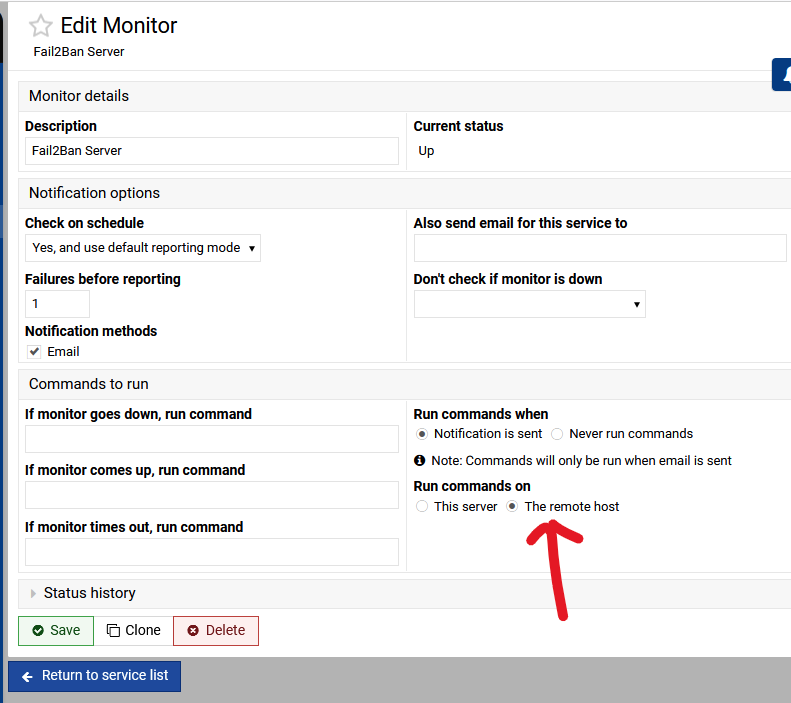
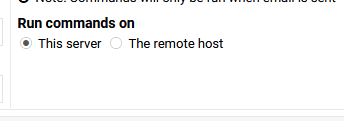
The remote host is equivalent to whatever remote server you pick at the top.
There is the other point you can add servers to a group, I know that you can add a group to the monitor command and it works, again, flawlessly so as well as servers, groups need to be taken into account
You might be right on this, I cannot say, but the layout is currently wrong, for me at least.
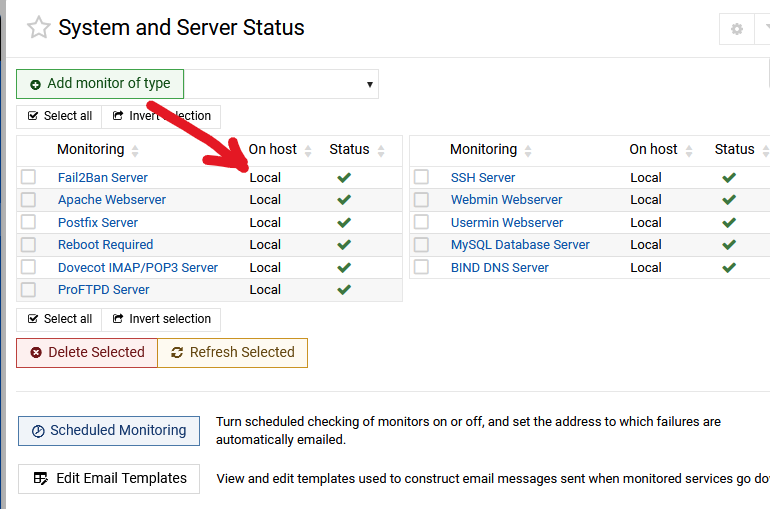
On your System and Server Status does it show the remote hosts or is it stuck on local?
The monitor status is also displayed correctly.
The point is the webmin documentation does not mention what the ‘run command on remote server’ option does
does it run the command on all servers defined in the list above
if there is a group active will the ‘run command on remote server’ apply to all members of the group, without a select box or some information pointing out which servers the command will run on
this also doesn’t take into account that you may also want to run the command on the local server, or does it?
However until you set up a server in webmin → servers index and try it yourself, and see what occurs, it’s a bit odd noting this is bugged as TBF it works fine as it is for my needs
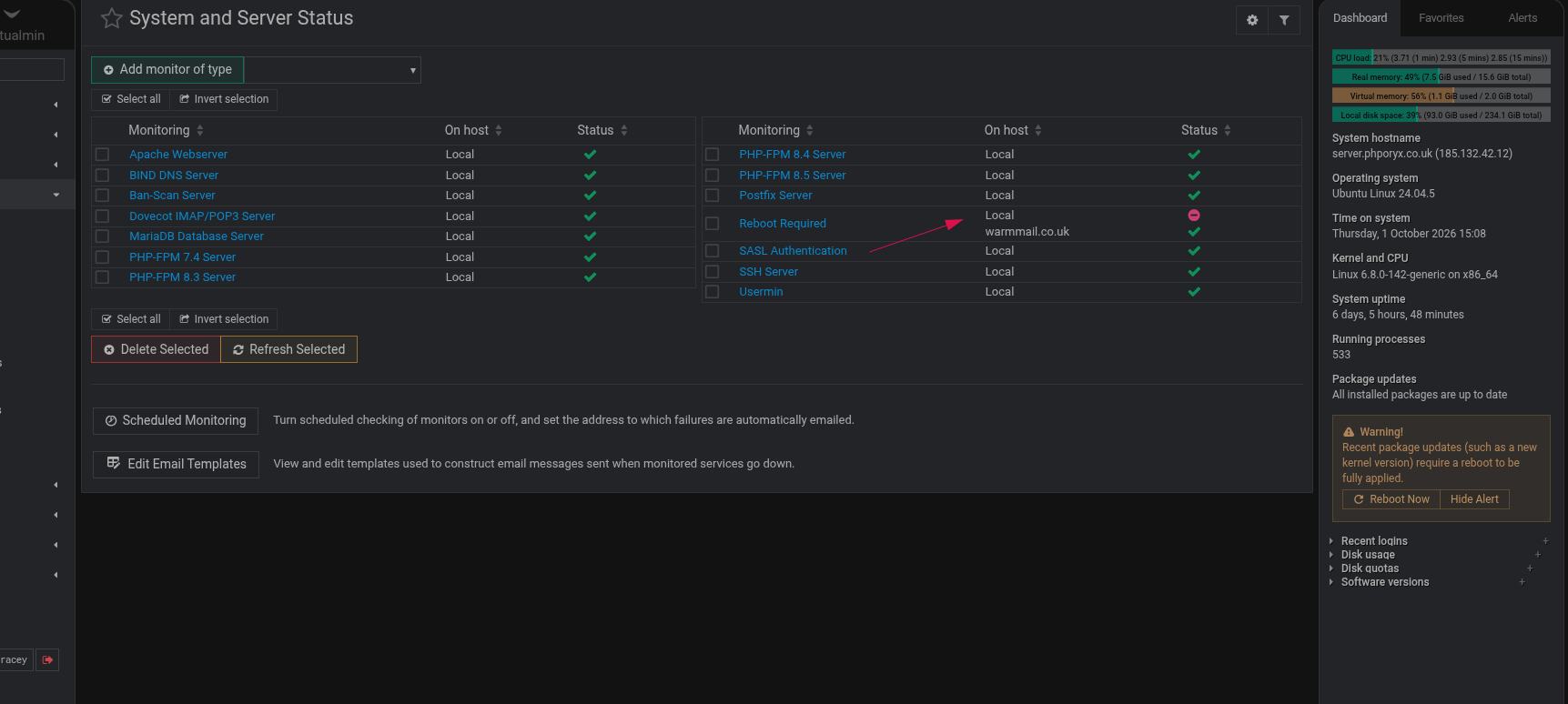
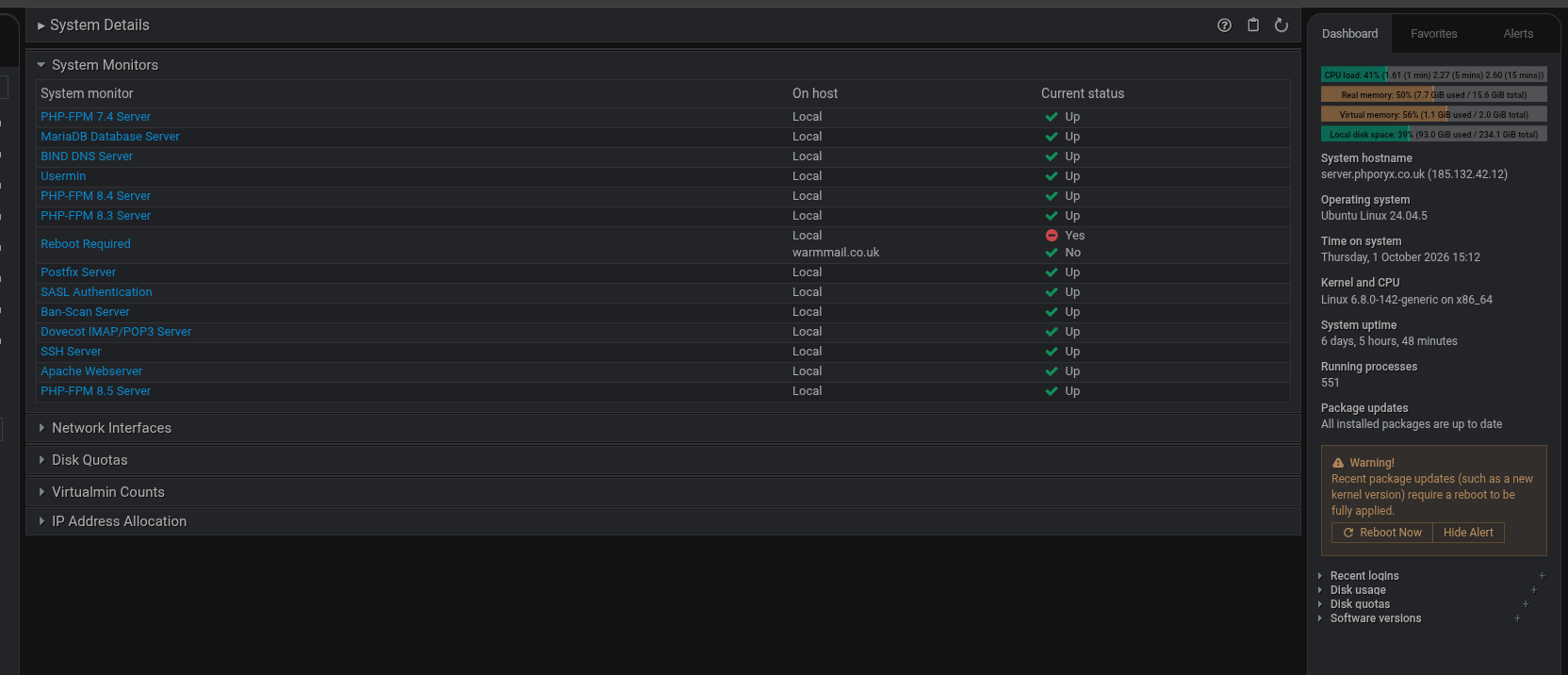
Both images show On host having 2 domains for the reboot and these share the same data.
So there is not a display bug per-say. If the multi-select was not hidden it would show that the <local> was selected for those on local only. So I can see where the On host comes from.
The point is the webmin documentation does not mention what the ‘run command on remote server’ option does
Maybe this needs some further clarification from @Ilia
I don’t quite get what you mean, as I see it the localhost requires a reboot and the remote server doesn’t so how are they sharing the same data if that was the case both would show a reboot required or not as the case may be, but in reality they display there own data unless I’ve missed something
Just a thought, if you mean share the same data means this will be displayed on the remote server, it won’t unless you you set up the same monitor on the remote server and in this case the server that is local becomes local and whatever is in your servers index becomes remote i.e the names are reversed again this works flawlessly. May be set up a remote server in servers index and play with the webmin cluster options to understand how this works