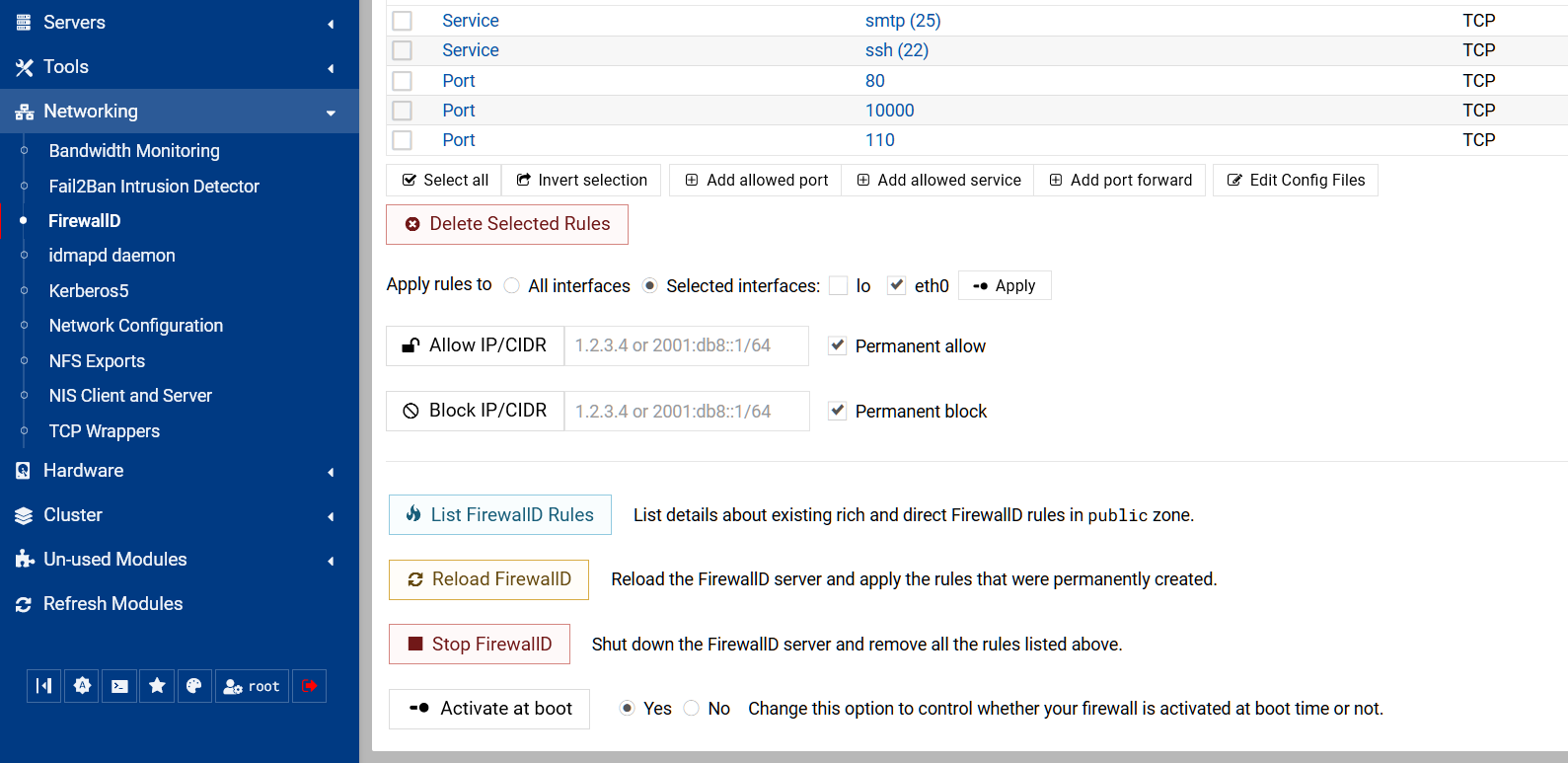
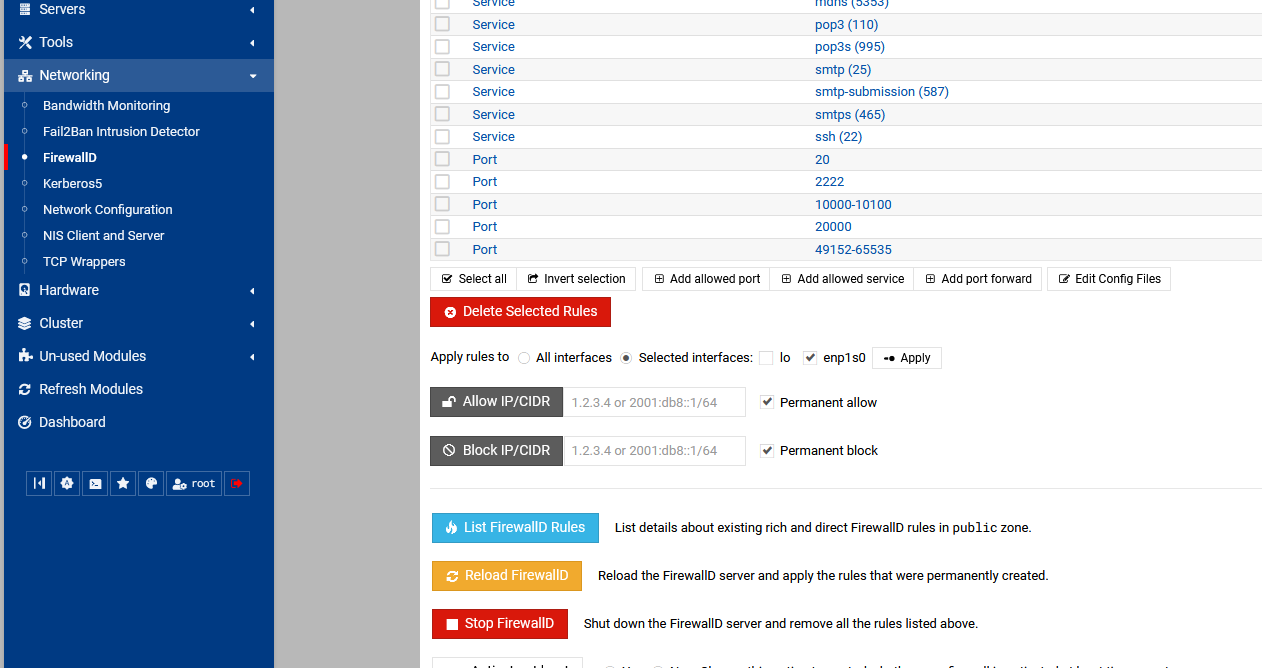
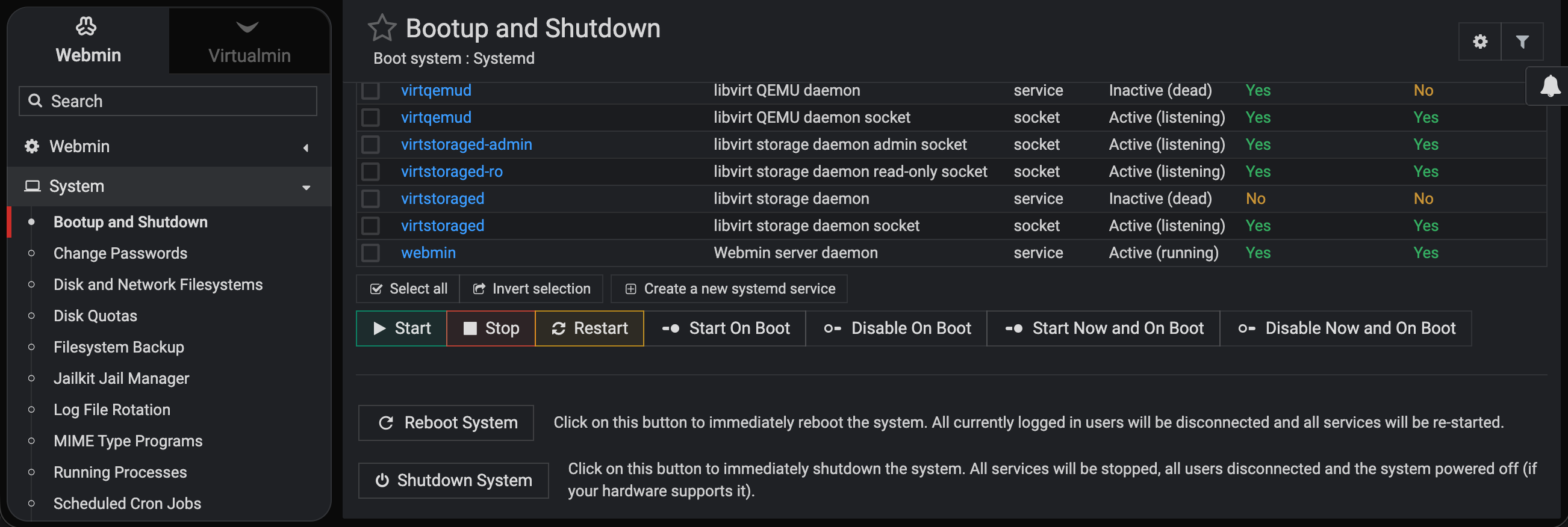
That is what it’s supposed to look like before it got diseased.
Using Firefox, up to date. The servers that don’t have the new update still look like yours.
I have stopped updating for now.
I am still on Webmin 2.621 and the update is not available for me yet so I cannot try this out, but those low contrast buttons will probably hurt my head.
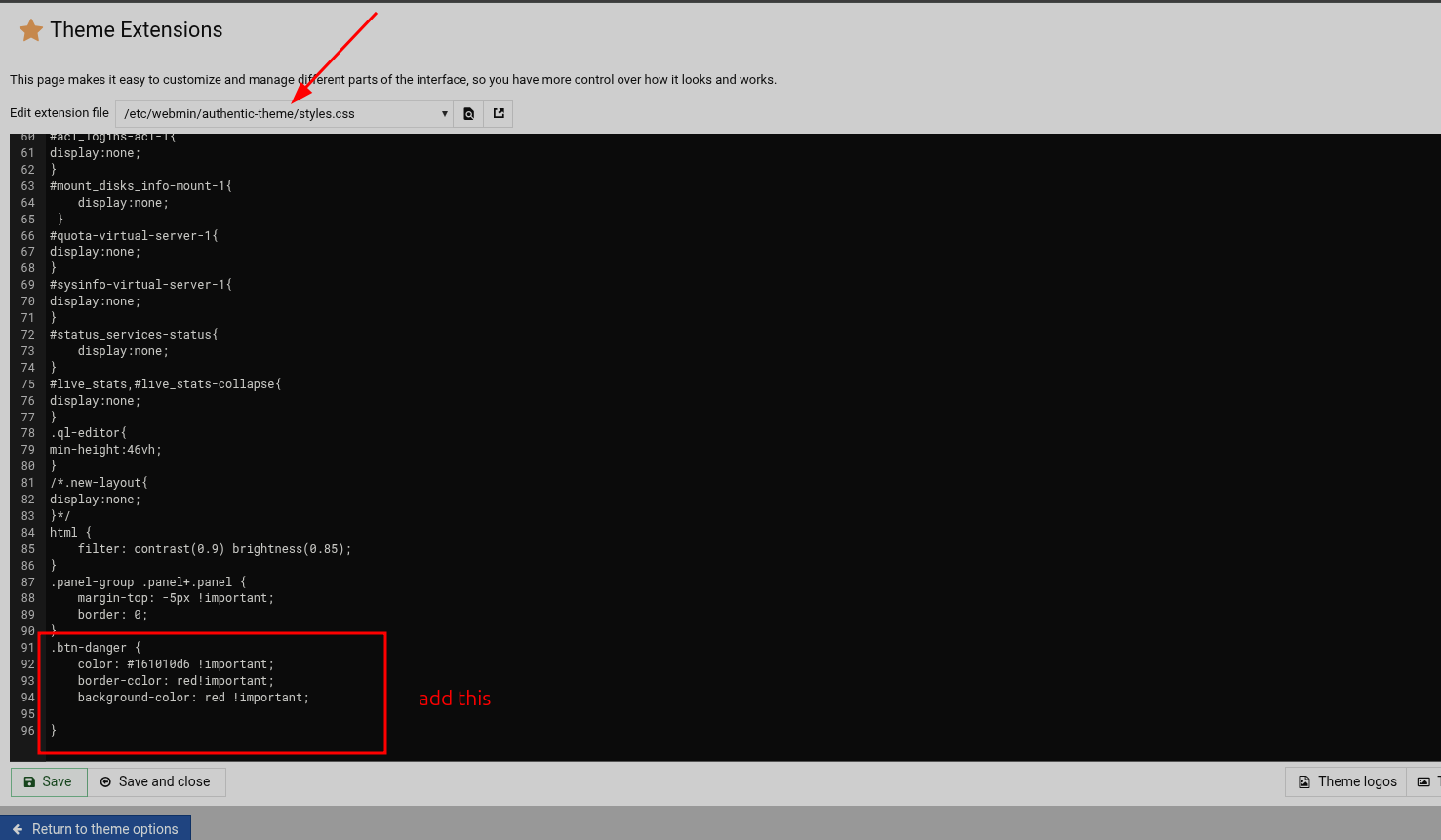
You could just add your own css for the button class in the theme css file, tbf I use the dark theme and have buttons like that for ages so I have got used to them. Use the browser dev tools to identify which classes you need to target
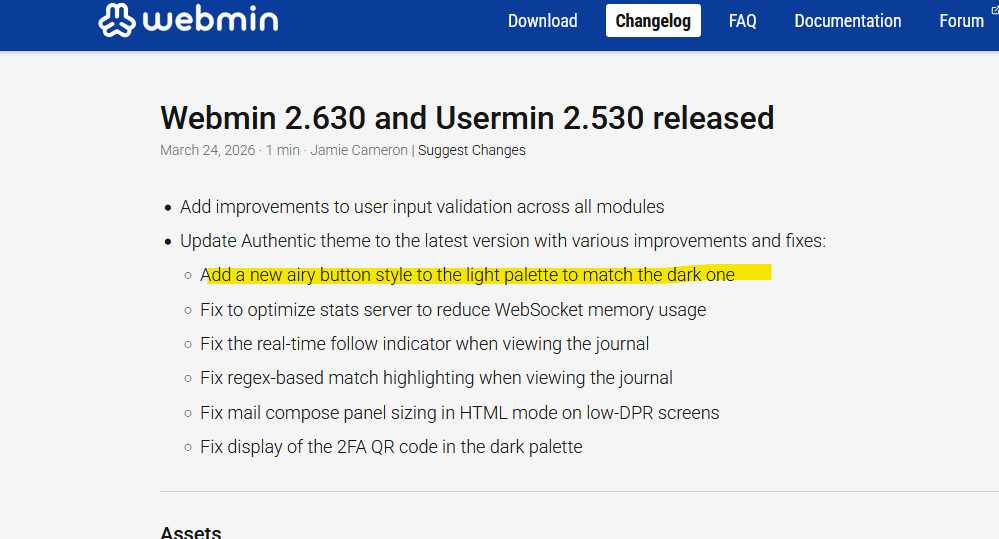
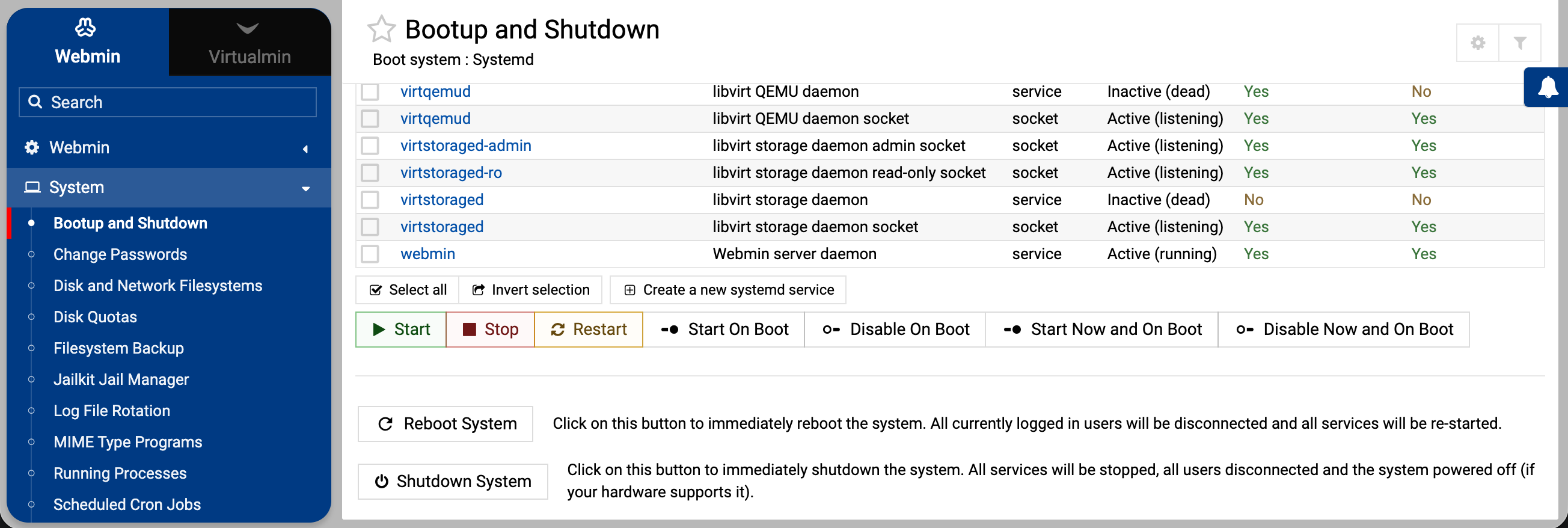
This is expected. It’s a feature, not a bug. I made the buttons bleached in the light palette because they drew too much attention and didn’t match the dark palette.
Is it a Accessibility issue or something as I have no issue with new look, and I differently wouldn’t change version due something I as one person don’t like and force Ilia to change.
Its not a big issue to me.
the above example will change the washed out red button to solid red, as the webmin theme uses bootstrap the button classes are easy to find out but here’s a list,
I would doubt that the authentic theme uses all buttons so you may have to play around with each class but once you have custom coloured buttons this will remain through updates as they are css overrides. Maybe @Ilia will chime in with the btn classes that are actually used
For me there is no need to spend more time on this. It’s not difficult to make an overlay theme with my preferences, there is a good description for that in the webmin documentation under Development/Creating Overlay Themes.
I just had a play, and I keep getting a error, so I had to ssh on to remove the overlay from the miniserv.conf file. I overlayed on the authentic-theme
Have you tested?