SSL Failed: Unable to create .well-known Permission Denied

SYSTEM INFORMATION
OS type and version AlmaLinux 9.6
Usermin version 2.400
Virtualmin version 7.40.1
Theme version 25.10
Apache version 2.4.62
Package updates All installed packages are up to date

I have renewed SSL with Lets Encrypt and had no problems before
all of a sudden this wordpress website on my server trying to get SSL with Lets Encrypt says as below

Renewal failed due to
Web-based validation failed : mkdir failed : mkdir: cannot create directory ‘/home/domainname/public_html/.well-known’: Permission denied

I have not changed any permissions etc since last year (I actually have never changed anything except kept all the server updated and rebooted when required)

I don’t really want to do anything from chat GPT etc.. as the last time I did I had more problems and so on this server I don’t want to try that

Can any of the staff help please?
Thanks
ASM

Maybe recheck config and does all the permission look ok.

Hi Stefan
Thanks for your help and reply

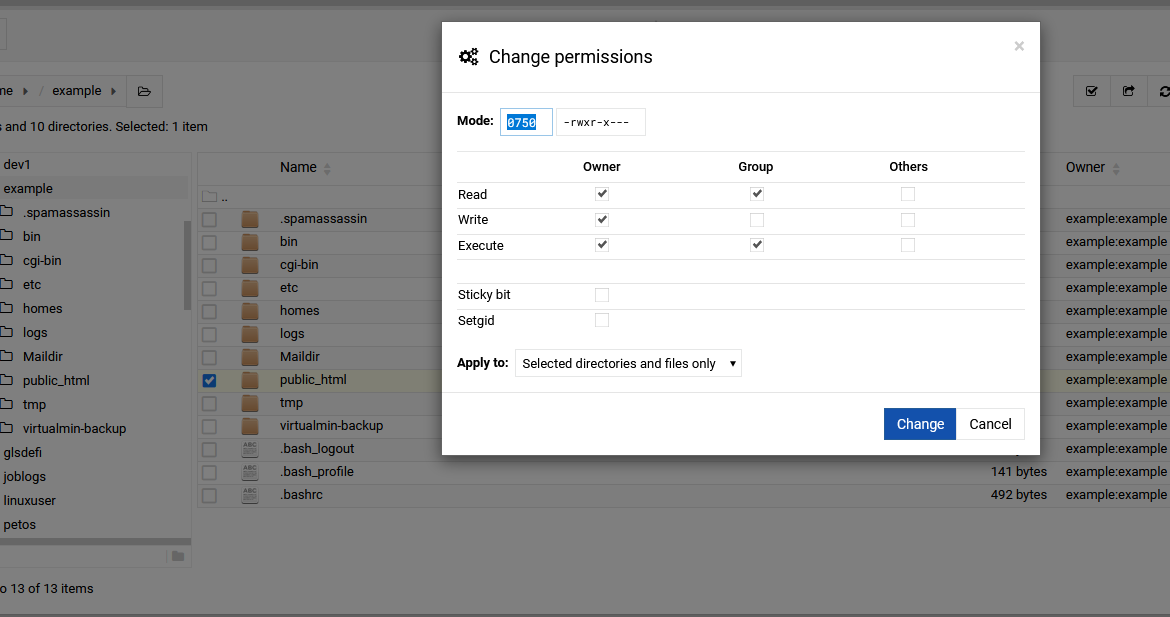
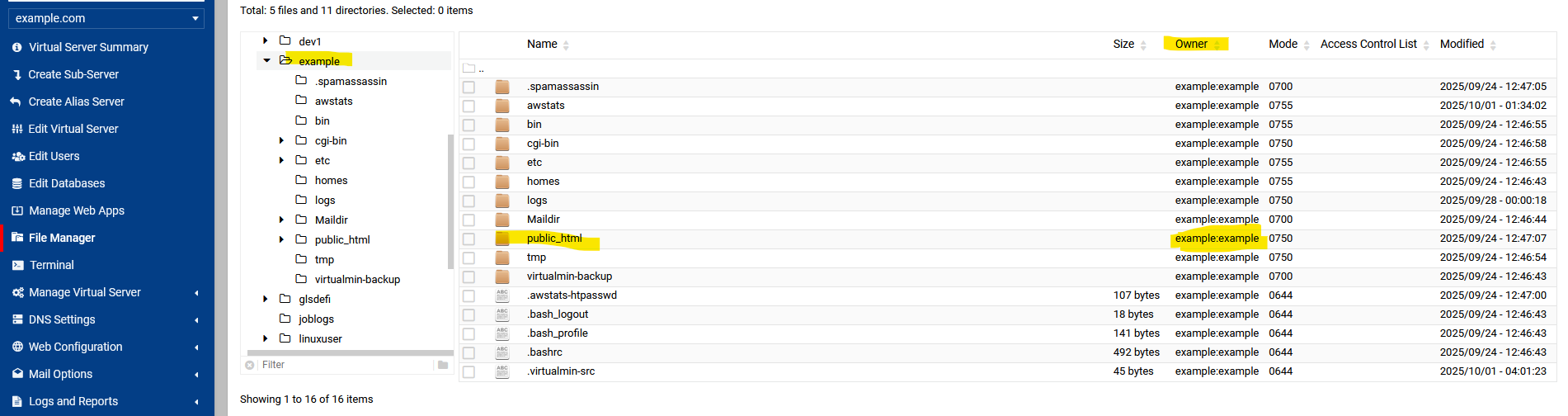
the public_html owner is the same as all others domainname:domainname The Mode is 0555
The properties show as below

File: /home/domianname/public_html
Type: directory
Size: 316.17 MiB (4096 bytes) Blocks: 8 IO Block: 4096 directory
Device: 803h/2051d Inode: 17830534 Links: 7
Attrs: --------------e-------
Access: (0555/dr-xr-xr-x) Uid: (1020/domianname) Gid: (1018/domianname)

I get the feeling that permissions need to be changed? but I don’t know how

I went to “Validate Virtual Servers” and Clicked on the “Fix Permissions” tab and chose the domainname and asked it to fixthe selected server
Then tried the lets encrypt to get SSL again but it still says
Requesting a certificate for domainname.com, www.domainname.com from Let’s Encrypt ..
.. request failed : Web-based validation failed : mkdir failed : mkdir: cannot create directory ‘/home/domainname/public_html/.well-known’: Permission denied

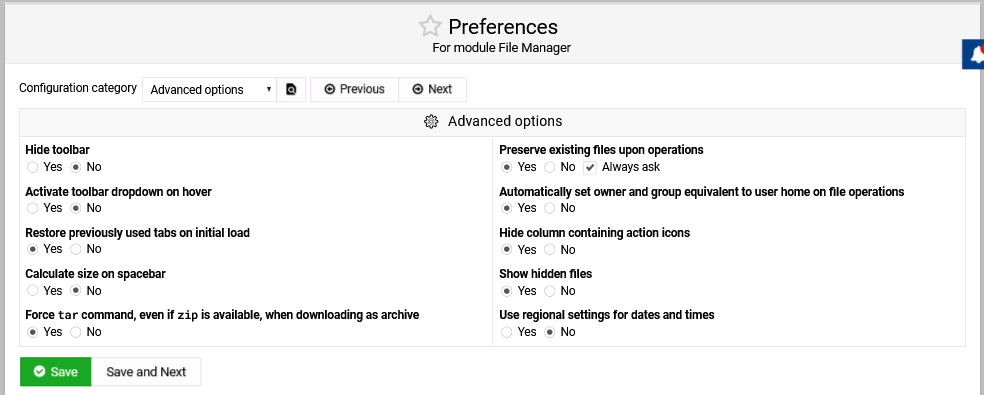
Module for File manager looks ok to me please see below and tell me
I thought I’d change the password and see if that helps - made things a bit worse now after changing the password it says as below

Modifying administration user ..
.. done
Updating log file path in Logrotate configuration ..
.. done
Changing MariaDB password ..
.. done
Updating MariaDB password for installed web apps ..

WordPress ..
.. MariaDB database failed : Failed to open /home/domainname/public_html/wp-config.php.webmintmp.312640.5 : Permission denied
Saving server details ..
.. done

and the website says Database Error and: Error establishing a database connection

OK I had a backup and so have restored it all back to what it was 15 days ago - but still have the SSL problem

Please help
Thanks again
ASM

Yeah that would cause the issue, 555 would block writing and only allow reading and executing.

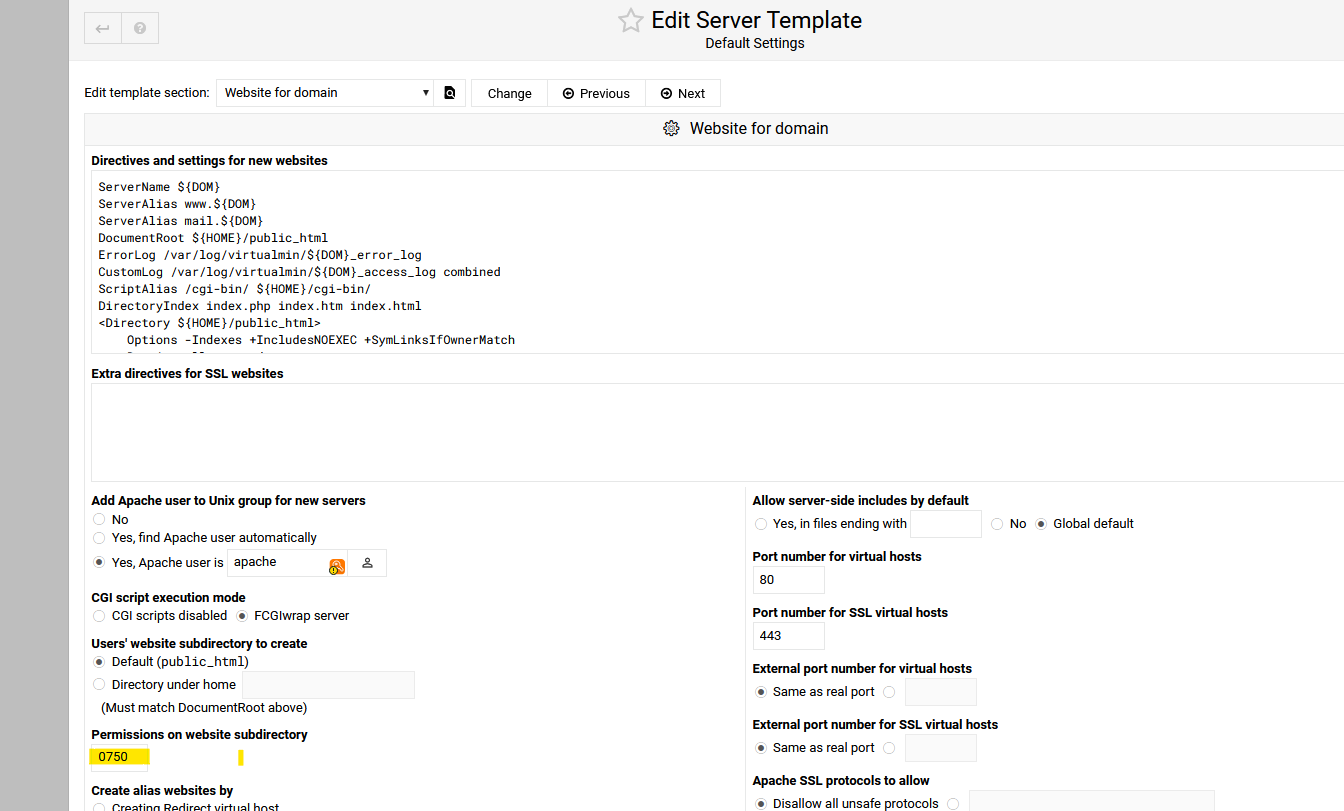
By default that not normal. Check the template.

Hi Stefan

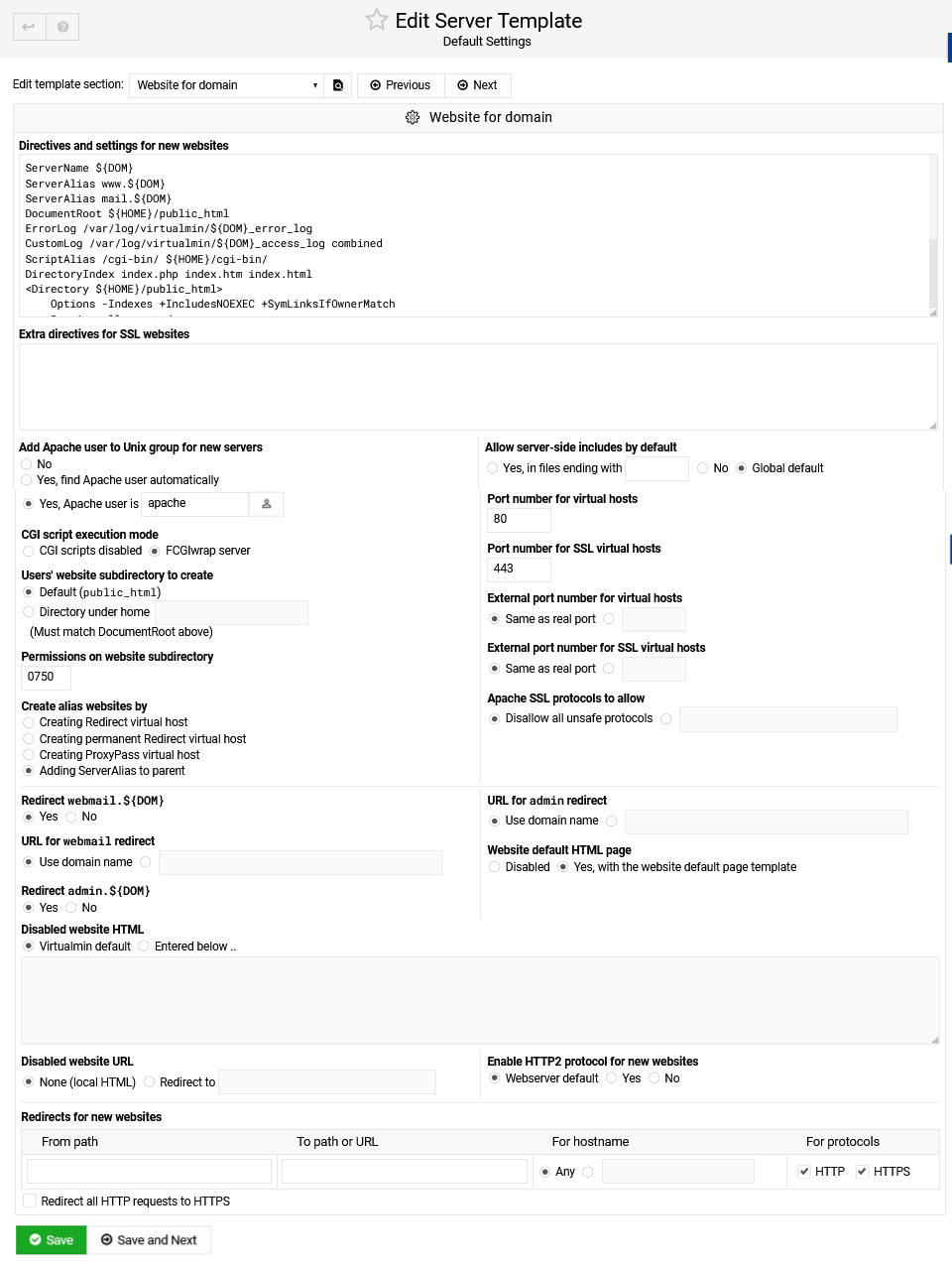
This is Website for Domain


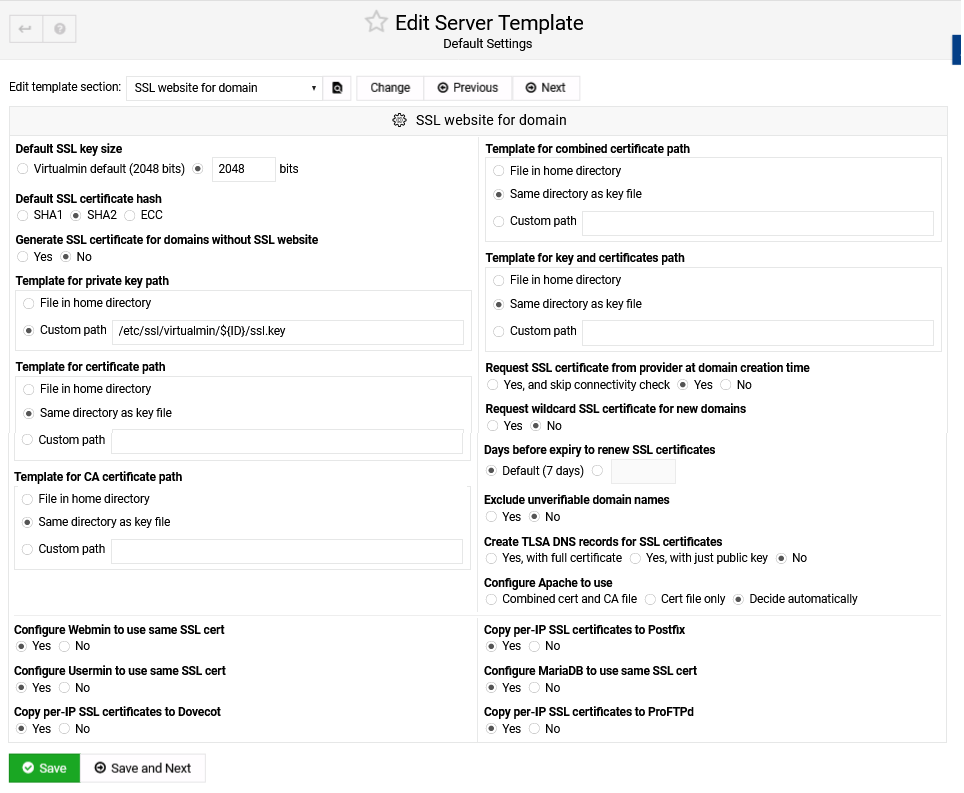
and this is the SSL WEBSITE FOR DOMAIN

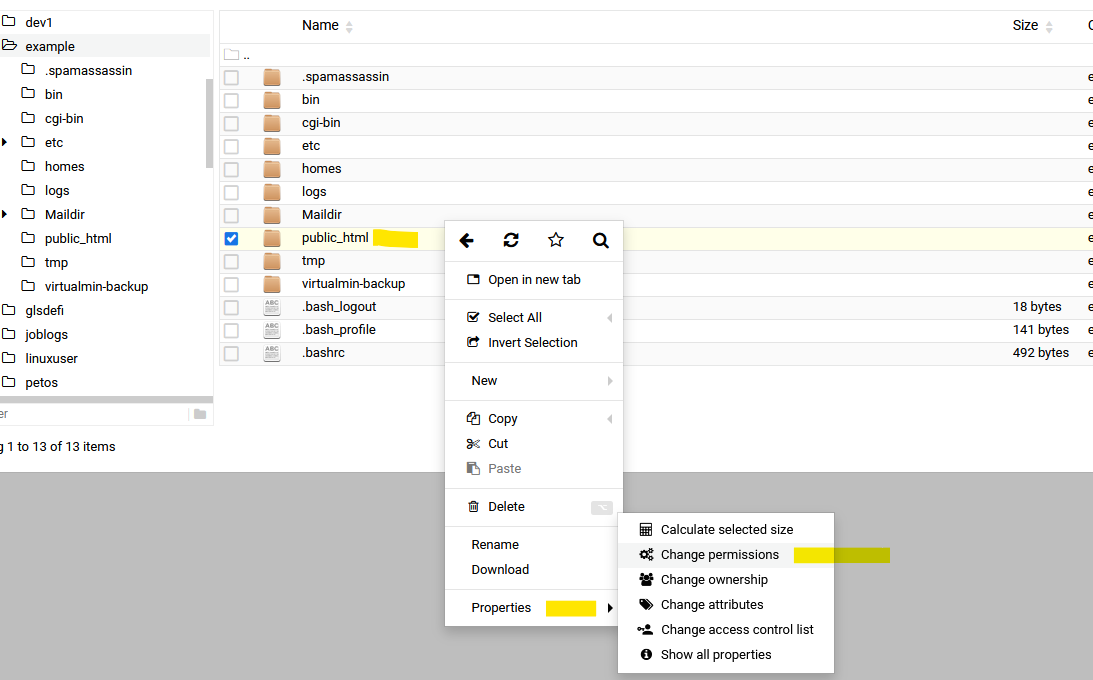
You can manually edit permission in file manage.

Superb - Thank you so much Stefan
You have been a great help
:white_check_mark:

Regards
ASM

1 Like

This topic was automatically closed 60 days after the last reply. New replies are no longer allowed.