Alright so, i am having a huge issue with SSL and my site
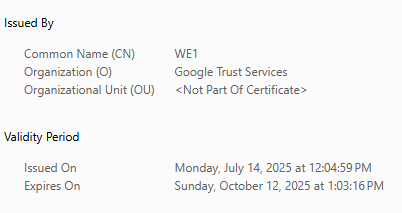
i am trying to give my website “example.com” (using this as an example don’t need to give my clients real web address) an SSL Cert using webmins Lets Encrypt
for some reason it’s not issuing the cert to the domain
here is the kicker if SSL is off i can’t use Cloudflares built in certificate as it gives a 521 error
http works fine but https does not
i do not know what i am doing wrong been at this for 8hrs
NOW here is the fun part
i have cleared my cookies ad cashe as well as Cloudflares Cashe
In webmin I have it set to 443 and 80
I tried turning 80 off but 443 fails
I legit don’t know what is going on lol
My client lost their old domain and just changed from .com to .org so I just replaced their .com with their .org and re assigned the cert so everything should work …right?
Nope no logs. No errors and I got less then 42 /hrs to resolve this issue before Saturday.
Like webmin, virtualmin is a control panel but the install script setup the hosting for webpages (plus mail, database,dns etc) for apache or nginx.
Never had a issue running javascipt.
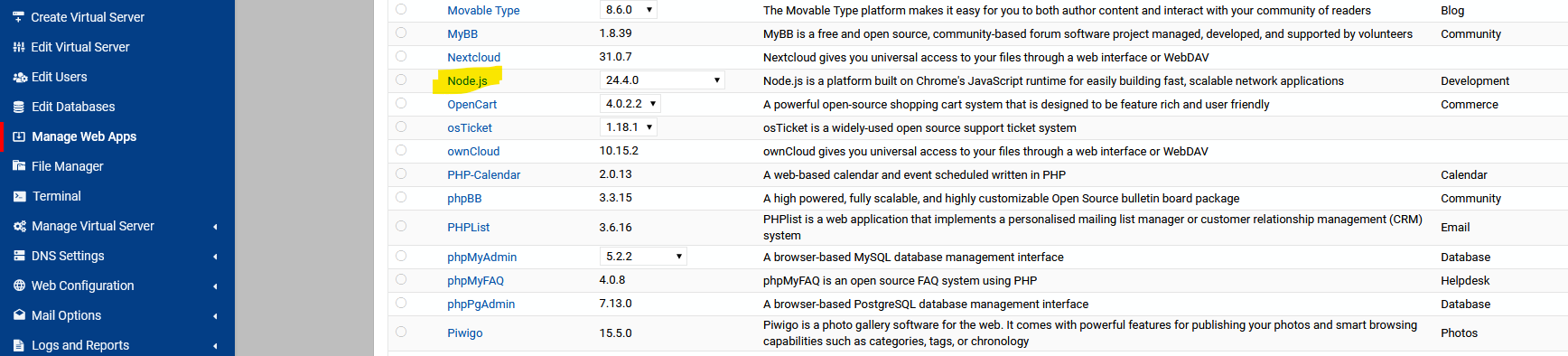
The pro version can setup Node.js for you if that’s type of server side that you need.
If you’re managing websites (or one website) with web applications, Webmin is not the right tool for the job. Virtualmin is a web hosting control panel. Webmin is a general purpose systems management tool.
It’s not about “support” for any specific kind of website. Webmin has no such support (but it won’t stop you from implementing it yourself by editing the Apache config files, etc.) because Webmin is not for managing websites or web applications. Virtualmin supports a variety of ways of running applications and provides tools to simplify that sort of thing, because it is for managing websites and web applications.
Looks like i got everything to work
took a bit of a learning curve but way better then webmin
thanks for the help Stefan
was easy to get the website up and get going when it comes to ssl.