So I am just trying to evaluate one of my GitHub issues but it has been a while and there are many changes.
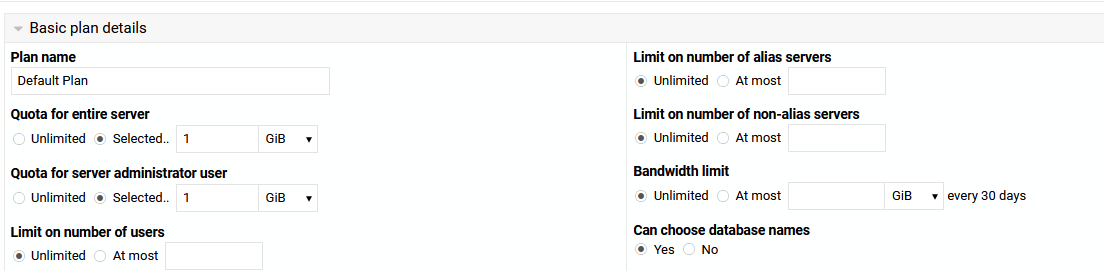
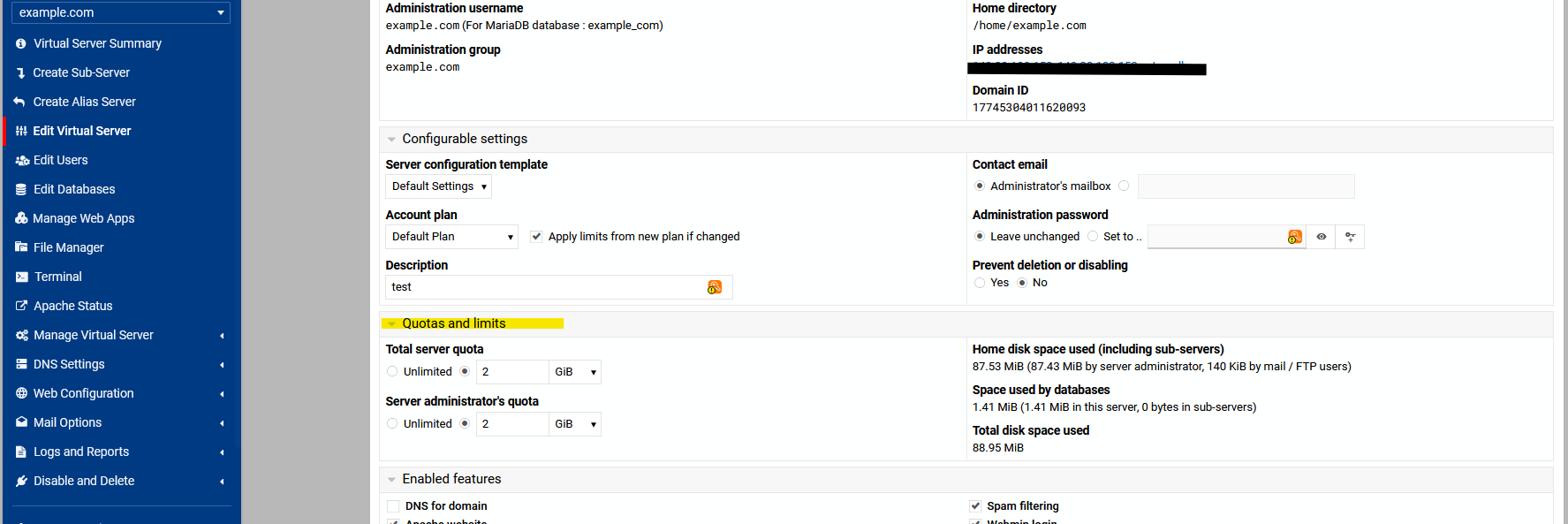
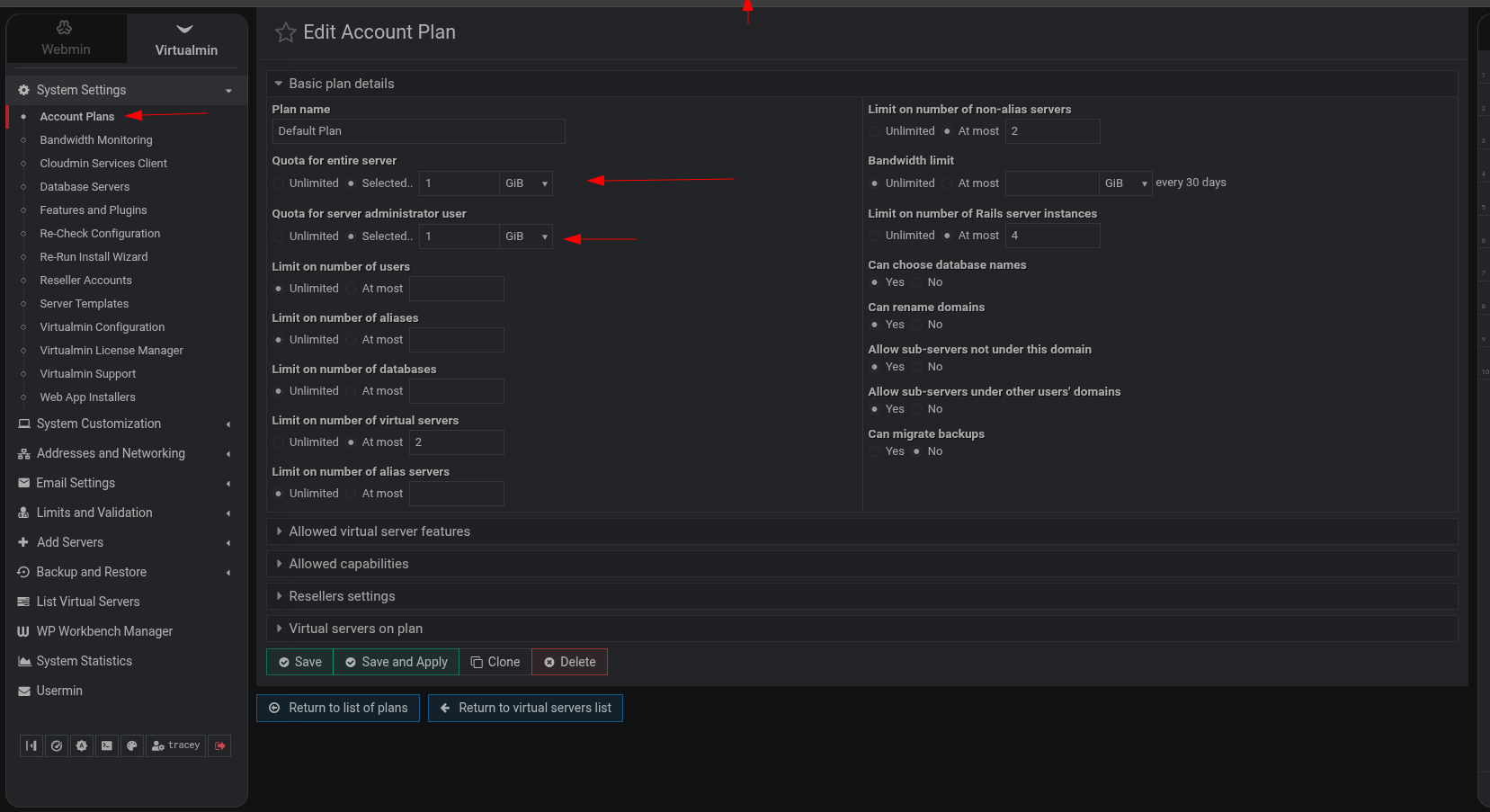
In the Edit Account Plan I can set a disk quota and a bandwidth quote but I can not find this in Manage Virtual Server --> Edit Owner Limits. Are these values now pulled directly from the plan or is there somewhere else these are set per server?
that’s the one i did find , but thanks for looking at this for me.
I think that the quotas should be set in the plan and read from the plan rather than being stored and edited after the fact in the virtual server. I know there is a save and apply button so I need to re-look at the logic before I make or do not make suggestions. I think the way it works now is the value is stored in the virtual server and when you edit a plan you have the option of pushing the changes, but I think the values should be pulled from the plan, perhaps with local overrides in the virtual server.
I disagree this is fine if your business modal has fixed plans e.g 1gb ,5gb. 10gb quotas but if your in a different market which allows customisation of the disk quota then the current idea works better for example if a user pays for 15gb my billing system runs
which will set a 15gb quota
however the quota figure is in blocks so you do have to work out your block size using
stat -f /
for me it would be better if the virtualmin command allowed ‘normal’ figures such as 1gb , 500mb . 1tb rather than doing the maths to work out how many blocks the new quota will be.
my maths is 15 GB = (15 × 2097152) /2
We discussed this a while ago and there used to be a save and a save and apply so I think the save button now does what the save and apply use to do so you can never edit a plan that a user is on otherwise those changes would be pushed to the user.
If thesave button does not function how I mentioned above, i.e. it just saves the plan and does not push the changed, will you let me know.
I have not looked at this in detail, but in general GB/MB options rather than setting a block size is much more friendly.
My preferred option is to keep the plan as the definer of the quota but with local overrides which would allow better logic and would fit with what you want and what I would like.
 , but thanks for looking at this for me.