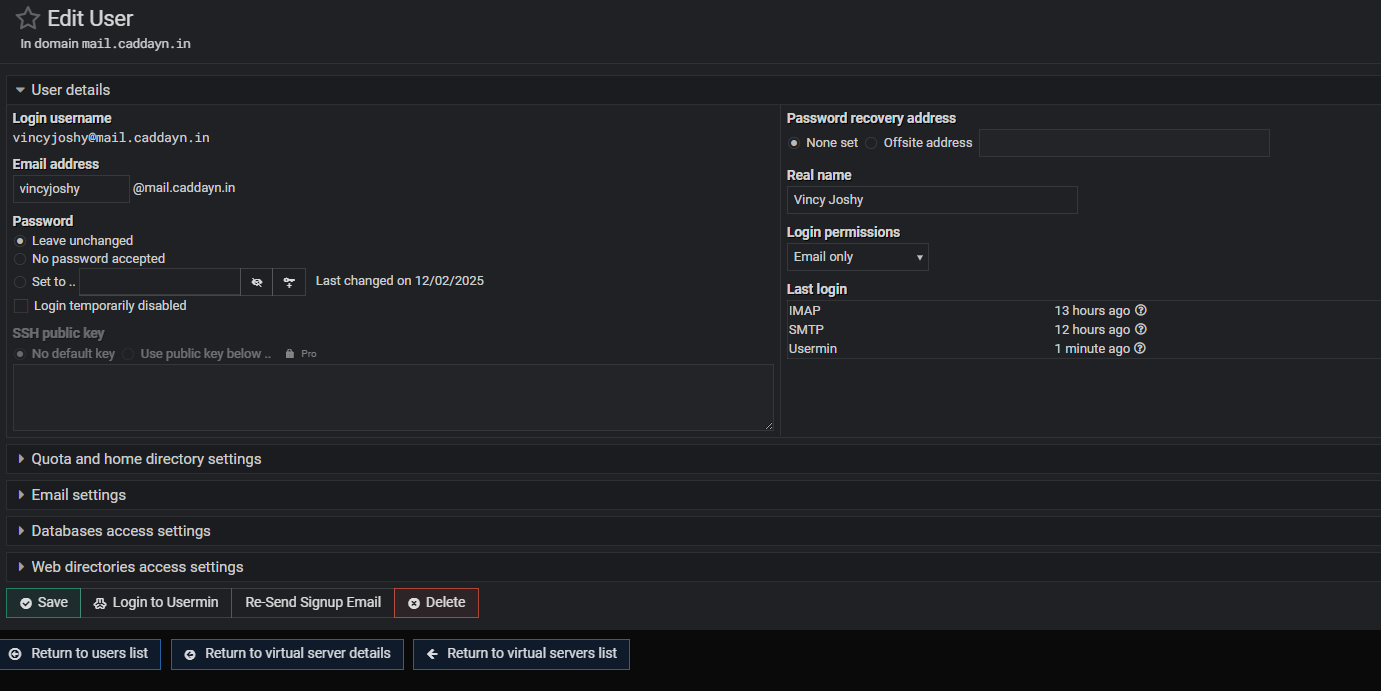
I have setuped Virtual Min and webmin in my server. Also an email server with its by default postfix mail server.
Currently i am able to send and receive email using virtual min mail client. I need to setup the email client using Thunderbird.
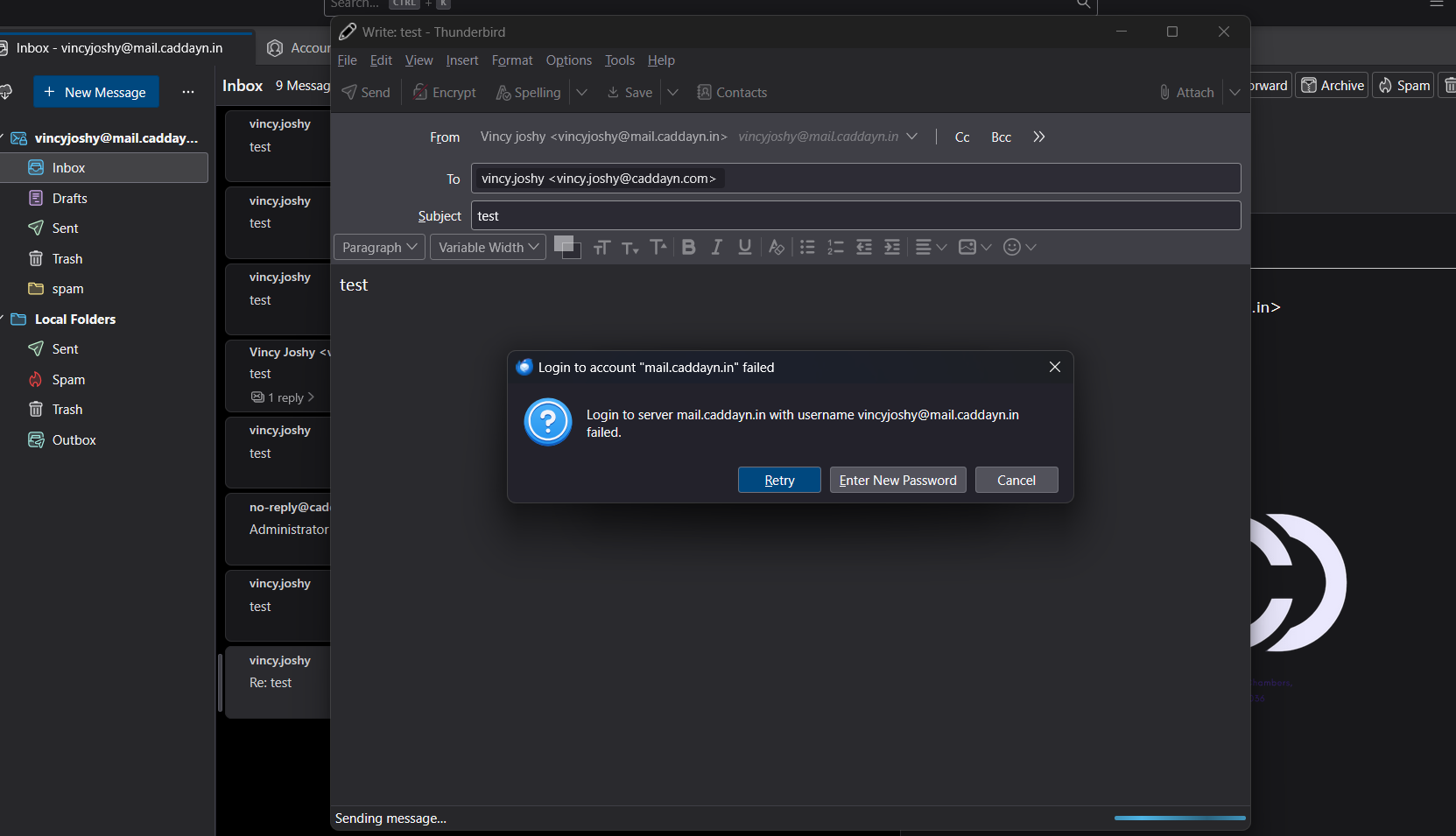
Currently the incoming mails are working, but not able to send an email from thunderbird. While sending email i will get an error saying Password authentication failed.
Oh. You actually made a domain named mail.domain.tld. Is caddayn.in not a domain on the same system? You’d normally not create the mail domain separately, as mail is usually the mail server for the domain caddayn.in and all that gets automatically setup.
So, you can have a domain named mail.whatever.tld, but you’d need to make sure there aren’t conflicts if you’re also hosting the parent domain on the same server (you probably need to disable mail for that domain for starters, or at least make some changes to the way things are named).
Since you do have a domain with that name and the username is correct, you’ll need to look at the logs and test saslauthd locally.
The mail client never has useful information about why authentication failed, so you have to look at the log.
Currently i found that when i changed the outbond mail send server with my root username and password the email is sending correctly. even that username and password is working in my python code. why does the useremail and its password fails to autheticate. Do we need to add anything in SASL configurations?
currently what i am understanding is, it is clearly an authentication issue. Even though i have added users from the virtualmin edit users option, those users dosent have smtp login access and the email send functionality will only work from virtualmin mail client because authentication is not happening in vitualmin mail client as it is on same network.
Can someone help me to identify where will i mention that all the users who has email account should have the smtp login access with thier same email id and password
here the email and password authentication is working fine, not in thunderbird client or even smtp, but my root username and password is working with smtp and thunderbird client. I don’t understand this nature.
You got me, its pretty clear the logs shows its a authentication issue, if username is correct then make sure you not copy pasting the password as you might be copying a white space.
Otherwise I have no idea.
Thanks for the support. When i changed the sasl type to dovecot followed by uncommenting few lines in its config file, the authentication is working as expected
The link I posted tells you how to figure that out. I can’t tell you. Generally speaking, mail Just Works, if given the right user and password and hostname and protocol.
But, we’re all just wasting time until you read the logs and do the troubleshooting steps. Our troubleshooting email guide shows how to test saslauthd directly/locally so you can narrow down where the problem is happening to something very specific. And you always have to look at logs.
That’s not the default configuration. If you want to use Dovecot, that’s fine, but that’s not how it’s configured by default. Cyrus saslauthd is the default SASL implementation in a Virtualmin system (our configuration predates the existence of Dovecot SASL support).
Whatever was going wrong could have been fixed. Cyrus saslauthd is what everyone else is using.