Repeating unexplained proxy_fcgi:error in apache error log

SYSTEM INFORMATION
OS type and version Debian Linux 12
Usermin version 2.400
Virtualmin version 7.40.1
Theme version 25.10
Nginx version 1.22.1
Package updates All installed packages are up to date

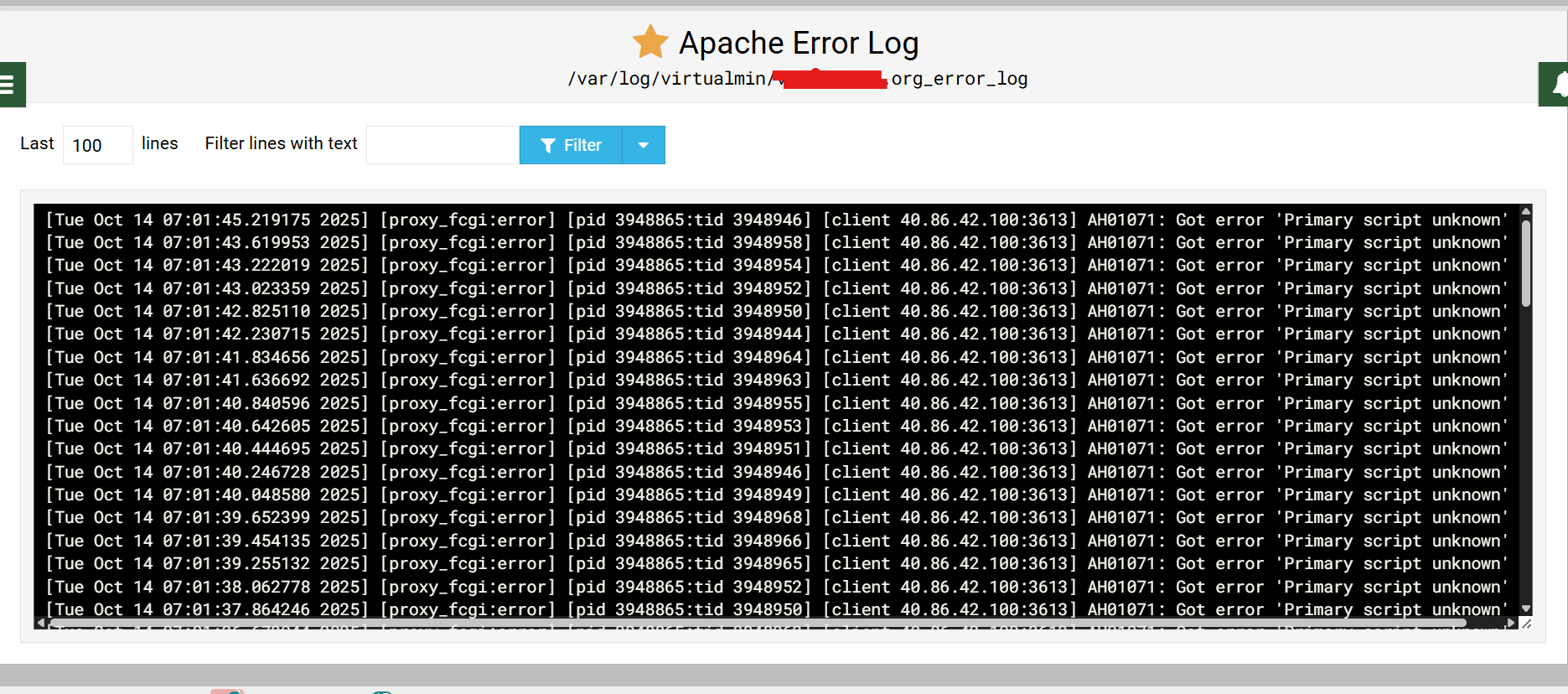
I am getting too many errors like this on a daily basis hat are filling up the log. I do not understand why

[Mon Oct 13 11:15:48.201648 2025] [proxy_fcgi:error] [pid 701990:tid 702074] [client 172.207.95.60:37775] AH01071: Got error 'Primary script unknown'

is this a jail not working?
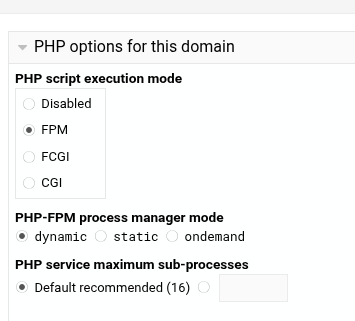
there is only one domain active on this VM and one sub.domain PHP is disabled (just not required)
I am not sure what script is ‘unknown’ that keeps knocking

I thought FPM was the new ‘normal’?

new normal yes but not required by this VS so [quote=“Stegan, post:1, topic:135492”]
PHP is disabled (just not required)
[/quote]
same for sub server VS

and just checked ipsec list that IP4 is included so should be in jail ? no matter what script it is searching for ?

I guess I got too focused on the error message.

Probably of no help, but just to satisfy my curiosity, does PHP even show up under the summary?

image

Apache error and you use Nginx, whats that about?

it still shows in the dashboard yes (I guess I could stop it there - but i would need too remember to start it again if rebooted or a new VS is added that requires PHP - seems overkill when php is disabled and the ip is in the ipset blocklist rule)

yes it is a new VM https://forum.virtualmin.com/t/login-failure-using-domain/135470 … and others :frowning:
it is causing more issues than i was prepared for and far more time wasted than the usual nginx. :hourglass_not_done:
talk about shooting one’s foot :water_pistol: :foot:

Is this in the main Apache log or the site specific log? Looks to be a Microsoft address. It’s a large block though so not sure if it would all be internal use.

a site specific log


just a snapshot (from what i gather via googling AH01071 is a PHP scripting error) hence me killing PHP.
i have to say it is a bit quieter today

am i correct in believing that a banned ip4 should never even show in an access log? there are an awful lot appearing there requesting GET ‘/wp-*’

I’d guess this is an attempted Wordpress attack? I’m not sure if Fail2Ban’s WP jail would help since there is no WP.

I’m thinking it should be dropped on the door knock.

there certainly is no WP but that is why I was expecting all such attempts to be blocked by Fail2Ban (especially repeated attempts) and would never pollute the logs (access or error)

I try to keep well clear of Webmin (just not enough experience) nearly all of the ipset blocklist have been added using the guide which may not have been the brightest thing to do.

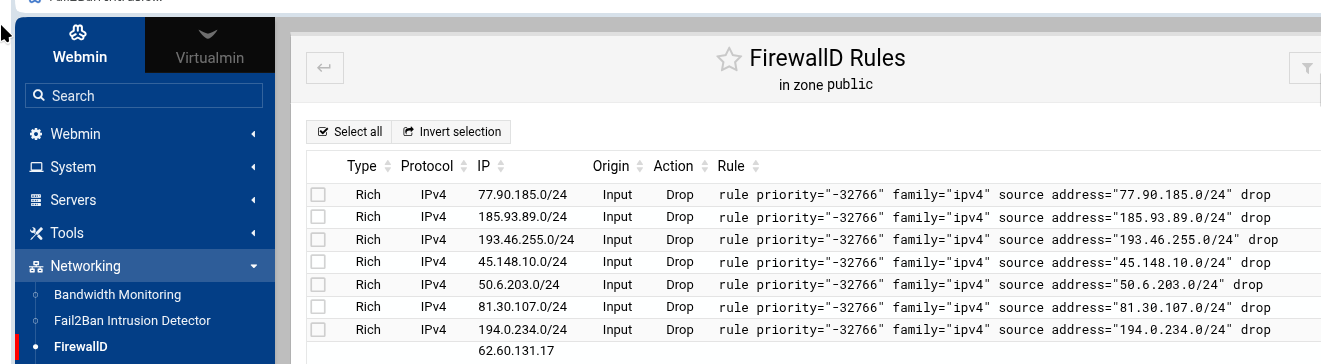
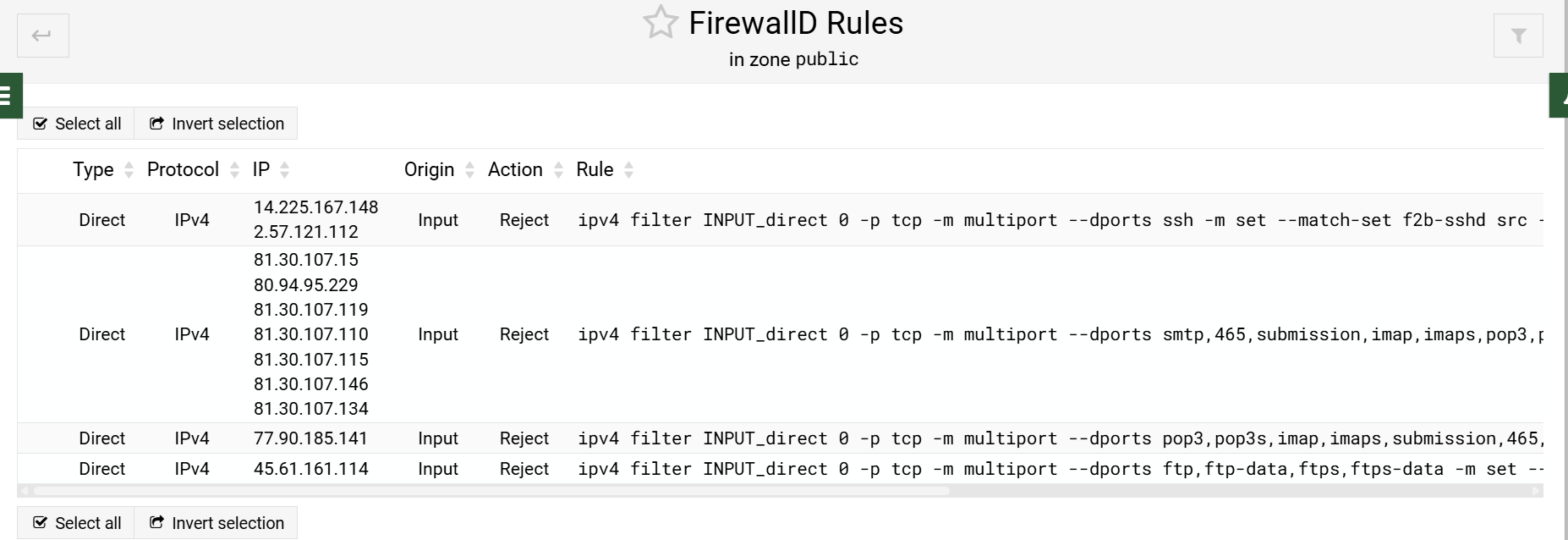
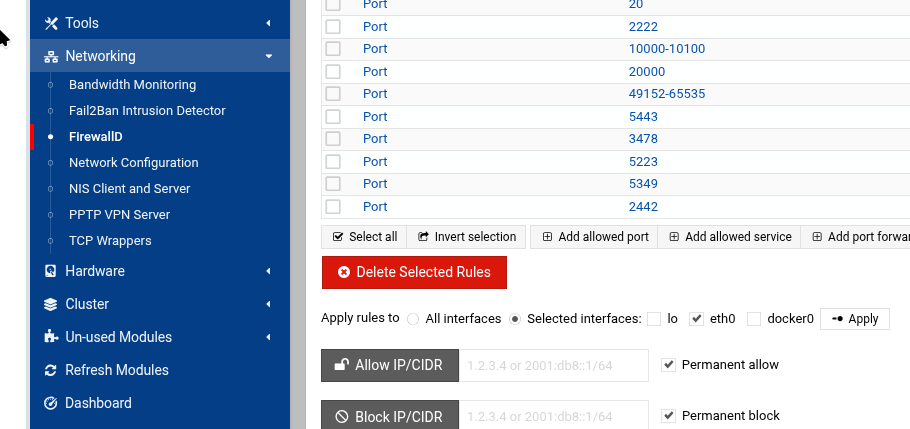
Now looking at Webmin -> Networking -> FirewallD -> List FirewallD Rules I get

which is missing the ip4 that I expected !

Fail2Ban doesn’t work that way. You have no WP so Fail2Ban will never get to the failed login attempt. The WP filter is looking for this:

<HOST>.*POST.*(wp-login\.php|xmlrpc\.php|account\/signin).* 200

The attempts can’t get that far. I don’t know if this can be modified to do what you want. I simply don’t have those skills.

If you added that via the interface, then that is disturbing. Those are the “rich” rules shown in my post.

hmmm my wordpress filter seems a litle more complicated :frowning:

^<HOST> .* "(GET|POST) ./wp-login.php
^<HOST> .* "(GET|POST) ./xmlrpc.php
^<HOST> .* "(GET|POST) ./wp-include
^<HOST> .* "(GET|POST) ./wp-content
<HOST>.*POST.*(wp-login\.php|xmlrpc\.php|account\/signin).* (200|503)

i believe gathered over time and not exactly special/definitive but has been adopted over all my VM as you are probably aware I detest WP with avengence

So maybe add that to the list? Looks like an obvious wildcard to get ANY wp info it can for a later attack. Not sure why the script isn’t a tad smarter after repeated attempts have failed to return anything, but, dishonesty is not my game so I don’t understand the underlying motives and methods I guess.

no not added through Webmin -> Networking -> Fail2ban / FirewallD just added to ipset as indicated in that guide. directly to iptables.

The Firewalld interface doesn’t show a complete listing by design. Even if it is there, it doesn’t mean the interface will show it. Now that it is available, I add here: