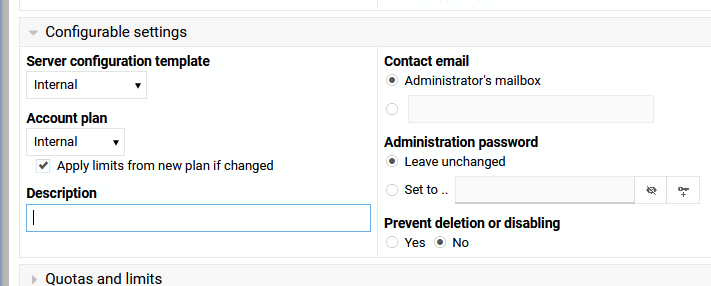
Is there an easy way to remove Terminal access at existing virtual servers in Virtualmin ? I can’t find a way to remove the feature on existing accounts.
I checked also my default profile for new accounts and Terminal feature is at no but new accounts created have well the Terminal feature.
This will be fixed in Virtualmin 8.2.0, in which access control for these domain-level Webmin modules will be managed through “Manage Virtual Server ⇾ Edit Owner Limits: Server Owner Limits” page, and for the templates used at initial domain creation, it will be configured under “Administration user.”
This thread covers more that the title issue, there is a discussion aswell.
Are you keeping the live aspect of these options? what I mean is the admin add/removes a module permission and it is instantly reflected rather than having to manually update each user or use some command line to push the changes.
Yep I confirm it’s all good for me Even if I still see the Terminal option when logged as admin of server, when I switch as user admin, Terminal is not there
The new change will still have a templates option applied to newly created domains. Yet, after that, changes to templates won’t have any effect and you’ll need to use “Manage Virtual Server ⇾ Edit Owner Limits: Server Owner” page to make changes to an existing domain.
Manage Virtual Server → Edit Owner Limits: Server Owner” page.
and
The new change will still have a templates option applied to newly created domains. Yet, after that, changes to templates won’t have any effect and you’ll need to use “Manage Virtual Server ⇾ Edit Owner Limits: Server Owner” page to make changes to an existing domain.
This is per virtual server, where as currently any virtual server set to that server template would get those changes immediately.
Were account plans made like this when you removed the save and apply button, and made the save button effectively be the save and apply button ? (I need to double check this)
I think I will wait until this is released to check all of this, but only being able to change a virtual servers setting on a per virtual server basis is not good for managing hosting. feature settings, packages and account plans (whatever they are called) etc.. that are settable and applied as a group (not just at account creation) is what is needed for hosting companies. If needed you can allow local overrides, a good example is quota, but the ability of this feature must be controllable by admins.
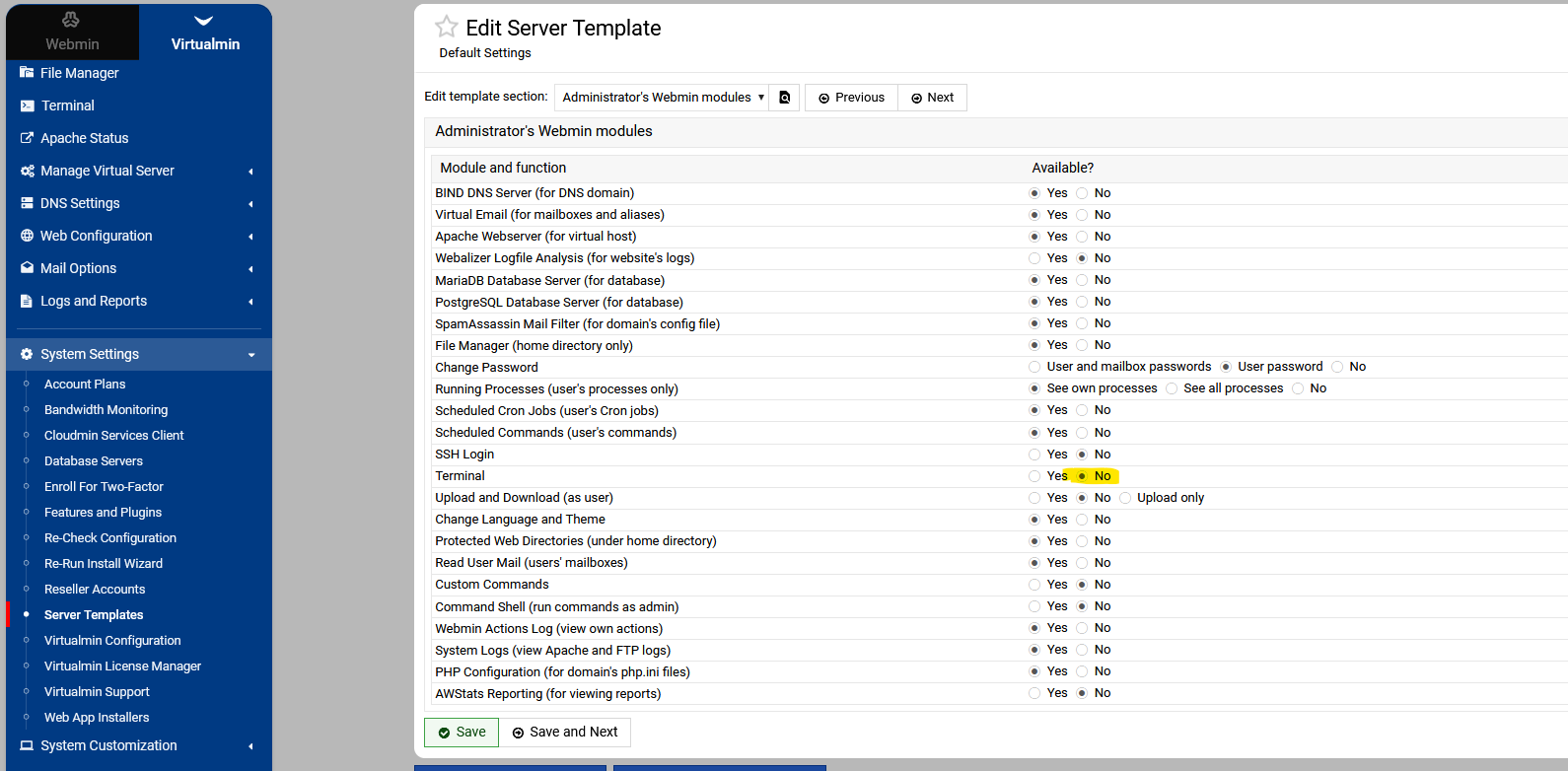
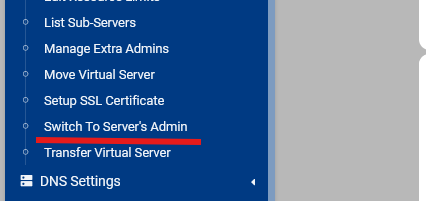
 Even if I still see the Terminal option when logged as admin of server, when I switch as user admin, Terminal is not there