Is there a way that I can go to a commit’s page on GitHub, press a button, and see if it has been added to a release so I know whether I should be seeing the code improvement in my current version of Webmin/Virtualmin.
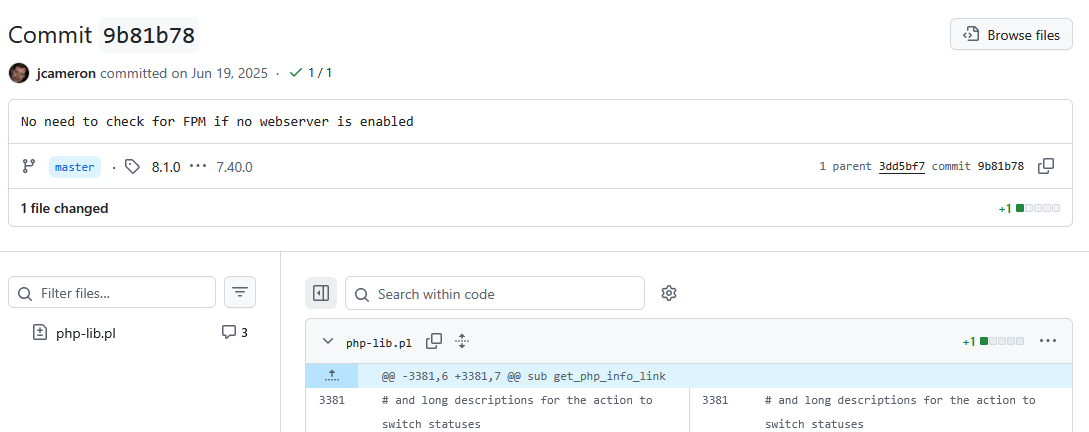
This is a commit I am trying to figure that out:
I don’t want to spent 30mins comparing dates and guessing, there must be a way just to press a button or hover over some thing.
So after using AI, I believe the solution is looking for the presence of a release tag.
This assumes the developer uses release tags, but Virtualmin and Webmin do.
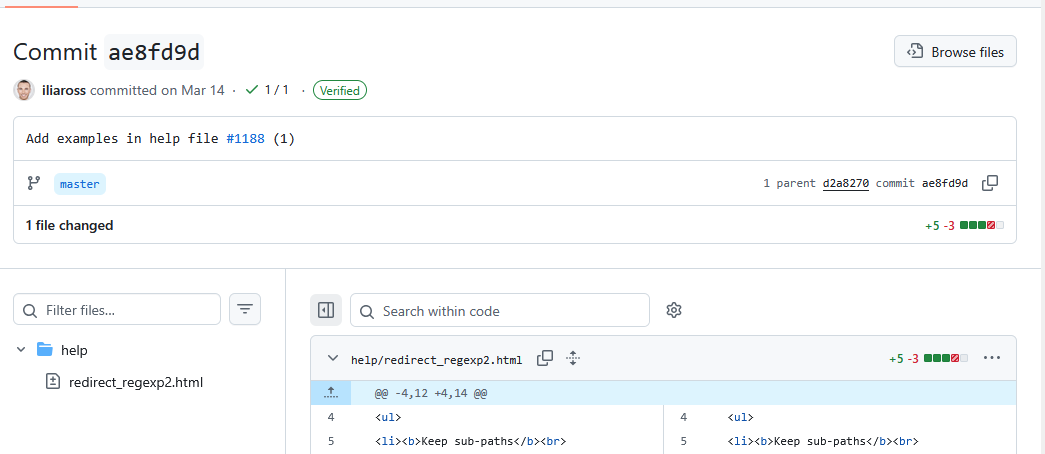
Has a tag, and is part of v7.40.0 release
You can see next to master that github is offering to compare between the lastest release tag (8.1.0) and the assigned release tag (7.40.0) on this commit.