Hello.
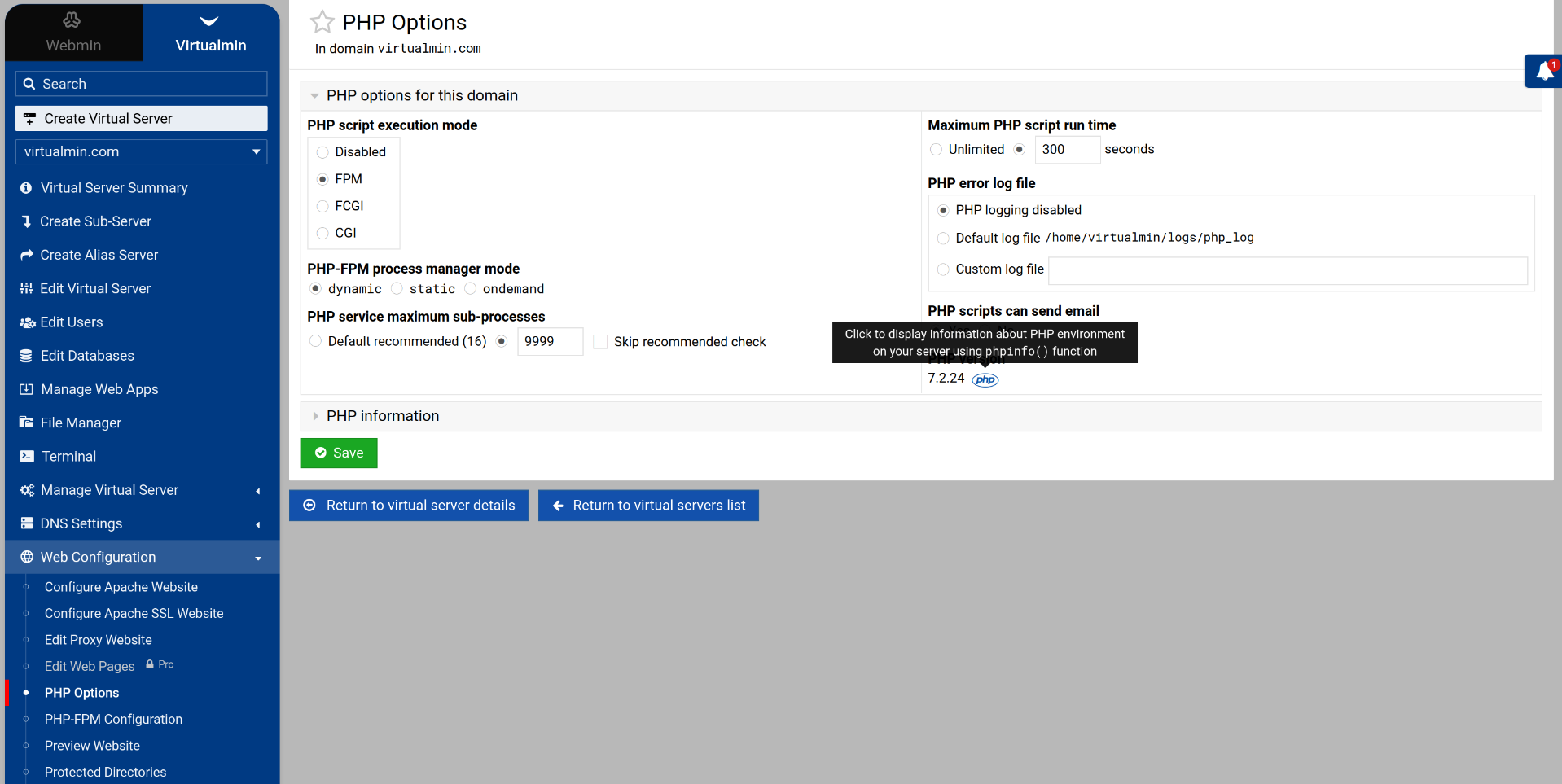
After the update, I’m unable to access the SSL settings or change the PHP version of the domains.
All domains are now running PHP 8.4.17, and I have some domains that need to be PHP 8.1.
The domain configuration shows that it’s using PHP 8.1, but if I log into the domain user and run php -v, it shows 8.4.
Is there a way to solve this?
Those are two different problems. Please make a new topic for one of them.
Since most of your sentences are about PHP, I’ll choose to consider that the subject of this thread.
Running php -v doesn’t tell you anything useful about which version of PHP the site is using, though it is surprising php on Jammy is 8.4, as the OS provided package is 8.1, and others should live on php8.4 or similar.
But, if you have PHP 8.1 packages installed, and that is the version selected for the domain in question, then that’s the version it’s running as. PHP apps are run via PHP-FPM, and each domain gets its own PHP-FPM service, which is the version you’ve selected for that domain. So, look at the PHP-FPM for that domain…is it running 8.1?