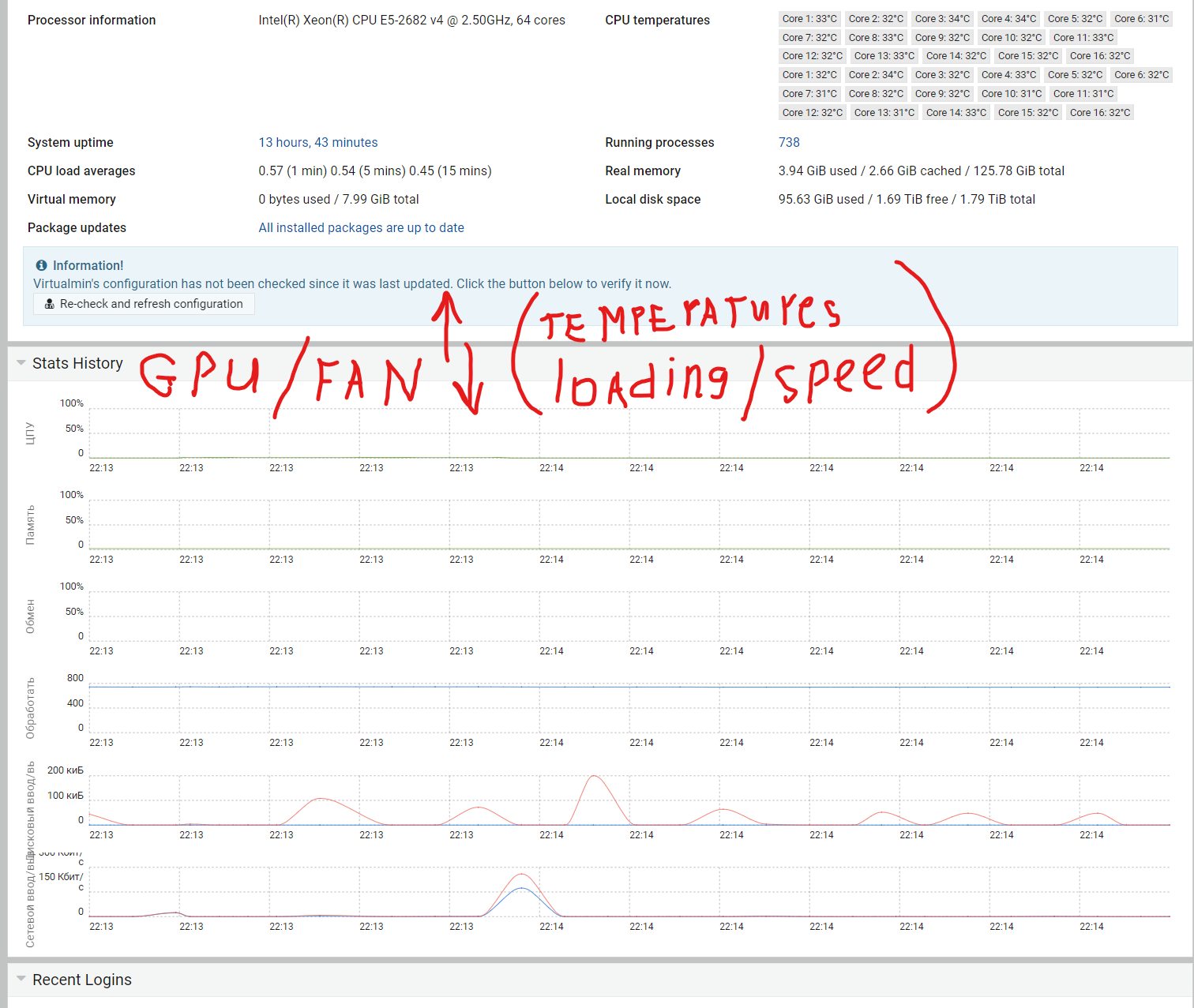
| SYSTEM INFORMATION | |
|---|---|
| OS type and version | Ubuntu Linux 22.04.2 / Linux 5.15.0-73-generic on x86_64 |
| Webmin version | 2.021 |
Good to everyone. tell you to be able to display a graph or indicators of load, speed, GPU temperature and fan
What files are responsible for displaying data on Stats History?
I think I saw somewhere in the forum about them using sensor.
Great, thanks for the information. How to remember where you saw report.
Please help, how to output GPU data?
tell me where is the script responsible for displaying information on existing sensors?
using search
sensor
We could do that, although I’m not sure if that is something we should support. @Jamie, what’s your take on it?
I feel like on a server system, GPU status isn’t that important?
if the GPU is used for computing, then the GPU is as important as the CPU.
And sensors also facilitated analysis in the visual part
I would agree is your using a headless server but I get the impression the op is running on a desktop
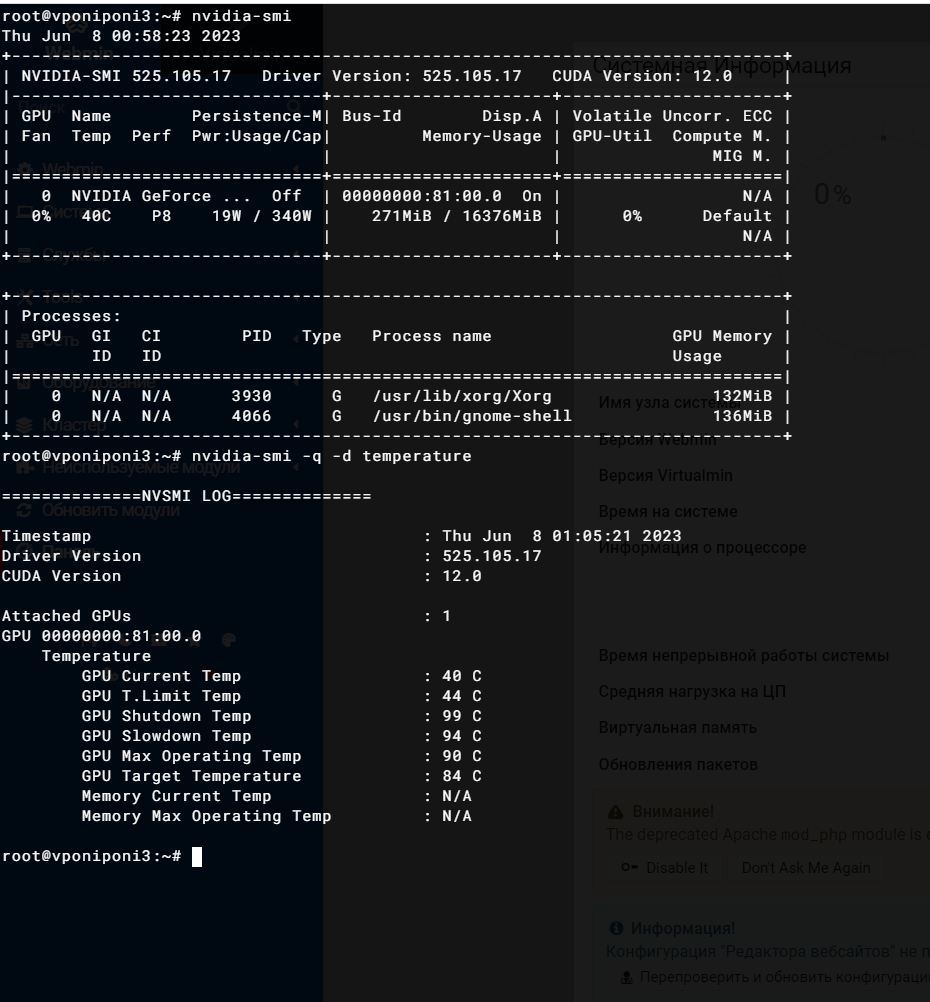
Is nvidia-smi command output consistent across different versions?
Yes, I have temporarily installed a graphical shell. But this does not interfere with the operation of the server, except for increased resource consumption.
A similar request and discussion:
For anyone reading this, please share:
So far, only Intel and Nvidia GPUs have been mentioned. Can someone also provide details for AMD Radeon?
I know someone with the following AMD Radeon setups who is willing to run some tests and provide outputs:
Before I ask him to run commands, could you clarify exactly what data would be most useful for you?
For Intel we’re using intel_gpu_top, and for NVIDIA it’s nvidia-smi. On AMD there are a few different tools available (radeontop, rocm-smi, or even /sys/class/drm/ and /sys/class/hwmon/).
Would you like us to provide:
And do you prefer the raw command output (e.g., text dump), or would a structured/parsable format (JSON/CSV if supported by the tool) be more helpful?
That way I can ask him to run the right tool with the right options and share consistent outputs here.
I’d like to know the command they run and the output it produces. I’m interested in fan speed, temperature, and current load. No memory or power, unless it’s consistent across GPU brands.
I prefer text command output, no JSON, unless JSON can be produced by all commands across GPU brands.
At last, I’d prefer the CLI tools available in standard OS repos over any drivers or tools that GPU vendors ship.
And, I wish there was a vendor-neutral sysfs that could provide all that info across all GPU brands, but as far as I know, there isn’t one.
What I do know is that AMD Radeon has two options:
radeontop, which is roughly equivalent to intel_gpu_toprocm-smi, which is roughly equivalent to nvidia-smiAs I don’t have an AMD Radeon GPU myself, I cannot provide example output.