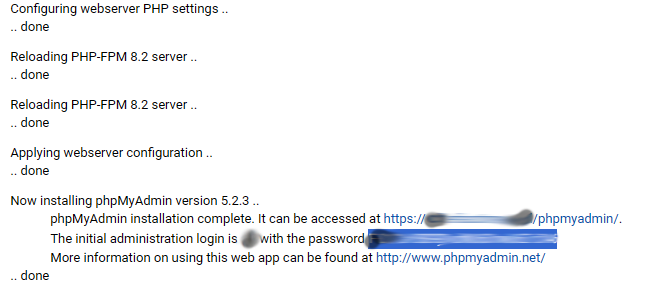
I have a virtual server in a domain smth.mainsite.tld. I installed phpMyAdmin from VirtualMin, everything went smoothly and all information displayed looks as expected:
yes, clean Debian 12 image installed by a hosting provider (OVH, they offer separate image of AlmaLinux with cPanel), virtualmin script first thing run, no modifications other than html/php files added in public_html (and some attempts to configure sites, domains, virtual servers, mysql, but everything done using virtualmin)
OK. The only thing I can suggest other than trying to reinstall is to go to your /etc directory and run grep -ir cpanel * to make sure OVH doesn’t have something there.
Trying to uninstall/install changes nothing. Not very surprising, as is just copies the settings, which are - apparently - already wrong.
Similar setup (same OVH, same Debian 12, different but identical VPS) works OK and phpMyAdmin works after installation, the only difference I am aware of is that in one case it is installed in the main domain (myname.tld), in the other case in a subdomain (xx.myname.tld). DNS are hosted at OVH, myname.tld and xx.myname.tld are on different servers and different IPs (not that I think it matters).
Oh my, ../phi.ini, phpMyAdmin was installed in public_html/phpmyadmin and read the config from updir.
Unlucky order - I copied files from the site I am migrating, didn’t even try to run the site without copying database, installed phpMyAdmin - and it didn’t work. If I would start with phpMyAdmin it would stop working after copying site files and it would be obvious where to to look for the problem from the very beginning.