i didnt see a conclusion.
how best to enable phpmyadmin, yet restrict access ?
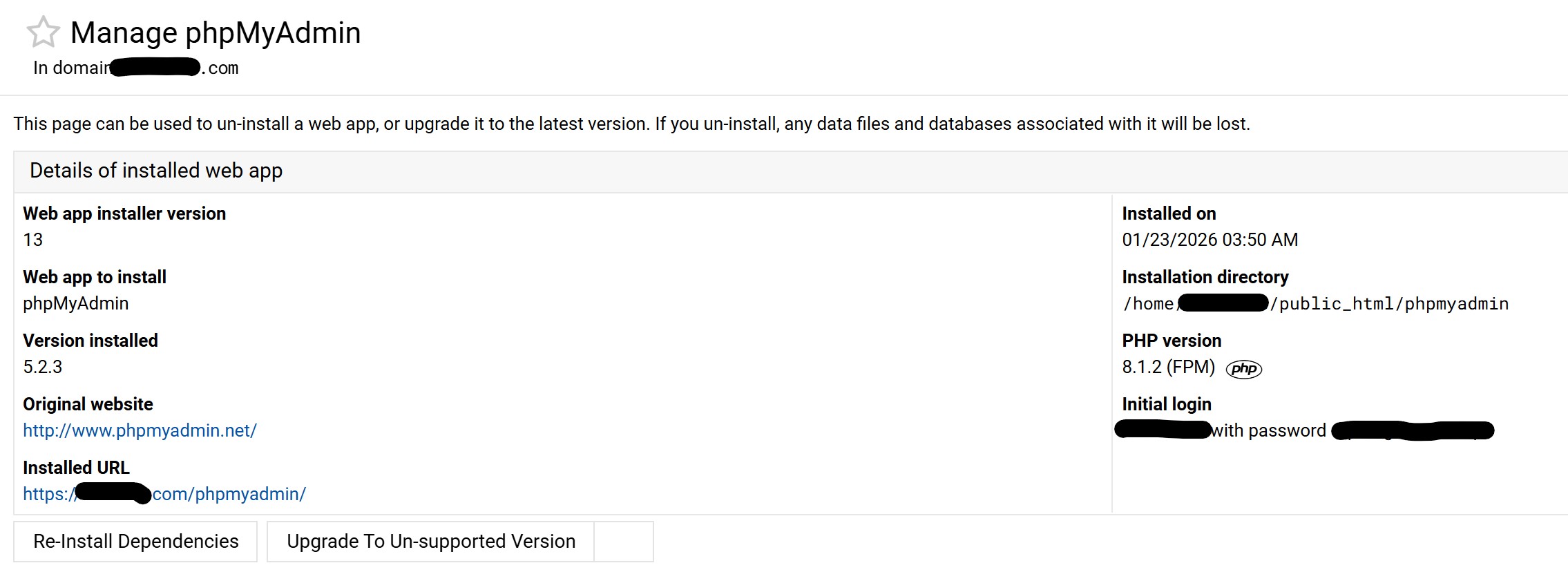
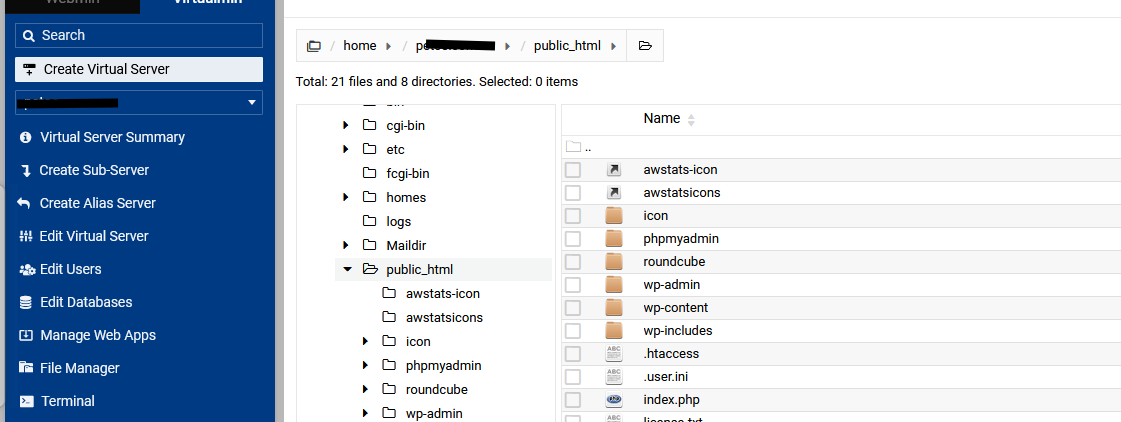
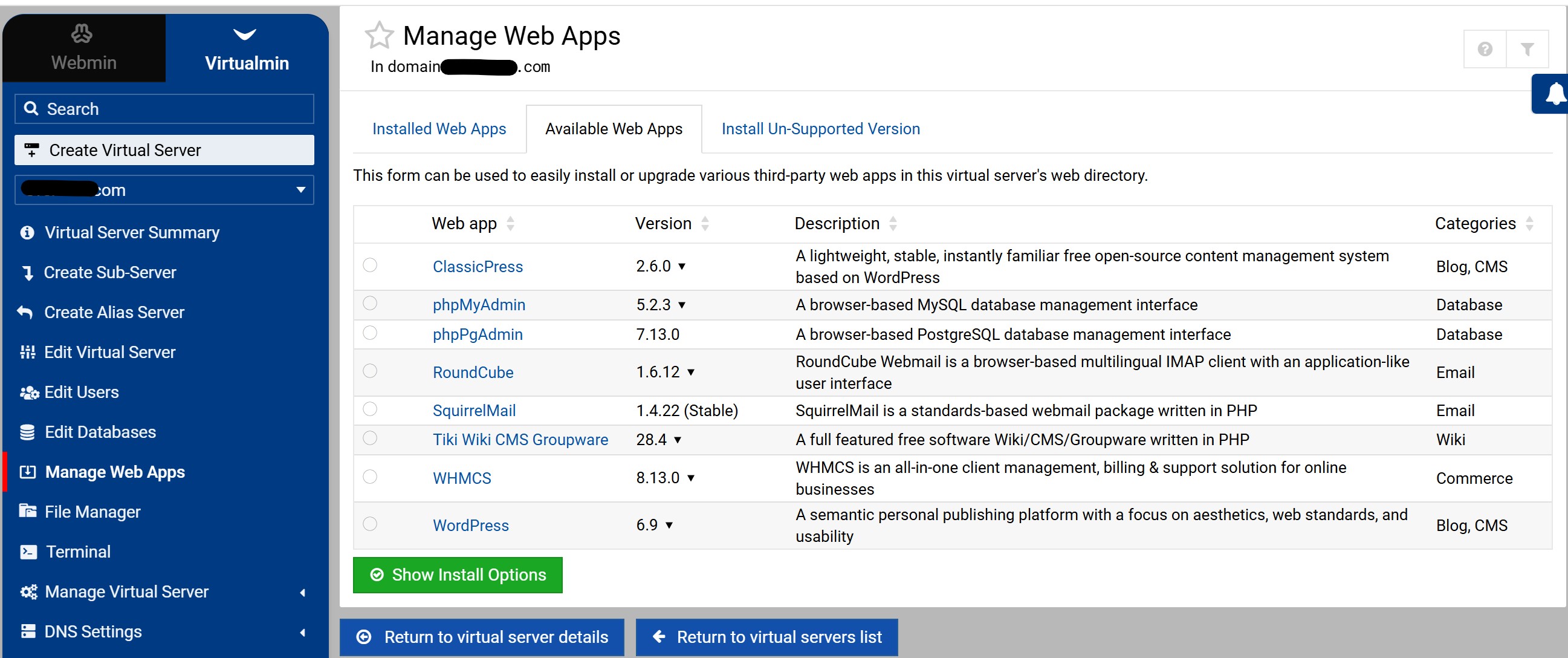
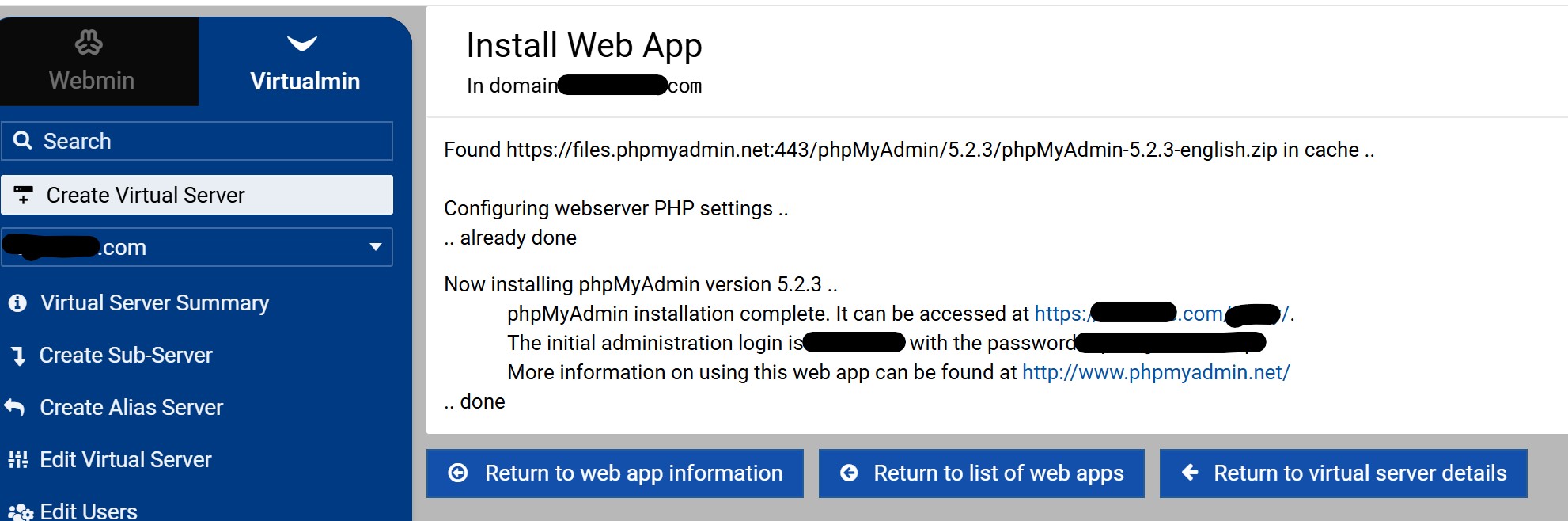
i have it installed now as a ‘web app’ with folder ’ /phpmyadmin’ , but dont see it in any of the public_html folders
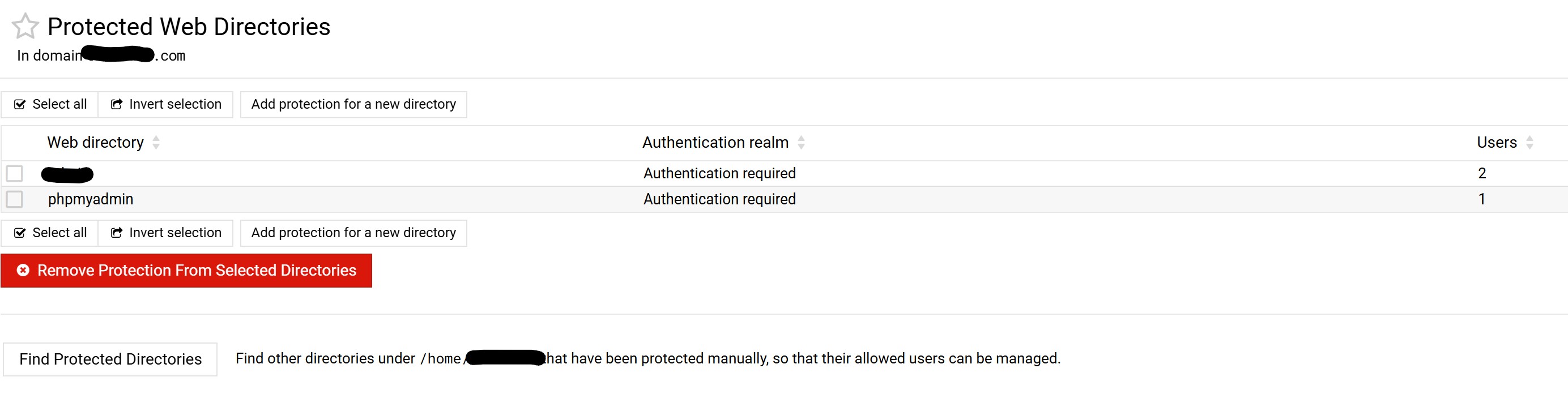
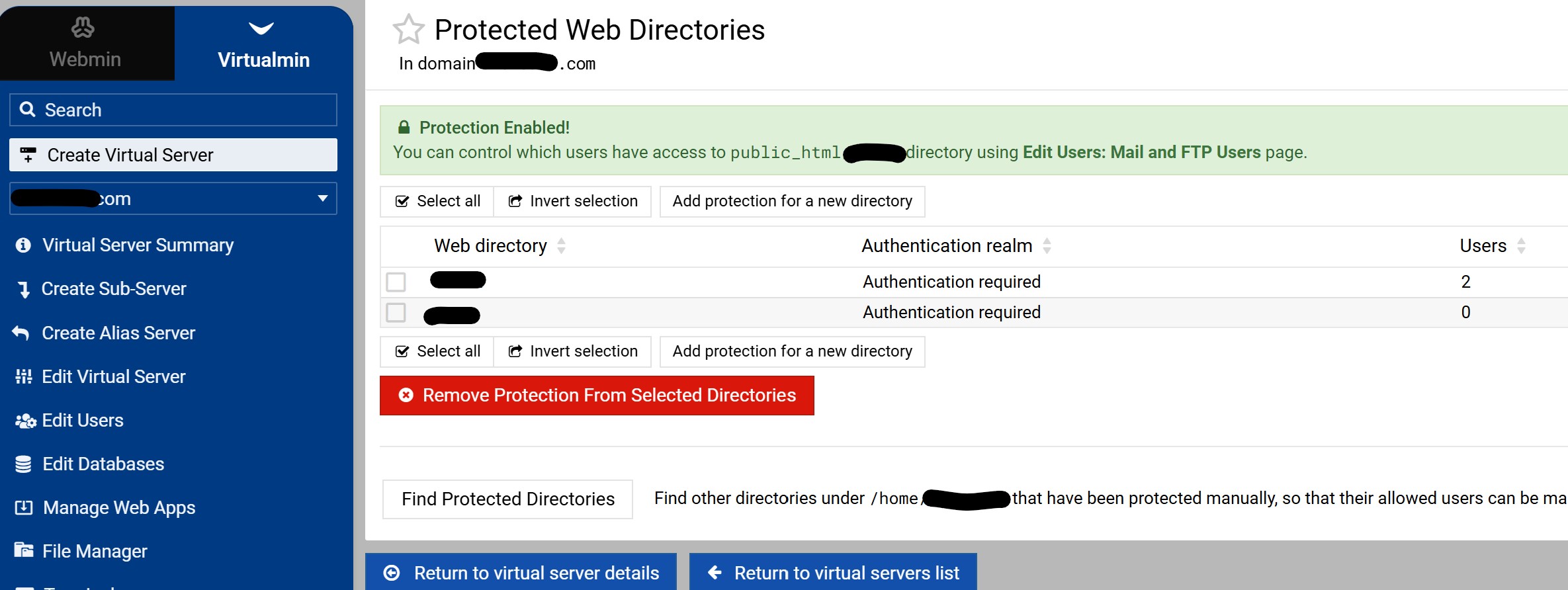
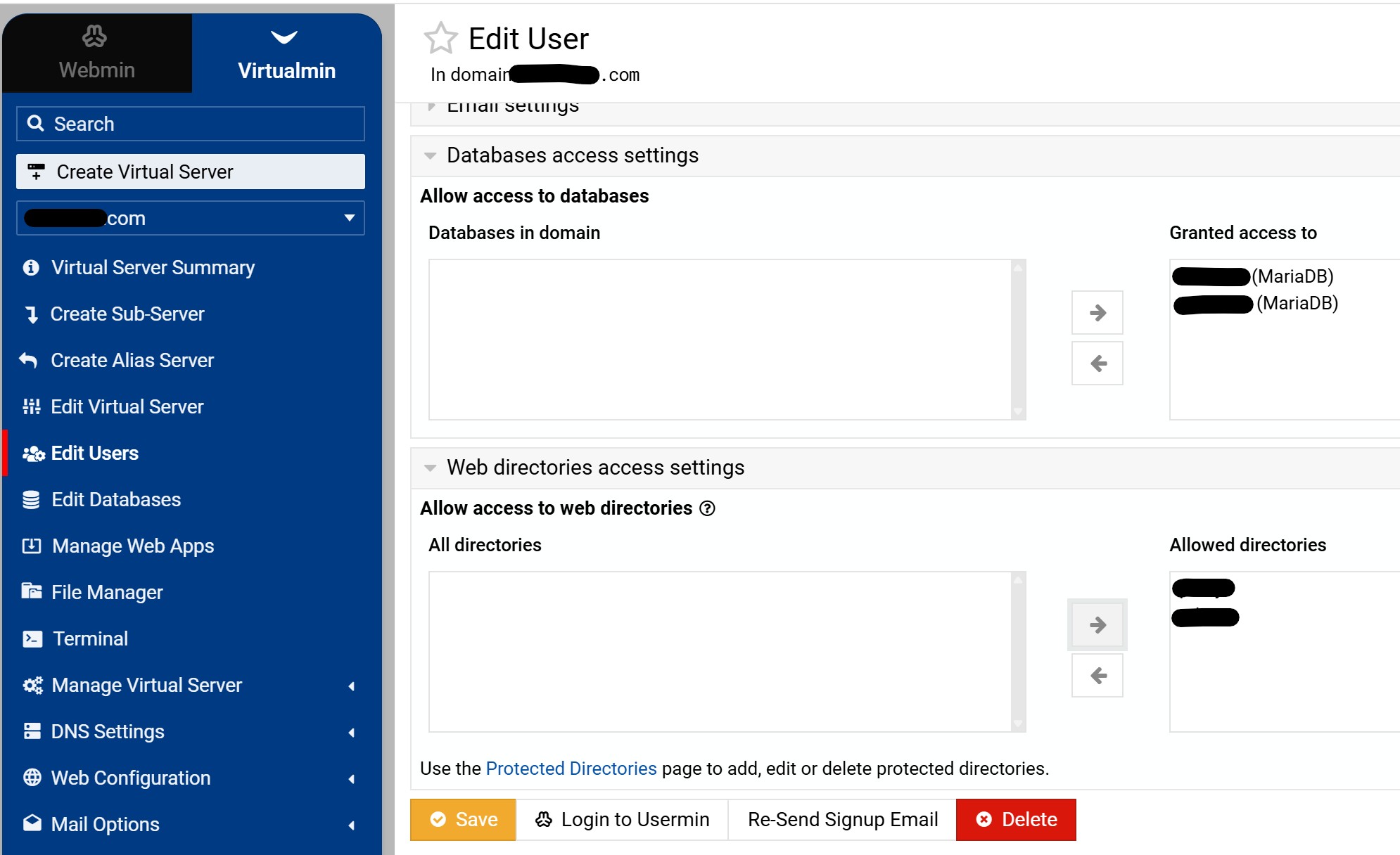
can we install as a sub-folder in the public_html, then use directory restriction ?
I dont like having PHPMyAdmin publicly exposed even if you need to enter a password.
I did not use the method above, I restricted access it to my local network. The template below will allow you to change it as required. You can also add username and password requiredments via htaccess.
.htaccess in the phpmyadmin folder, edit as required
# RESTRICT ACCESS TO DIRECTORY BY IP ADDRESS
# Include in .htaccess of any directory
<RequireAny>
    Require all denied
    #Require ip 1.2.3.4
    #Require ip 5.6.7.8/12

    # If local server access to the directory is required
    # add the following; include the server ip addresses (ipv4 & ipv6)
    Require local
    Require ip 10.0.0.0/24
    #Require ip 2001:0db8:85a3:0000:0000:8a2e:0370:7334
</RequireAny>
To protect a phpMyAdmin installation located in the web root, use the following methods:
Rename the Directory: Change the folder name from /phpmyadmin to a unique, unpredictable string (e.g., /access_db_9x21) to avoid automated bot scans.
IP Whitelisting: Use .htaccess (Apache) or nginx.conf to allow access only from your specific IP address, or a range of IP’s (e.g. country), blocking everyone else.
Basic HTTP Authentication: Add an extra security layer using .htpasswd. This requires a system-level username and password before the phpMyAdmin login page even loads.
Two-Factor Authentication (2FA): Enable native 2FA support in phpMyAdmin using applications like Google Authenticator.
Disable Root Login: Edit config.inc.php to set $cfg['Servers'][$i]['AllowRoot'] = false;, forcing the use of non-privileged database users for login.
Force SSL/HTTPS: Ensure all traffic is encrypted to prevent password sniffing by enforcing HTTPS connections.
Use a Cookie Auth Signon: Ensure auth_type is set to cookie in the configuration so that sessions expire and require manual login.
SSH Tunneling: The most secure method is to block public access entirely and access phpMyAdmin only through an SSH Tunnel, making the interface invisible to the outside world.
To address the security risks in Virtualmin where usernames match domain names, please take in consideration (just a few methods):
Change Username Convention: Modify Virtualmin settings to stop using the domain name as the username. Use random or custom strings instead to prevent attackers from guessing the login ID.
Enable Fail2Ban: Enable the phpmyadmin jail in Fail2Ban. This automatically bans IP addresses that attempt multiple failed logins, effectively stopping brute-force bots.
For some weird reason, phpmyadmin is enabled on all domains.
I did reinstall the web app for 2 domains, and yes now i see the folder in the public_html
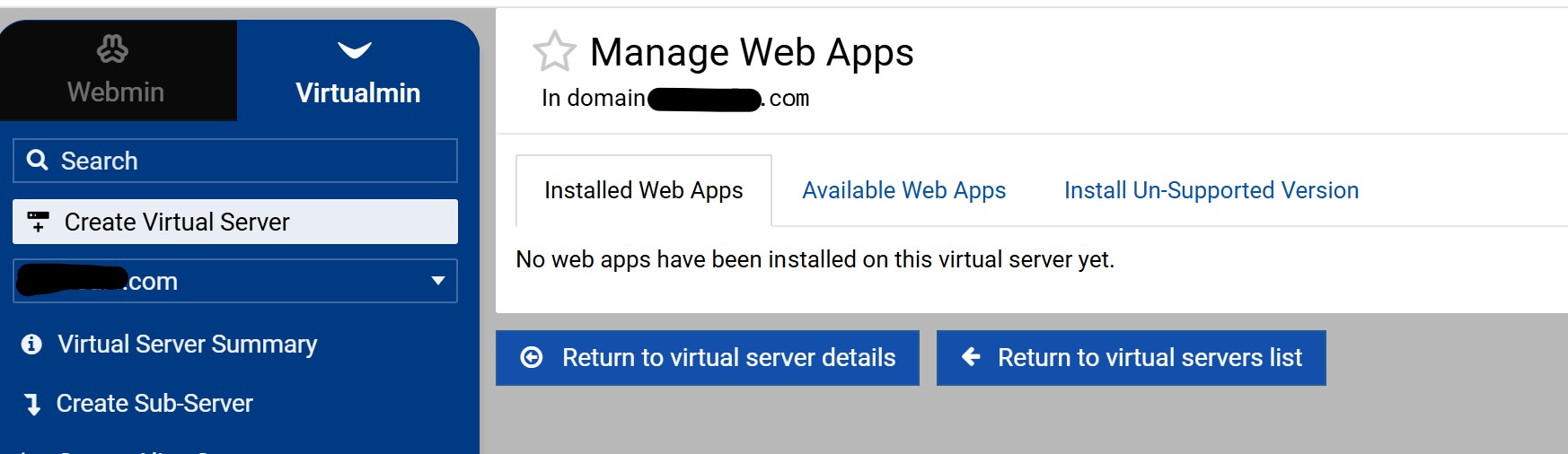
then delete the web app for phpmyadmin from all domains, but its still available ?
I woudl like to remove it completly, then re-install on a web-app basis for each domain, use a different name for the folder (as in the web app install), then add the IP restrictions.
How do i safely remove PHPMYADMIN ?
Let’s take the following situation, you have 10 domains hosted on your server. If you install phpMyAdmin in one of them, you will be surprised to find that on that domain, you can access the databases of the other domains (obviously with the username and related passwords). If I remember correctly a long time ago we discussed this in the old forum. But it is not a reason to worry, you can configure phpMyAdmin strictly to work on that domain, but Virtualmin does not do it, you do it manually. This could be an advantage, you can manage all databases with one installation to manage the rest of the domains (pretty close to cPanel).
I don’t understand what “safety remove” means, it is just an online database client. if you installed it through the Virtualmin interface, you have to delete it from there.
no, i only ever see the database for that domain within phpmyadmin.
I now do not have this as a ‘web app’ on any site, but still have access !! so need to know how to remove (from where as no domain has it as a web app !!) and start again.
oK, it all works !!!
the issue must have been that phpmyadmin was installed as a moduel in the root OS, so after purging, and installing for one domain in virtualmin, naming the folder as unique name (not phpmyadmin!!!), then adding protected directory, all works