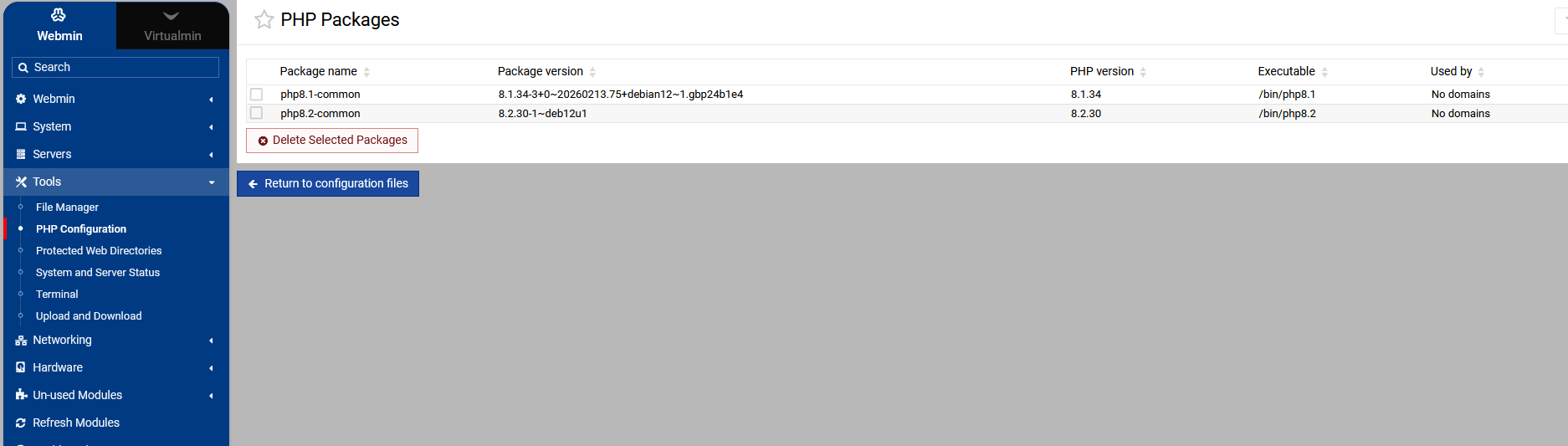
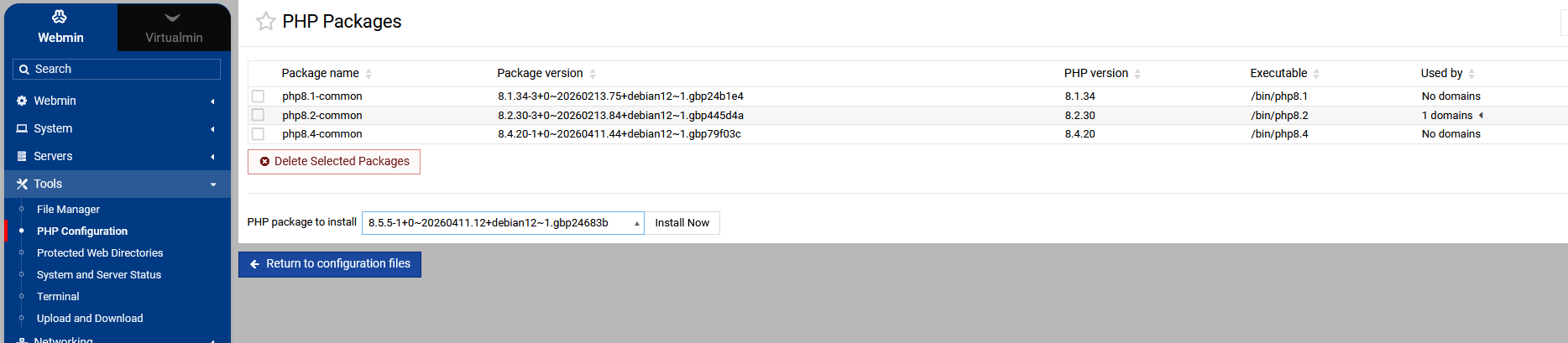
I am finding PHP versions 8.4 and 8.5 installed on boxes I have not specifically gone in and installed them on. Is there a way when I set up a new box that I can disable that? For example, I generally have a box devoted to WordPress and WordPress as of last July wants 8.3. So the box just has 7.4 and 8.3 on it while sites’ plugins and themes are updated to ensure 8.3 compatibility.
Has anyone else run into this?
And is there a way to specify loading just PHP 8.3 when installing Virtualmin?
My preference would be to install 8.4+ when I need to.
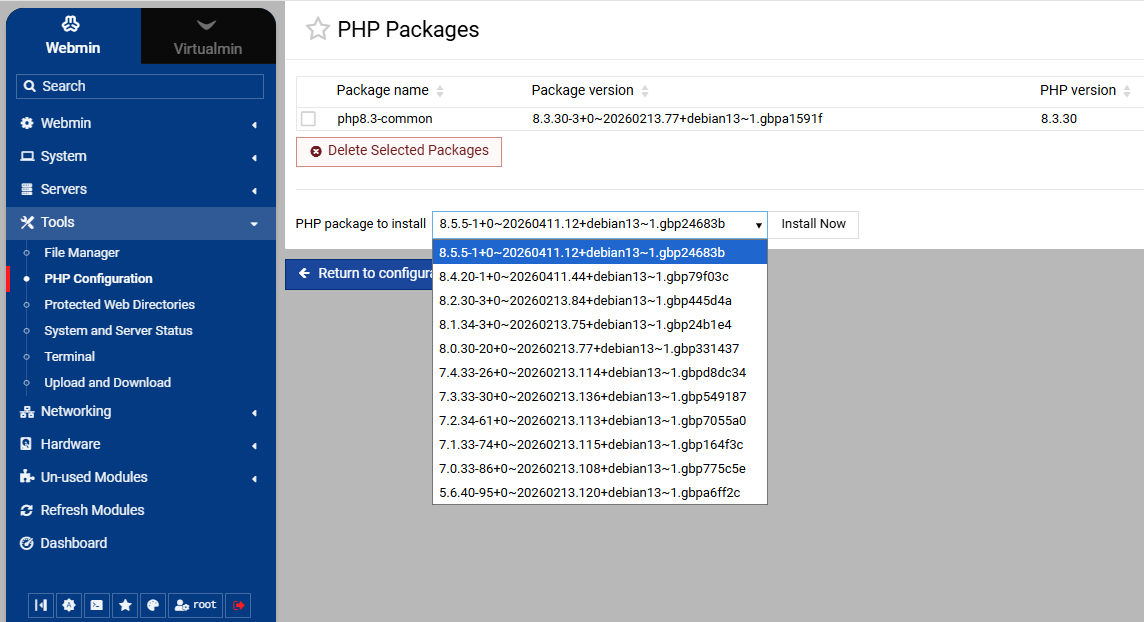
I guess the sury repro just installed them, there is no great issue with this until you create a new domain as it appears to default to the highest version available. also note that php 7.4 is no longer available in the sury repro so if you still need it don’t delete it. If you don’t want php 8.4 or php 8.5 installed use apt to remove them, as I don’t think there is an option to remove them in the webmin Ui however if there is someone will chime in and correct this
I would try installing php 5 I very much doubt that will work in this day and age. If it does that opens up a big security flaw if webmin allows you to install such elderly software
Although falling a little off topic, I have often used outdated PHP versions to get an older site updated by working on it directly rather than pointing DNS to it, so it it not exposed to the Internet at large.
I’d love to know at this point how I can install Virtualmin with a specific PHP version and prevent it from loading up additinal PHP versions in its own. I doubt the sury repo causes that as I believe it needs to be called from the box to add an uninstalled version.
I never heard that Virtualmin add extra PHP, it only uses the PHP supplied by the OS. You are talking about a clean OS?
Maybe Virtualmin configures the REPO for adding extra PHP versions but not install them.
I don’t know when it happened. It has happened on several boxes. I am wondering if it is related to having the setting at: Virtualmin > System Settings > Server Templates click on Default Settings PHP Options
Default PHP version - left set to “Highest Available”
Anytime I am going to put Virtualmin on a box, it is a minimal copy of Debian, so there is no PHP on it. Virtualmin always installs PHP on the box. Lately, it has bee 8.4 I believe. That’s why I asked if there was a way to choose which PHP version to install when installing Virtualmin.
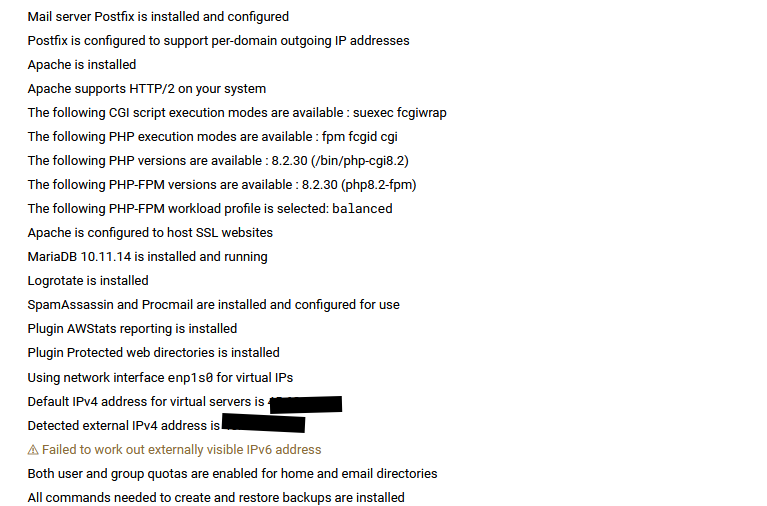
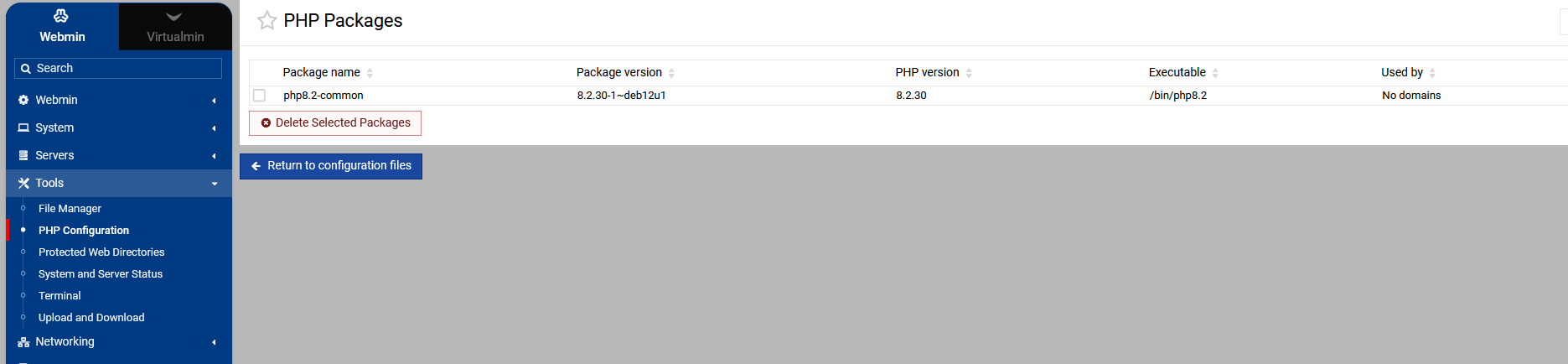
Yeah virtualmin will install php but its only from what in the OS’s repo, and that usually 8.2, but maybe your using a VPS that supply a different php version. Tests I done at Vultr installs 8.2 with Debian 12.
I said ages ago what causes this (for debian), the Sury/PHP repository which I don’t think happens with the Remi repository for RHEL but also happens with the Ondrej/PHP repository for Ubuntu
as Joe mentions on occasions the package manager (apt for debian) handles the updates & webmin is just a wrapper for apt, in the debian case, apt which makes me conclude that the repro is pushing out newer versions for some reason. In my case the update added both php 8.4 & 8.5, it’s no great shakes as long as your aware that new versions of php are available to webmin/virtualmin and you may have to install missing php modules that your domains rely on, if you intend to use the automatically added versions of php.
That should work fine as the installer installs the dependencies for the version of php it’s working with. so if you install WordPress or whatever on a domain that has an auto installed version of PHP that the user has not noticed has been installed it will install the dependencies, however installing outside of virtualmin may fail due to missing dependencies
The web app installers in Virtualmin are designed to use an already installed PHP runtime and to auto-install missing PHP modules/extensions for that runtime. They do not provision a brand-new PHP runtime, such as PHP 8.4, as part of a script installation.
If no suitable installed PHP version is available for the installer to use, Virtualmin reports an error rather than installing a new PHP runtime, e.g.:
On Debian 12 and other Apache-based systems where suexec is available, Virtualmin can, in CGI/FCGId mode, assign a specific PHP version to the directory where a web app is installed. Yet, again, this works only with PHP versions that are already installed on the system.