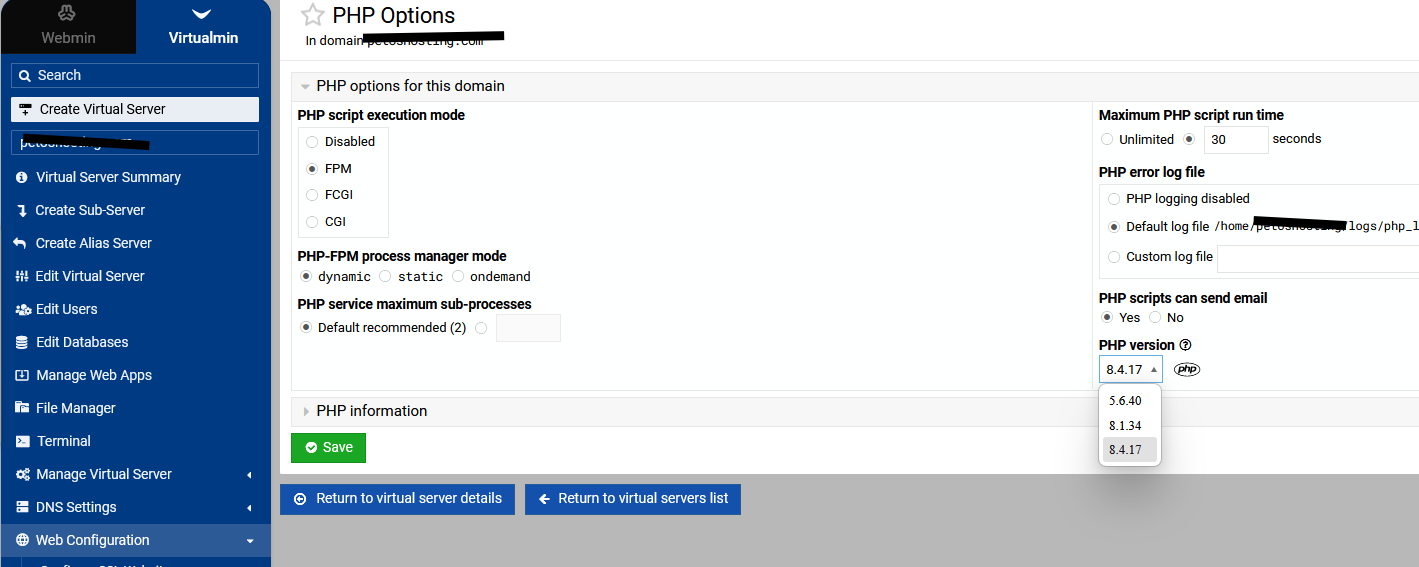
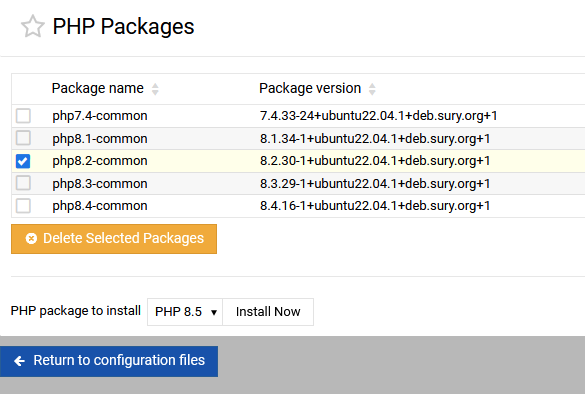
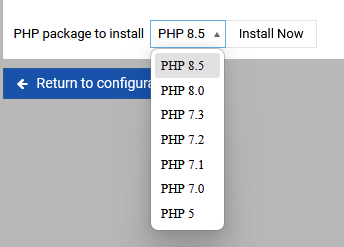
PHP Package to install - PHP5 is shown

SYSTEM INFORMATION
OS type and version Ubuntu Linux 22.04.5
Webmin version 2.610
Usermin version 2.510
Virtualmin version 7.50.2 Professional
Theme version 26.20
Apache version 2.4.52
Package updates 45 package updates are available

On this list you can see PHP5 so I have a few questions

  • Should this be PHP5.6 as this was the last version of PHP5
  • Is this list of PHP versions dynamically pulled from my installed repository or just manually made?
  • If the list is manually made, does that mead that if I install PHP5 and it is not present, then I will get a graceful fail?

Thanks

Maybe create a dummy domain like example.com and assign php5 to it and use the php info icon to see if its installed. I haven’t seen php5 for many years and prob a security risk if a domain is using it..

Recheck config should also show if its there.

I think this is more a ‘bug check’. I did a quick check and quickly found the Debian repository is 5.6. Never did get a clear picture of Ubuntu as search didn’t even land me the repository. Not interested in whipping this dead horse though.

I don’t know how you’d have PHP 5 on Ubuntu 22.04. It seems like it’d be impossible to get there, unless you upgraded from an older Ubuntu version and somehow convinced it to keep the old package. There are no maintained PHP 5 packages available anywhere for Ubuntu 22.04.

While we’re on the topic, PHP 7 is also deprecated and unmaintained, though I can imagine a path where you’d still have it installed (but shouldn’t, since it is unmaintained and has been for some time). The default PHP for 22.04 is 8.1, I believe.
Never had 5.6 installed on this server ever.

Php 7.4 is useful when you need to upgrade old scripts or sites to a newer version of php

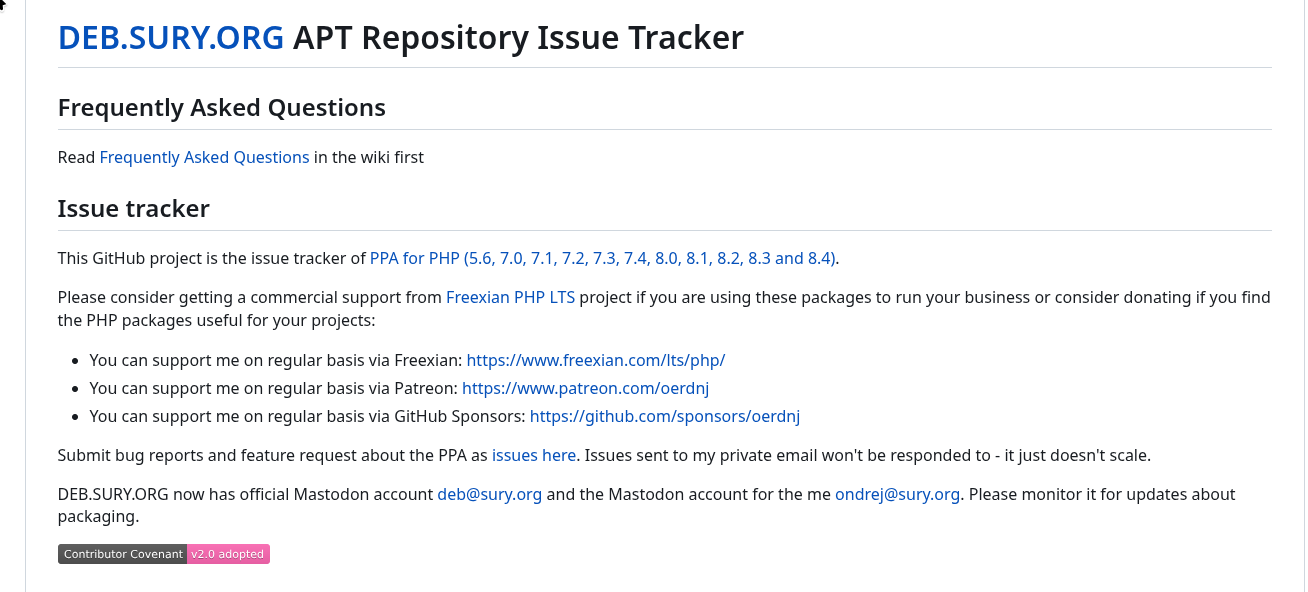
It’s still available in Suri. Read the disclaimer about Frexian support. Seems this may actually still enjoy some support.

1 Like

5.6 is need also for upgrading really old sites

Oh, I didn’t know anyone was even trying to do that. I still don’t think I’d trust PHP 5 on a world-facing server.

Yeah. But that isn’t the point of the thread. Why does the interface say 5 and not 5.6?

What’s the actual PHP 5 command?

Since there is no ‘uninstall’ button I’m not inclined to try this on a live server to find out. :wink:

I tested on

SYSTEM INFORMATION
OS type and version Ubuntu Linux 22.04.5
Webmin version 2.610
Usermin version 2.510
Virtualmin version 7.50.2 GPL
Theme version 26.20
Apache version 2.4.52
Package updates All installed packages are up to date

and install php5.6 and it shows as that.

maybe create the dummy domain and assign php5 to it and see what phpinfo icon shows, maybe you have the first version on php5 installed.

I easy removed used the command
apt-get purge 'php5*'

But you sort of indicated you have domain’s using it?
Maybe try installing 5.6 and the switch php5 to php5.6

apt-get install php5.6-{cgi,cli,fpm,pdo,gd,mbstring,mysqlnd,opcache,curl,xml,zip}

I feel uncomfortable with all this talk of installing PHP 5 (any PHP 5).

3 Likes

Yeah , I was surprises I could install it.

Granted, but it is needed for developers to upgrade old sites, even if it is not used in production environment.

time those developers found a new occupation :double_exclamation_mark:

1 Like

Select a version, then a button appears. I have not used this function yet.