I’m updating my PHP version tot 8.5.
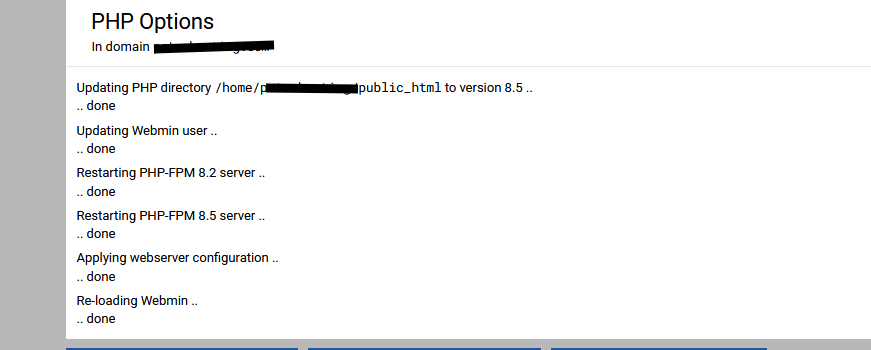
When selecting the new version in the PHP options for a domain the PHP-FPM 8.5 server fails to start with error “Main process exited, code=exited, status=78/CONFIG”
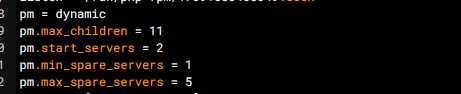
This is because the php-fpm config file for the domain contains an error: It has fewer start_servers as spare_servers
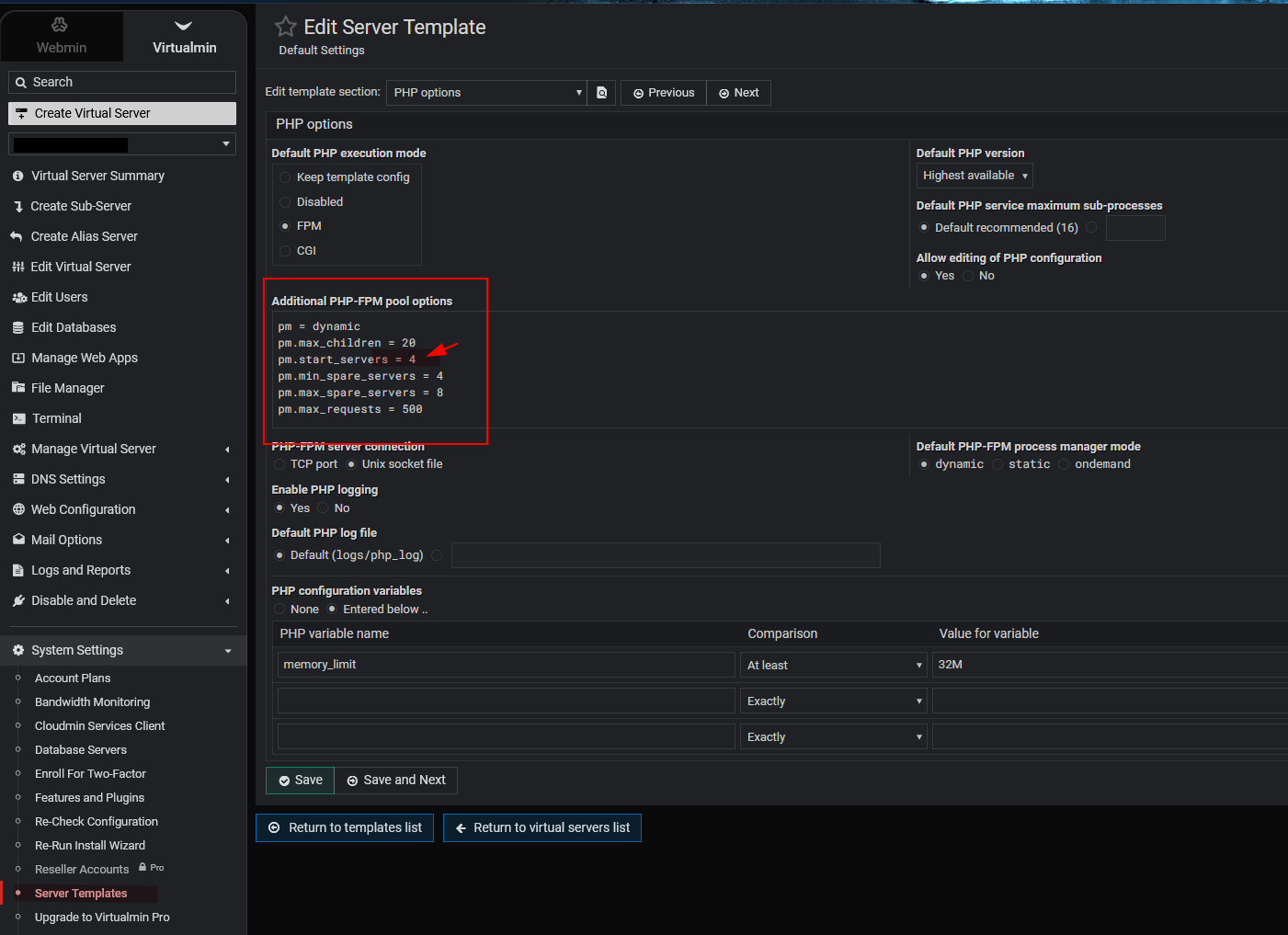
But initially -before changing the PHP version- start servers had value 4 and this is also set in my Virutalmin configuration > Server Templates configuration.
Moreso when I manually edit the config for this domain and correct the value this is saved correctly (when I reopen the file immediately after updating it still shows pm.start_servers = 4) but as soon as I re-apply the PHP Options & thus triggering the change to PHP 8.5 again it’s reset to pm.start_servers = 3 again?!
I did find a work-around
set domain > web configuration > PHP options > set to 8.5 + apply ( which fails)
update the php-fpm.conf file for this domain to correct the start-servers value
start the php85-php-fpm service from the dashboard or command line (and NOT by applying the PHP options again for this domain).
it’s not really related to the PHP-FPM service but to the php-fpm-config file for the domain
For some reason it changes the pm.start_servers value. By default it’s set to 4 but Virtualmin -for some reason- really wants it set to 3 which makes the config file invalid making the php-fpm service unable to start
in my default server template it’s also set to 4. This is also assigned to my domains.
When I check the current values from a terminal in /etc/opt/remi/php83/php-fpm.d/filename.conf it’s also listed correct.
As soon as I change the PHP version to 8.5 a new file is created in /php85/php-fpm.d fully identical to the previous one… except for the start_servers-value.
If I edit it via the virtualmin-interface it is reset to “3” again.
I reckon Virtualmin is trying to set the values to something reasonable, based on your system. There are guidelines for the recommended values for these, and I guess we’re not matching the min and start servers. I assume if you leave it with its automatic defaults, it’ll work out OK, but it should also accommodate custom settings.
@Ilia are you familiar with this part of the code? I seem to recall you and Jamie discussing it.
@Joe, yes, I’m familiar with it—pm.start_servers should never be lower than pm.min_spare_servers in default configuration, it just cannot.
@Walter81 Yes, if you manually set pm.min_spare_servers higher than 1 in templates, you should also manually set pm.start_servers to match. It’s currently expected.