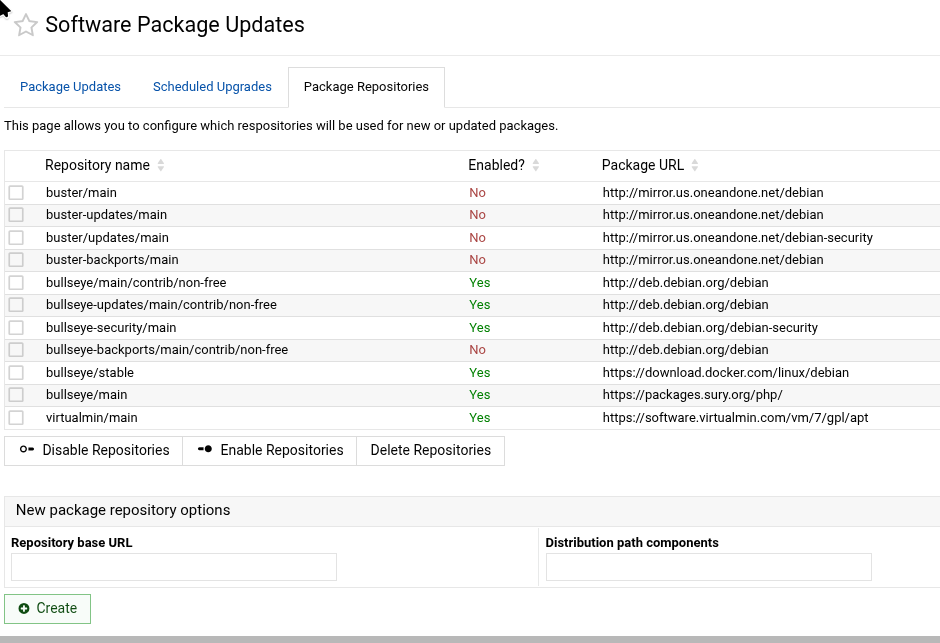
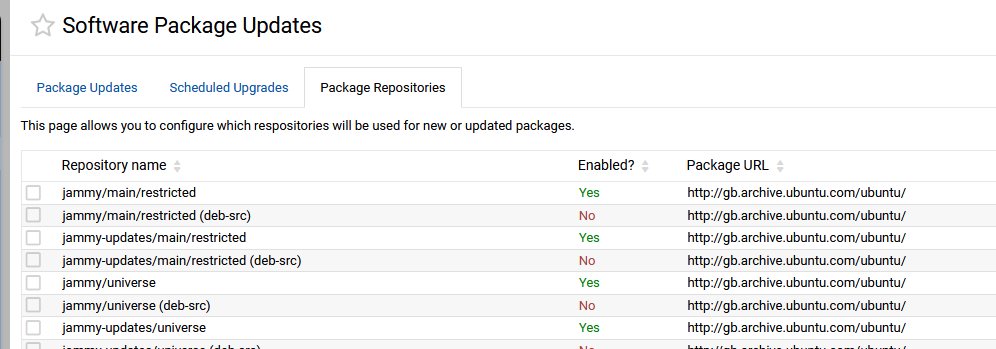
Hi, I see the buttons that appear to allow for enabling/disabling/deleting package repositories, but there is no way to select any of the rows and therefore the buttons don’t work:
At minimum, it would be useful to be able to manually change the repository URLs via Webmin to allow for a system upgrade to the next major OS release. And ideally it would be nice to have a “System upgrade” tab that runs the appropriate apt dist-upgrade command on Debian systems, or specifically for Ubuntu maybe do-release-upgrade as described in How to upgrade your Ubuntu release - Ubuntu Server documentation.
You might want to use the copy link on the Dashboard upper right corner to supply more information.
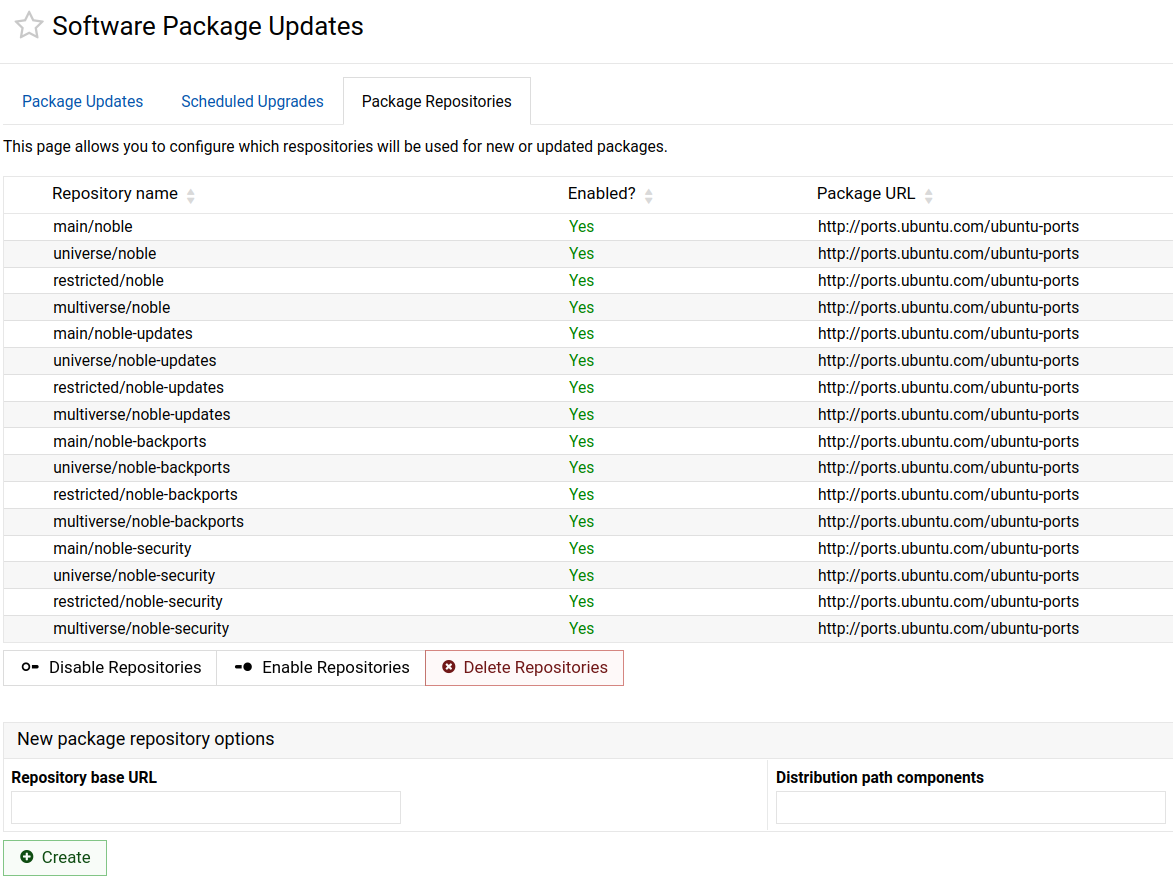
I have the boxes but the ‘trendy’ design makes them harder to see for us sight impaired seniors. Seriously, there is a difference between glaring and useful. (I’m using Opera on Debian 13)
Interesting, thank you, so it does work for Debian.
System hostname: NAS (127.0.1.1)
Operating system: Ubuntu Linux 24.04.4
Webmin version: 2.630
Authentic theme version: 26.30
Time on system: Monday, April 27, 2026 3:20 PM
Kernel and CPU: Linux 6.8.0-1052-raspi on aarch64
Processor information: Raspberry Pi 4 Model B Rev 1.5, 4 cores
Drive temperatures: sda: 43 °C sdb: 42 °C
System uptime: 3 days, 15 hours, 39 minutes
Running processes: 244
CPU load averages: 0.21 (1 min) 0.25 (5 mins) 0.27 (15 mins)
Real memory: 2.24 GiB used / 1.01 GiB cached / 3.69 GiB total
Virtual memory: 256 KiB used / 3.32 GiB total
Local disk space: 382.9 GiB used / 635.66 GiB free / 1018.57 GiB total
Package updates: 3 package updates are available
Nothing is wrong. Starting with Ubuntu 24.04, Ubuntu no longer uses the old .list repository format by default. It now uses the newer deb822-style .sources files instead.
Editing these repos isn’t supported yet in Webmin UI.

 Seriously, there is a difference between glaring and useful. (I’m using Opera on Debian 13)