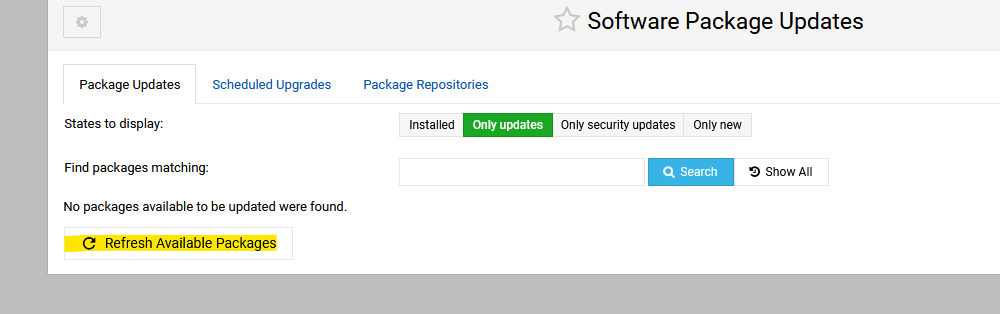
| SYSTEM INFORMATION | |
|---|---|
| OS type and version | UB 22.04 |
| Webmin version | Latest |
I am confused. One day there show up packages for update, the next day they are gobe again. I have not set automatic updates. And it happens more than once
| SYSTEM INFORMATION | |
|---|---|
| OS type and version | UB 22.04 |
| Webmin version | Latest |
I am confused. One day there show up packages for update, the next day they are gobe again. I have not set automatic updates. And it happens more than once
Try refreshing, that normally fixes thing for me (for updates that have all ready installed). When you see the notification do you update?
I dont update every time it come an update. Normally I check once per week. But the strange thing is that let say it show 3 available updates on day one. I dont update, but when I check next day these 3 packages are gone
Thats sound like updates that have happened and for some reason still showing. If they show next time try the refresh and see if they disappear or stay. If they stay and you don’t update see if they still there when you next log on.
Are you sure about that? It sounds very much like updates are happening automatically.
Do you have the unattended-upgrades package installed? If so, your system is automatically upgrading.
Also, look at logs. Always look at logs. Don’t let things be a mystery.
Both apt-get and dpkg log (/var/log/dpkg.log and various logs in /var/log/apt/) when they make changes. So, look at those logs to see when packages were installed and by whom. The apt history log will clearly show if something was installed by unattended-upgrade.
It was the unattended updates package that was installed. without me notising. Was a new vps for a friend. Taken care of now. Thanks #joe
This topic was automatically closed 8 days after the last reply. New replies are no longer allowed.