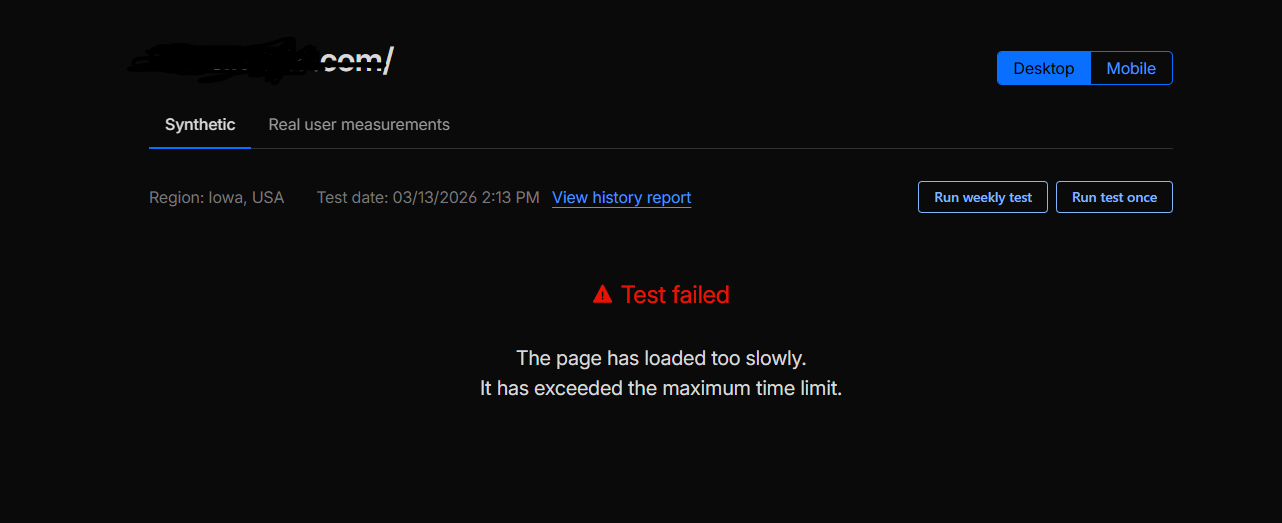
Ok, my virtualmin server is working and has been updated as needed, automatically, but lately, my domain is not longer accessible from outside my local network, is .com domain and as of 3-8-2026 is not accessible, I checked with comcast and my static ip adresses are all working fine, my cloudflare is also working, maybe some of the updates did something? Locally I can access the email server, all the dns and ip settings are ok, I can ping the server using dnschecker online and other tools, yet cannot access it, help please
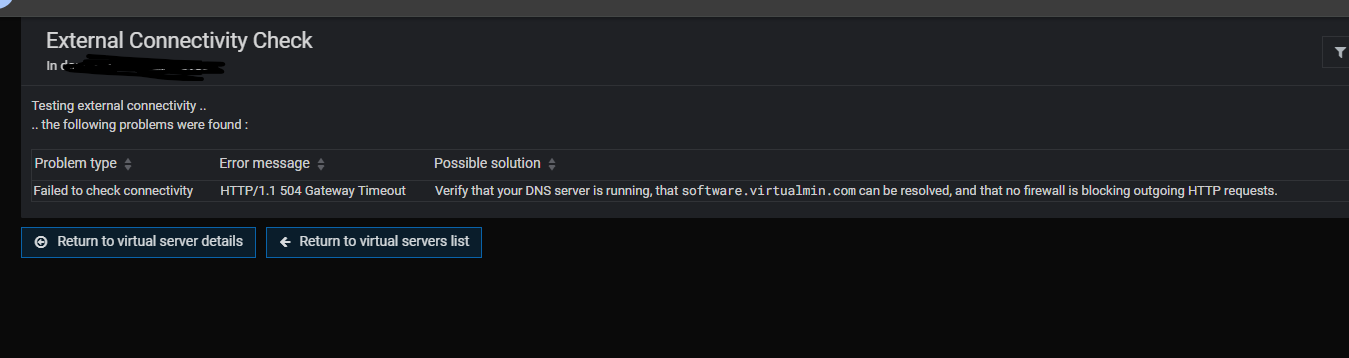
The External Connectivity Check is saying Virtualmin on your system could not reach our server running at software.virtualmin.com, it didn’t even get far enough to check whether your server could be reached from the outside world. No update would cause your network to stop allowing outgoing connections, and no firewall Virtualmin manages or could cause to exist would ever block outgoing traffic. So…seems like a network problem on your network outside of the control of Virtualmin or the Virtualmin server.
I have done nothing to the server but allowing to update when necessary, I have another domain which is working fine, but it has an external IP, but the one in question was working just fine til 3-8-26, and I have not done any cchanges to my network or the router, weird, i will stop this instance of virtualmin and do a fresh installation for testing purposes, thx Joe!
(was running fine for two years…)
I believe 504/gateway timeout rules out DNS. It would have been a name lookup failure rather than an HTTP error. Though I guess if DNS served the wrong address it could lead to an HTTP error if the IP it resolved incorrectly to happened to be a web server that times out.
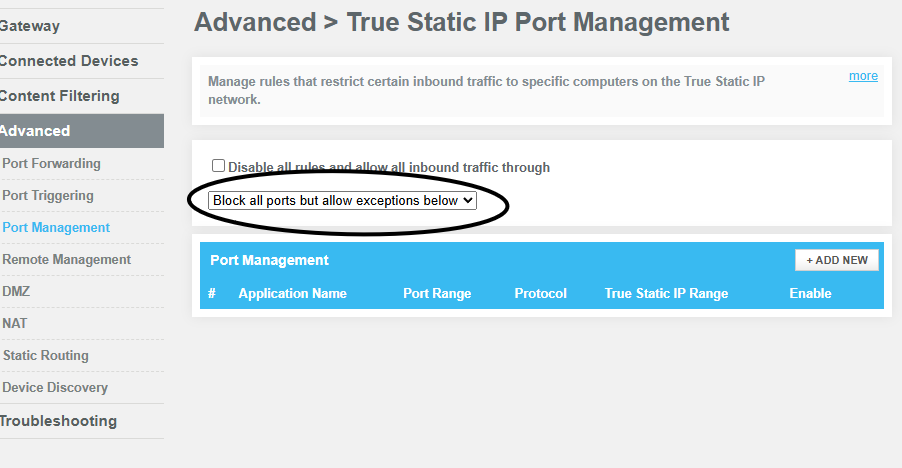
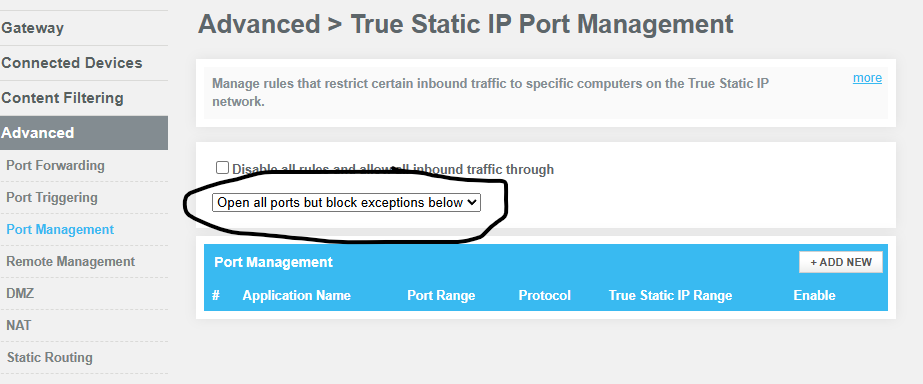
Well, after calling comcast again and they couldn’t figure it out, i went and checked my router every single settings inside, i found the damn problem, i still don’t know how this got chaged, but all the ports were bloked to the exterior, outside my own network, I enable it and now i am back tot he way it was , it’s WORKING!!! tHX ALL