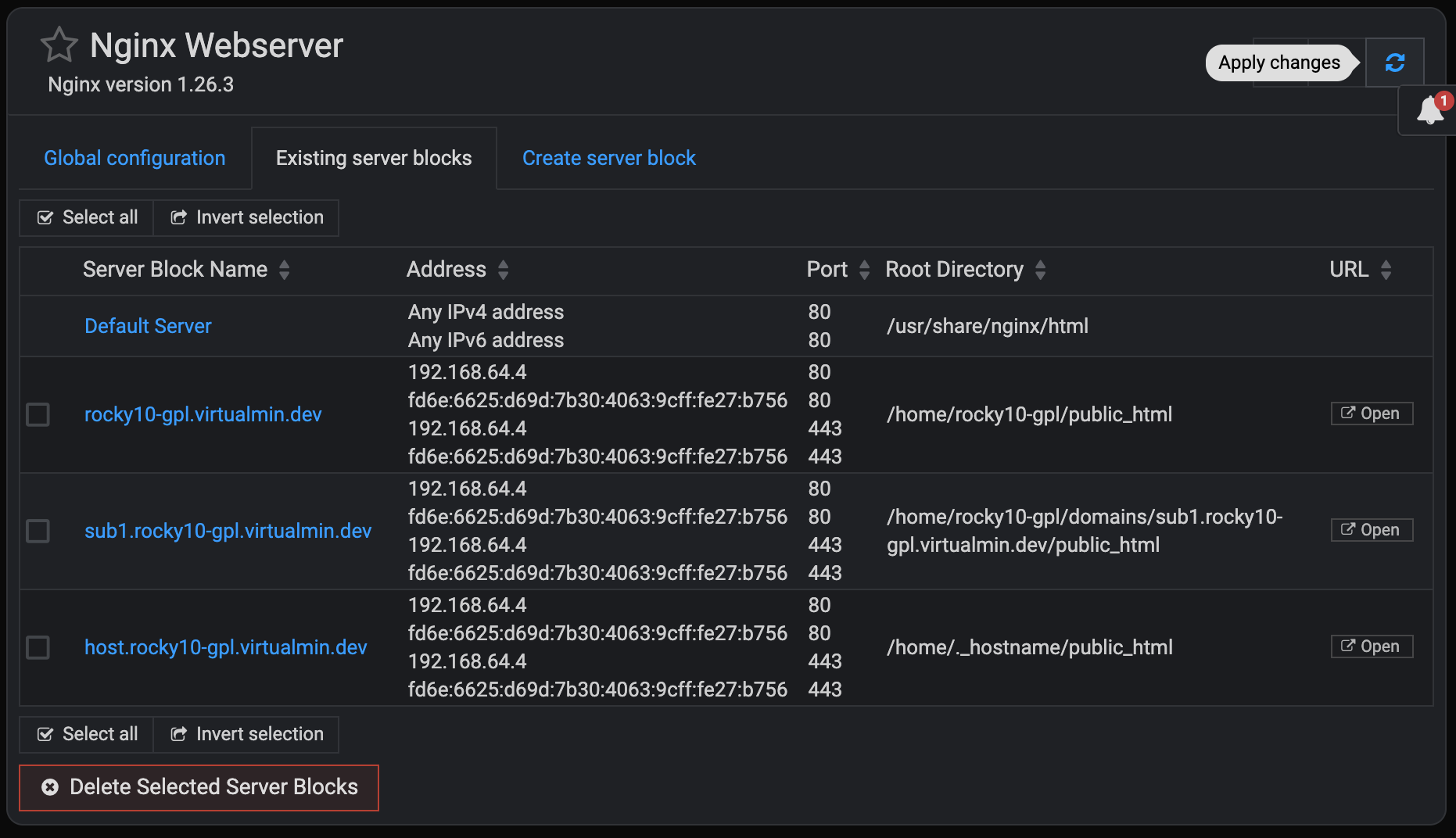
Like the new look of Webmin > Servers > Nginx Webserver.
However, I don’t see anywhere to restart Nginx after editing a server .conf file. I can do it from the System > Bootup & Shutdown section. But it would be nice to have the buttons back in the Nginx Webserver section.
I’m pretty sure we just had a discussion about this, but I can’t find it now. Check the /var/webmin/miniserv.error log for clues about why the page doesn’t finish loading.
I believe it’s a misconfiguration (IPv6 enabled but not configured, or something like that) combined with a bug. The bug is fixed in git, I’m pretty sure, but you can fix it locally be fixing the configuration problem. miniserv.error probably has the clue about what that misconfiguration is.