did you have this domain in the first place ? when you backed up did you only backup sub servers ? If you only backed up sub servers for sure you are going to need the parent already set up as they share the same unix user. If you don’t have a backup of the parent recreate it using the same username & password as the original parent domain. Why don’t you use the web interface within virtualmin to restore your backups ? this way if you have a backup of the parent in the same directory you can use the gui to restore that domain first then do a second hit to restore the sub servers
I activated a spare license for Virtualmin on the new Server.
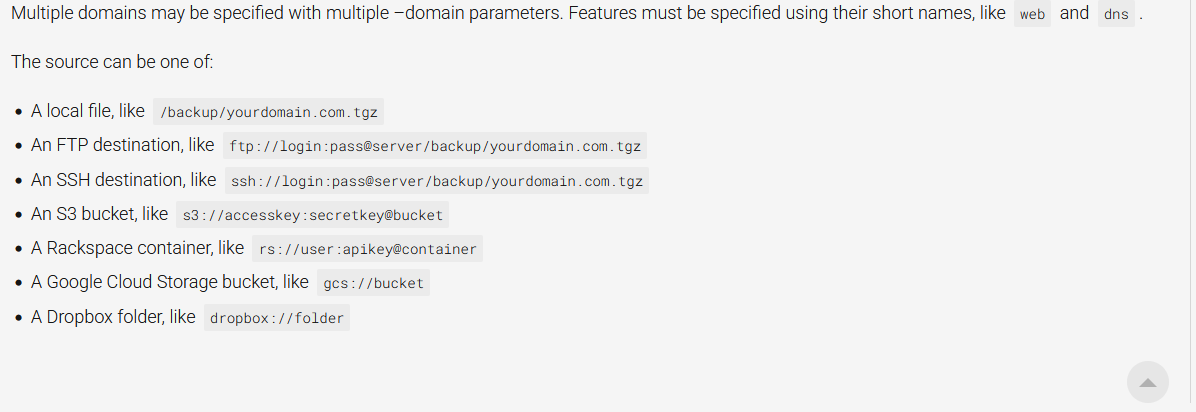
Had previously overlooked this command, but ran it- sudo virtualmin restore-domain --source /home/xadmin/backups/virtualmin.tar.gz --all-virtualmin
Result- Restore completed successfully.
Then ran this command- sudo virtualmin restore-domain --source /home/xadmin/backups/ --all-domains --all-features
And got this response-
Checking for missing features ..
.. WARNING - The following features were enabled for one or more
domains in the backup, but do not exist on this system. Some
functions of the restored domains may not work : Apache website, Apache SSL website

Checking for errors in backup ..
.. this backup cannot be restored : Original parent virtual server <redacted>.com.au does not exist
FYI- the Apache errors are expected, I am attempting to change from LAMP to LEMP stack.
YES- all the domains are registered and working properly on the old Server
YES the original parent server is in the backups
I think @jimr1 is closest to a solution, but I do not understand the restrictions- if I’ve got a backup of the parent domain, why do I still get the error?
Most likely the error message was spurious, and the command I adapted from the other link was wrong. I didn’t actually try matching all the account backups like this, but maybe someone can report back-