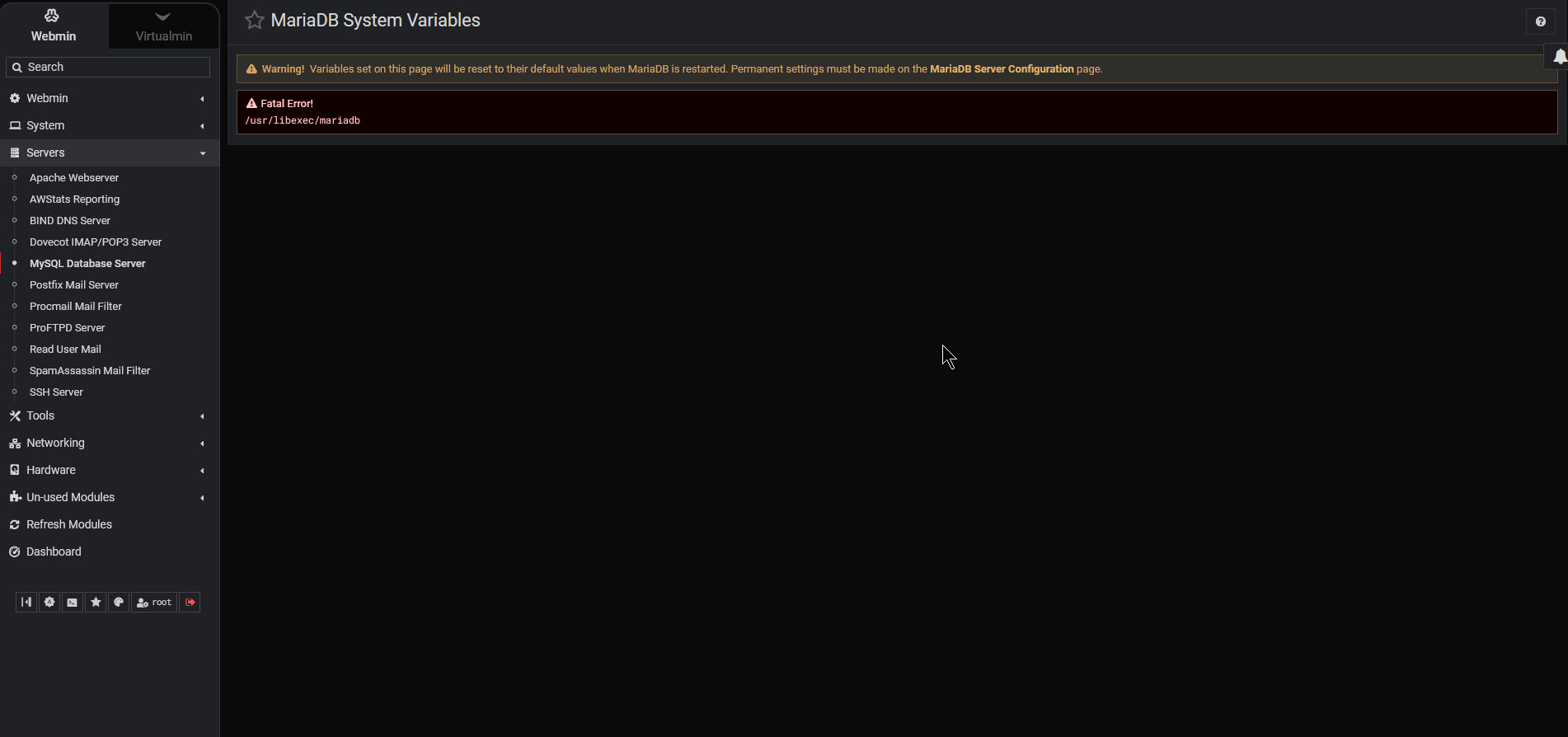
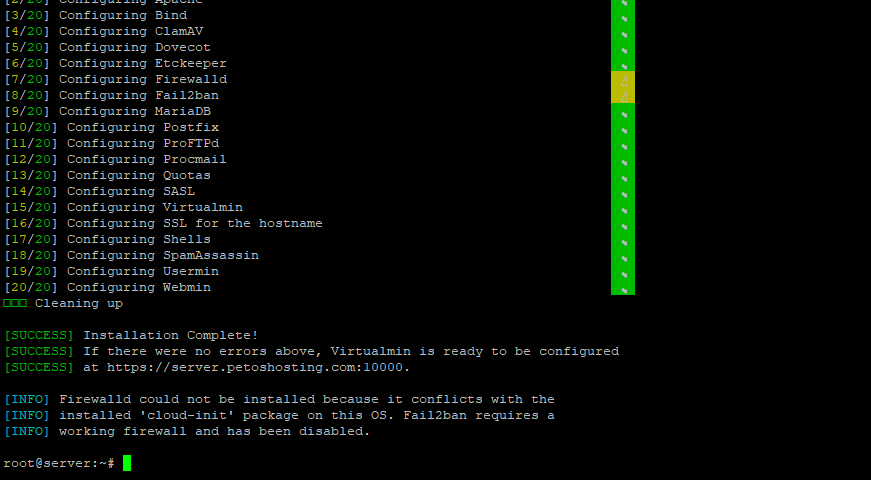
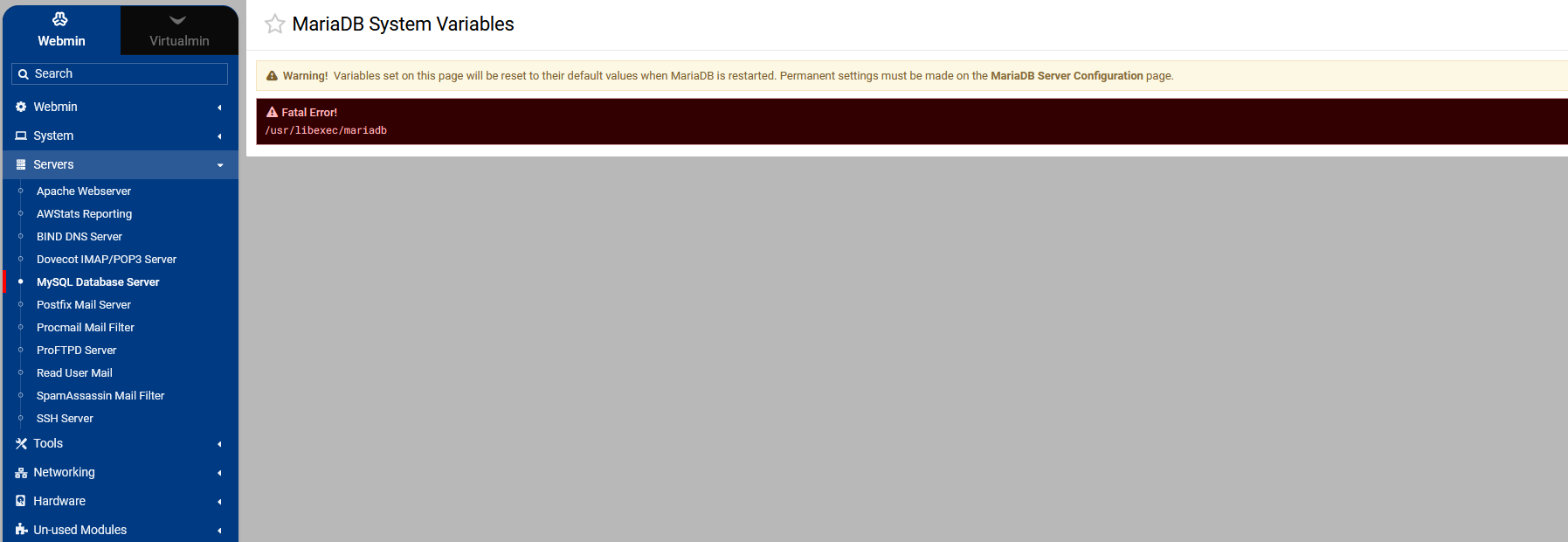
This was a freshly installed system? Nothing was preinstalled?
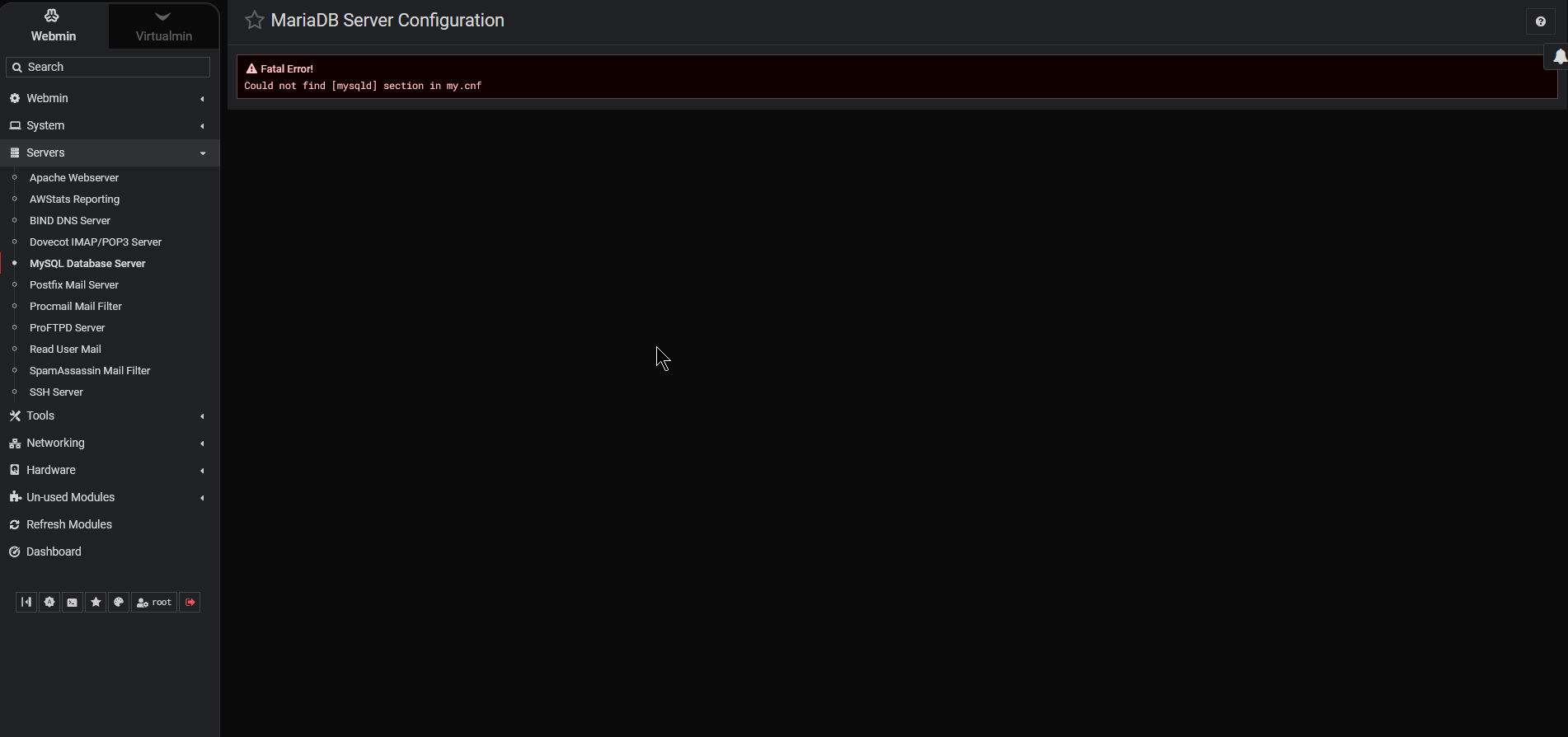
What’s in /etc/my.cnf and what’s in /etc/my.cnf.d/mariadb-server.cnf (if it exists, I don’t know what the included file is called on Debian…but, I assume there is a server cnf file in /etc/my.cnf.d of some sort. I’d like to see that.
Joe, is fresh but not, I setup yesterday .., save a snapshot.. today I deploy in a different IP and Virtualmin tell me that, fix the IP. Everything ok.
I almost forgot, I used that “Re-setup” feature… I forgot the name. And everything asked me again about RAM, etc.
Right now Im rebuild from zero.. using:
sudo sh -c "$(curl -fsSL https://download.virtualmin.com/virtualmin-install)" -- --bundle LAMP
[client-server]
# Port or socket location where to connect
# port = 3306
socket = /run/mysqld/mysqld.sock

# Import all .cnf files from configuration directory
!includedir /etc/mysql/conf.d/
!includedir /etc/mysql/mariadb.conf.d/
~
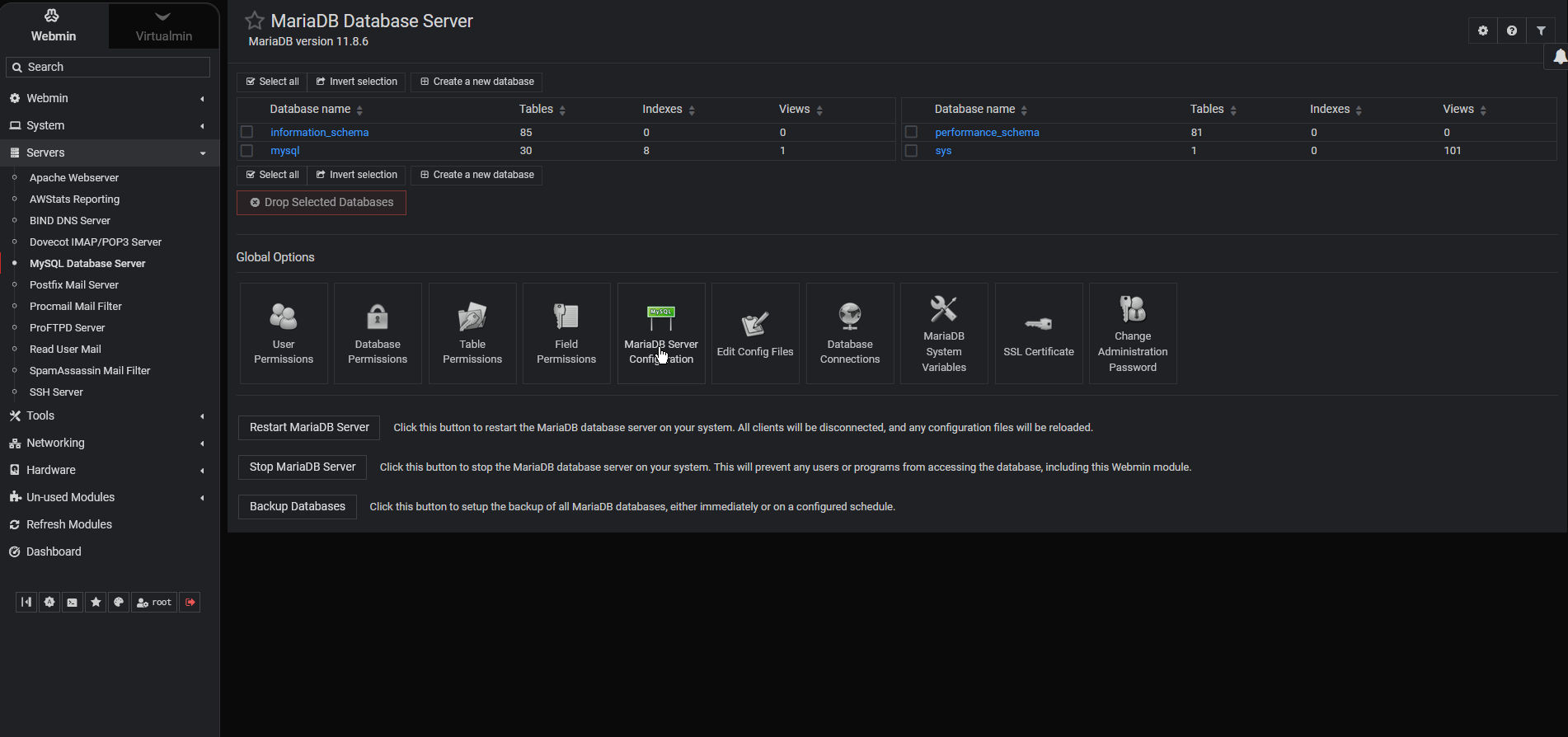
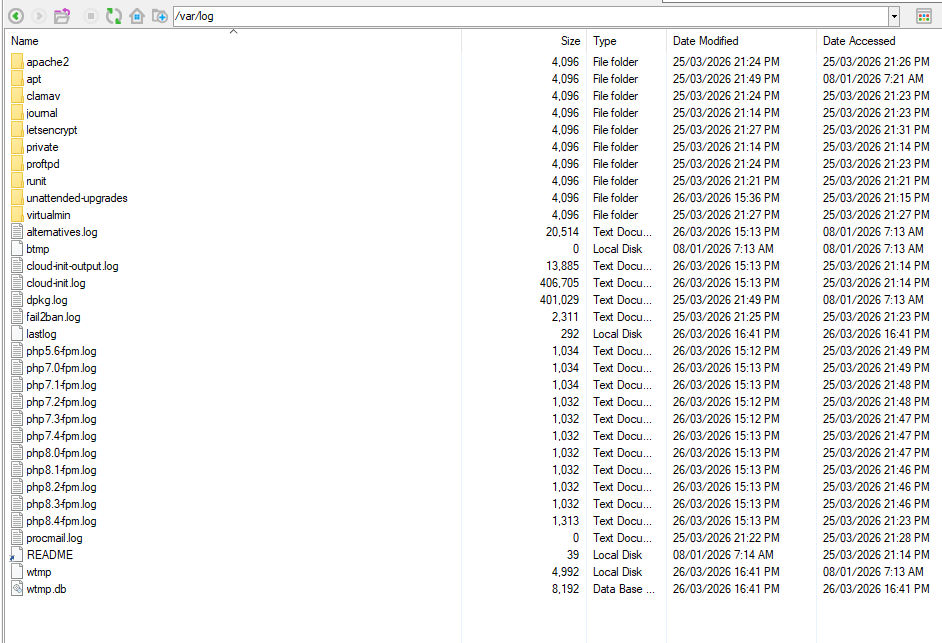
I reinstalled it just to make sure it wasn’t some problem I caused during the first installation. Now I’m certain the problem is a bug in the software or an issue installing on Debian. Either way, it was enough to make me take a step back before considering migrating.
I just reinstall using Debian12 and no error on that MariaDB.
I usually don’t perform updates; I’ve been in this field since 1995 and learned through hard work. I prefer not to update or allow updates to occur. I set up the server, test it, test it again, and if it’s okay, it stays that way. Security?! I prefer to use a good external firewall, preferably hardware-based, limit port forwarding by applications, and we live without security updates. Nowadays, especially with AI involved, the best thing is to have a well-isolated server, and even then we know it will never be completely secure. So, between partially secure and stable with less security, I prefer the second option. So whether it’s Debian 12 or 13, as long as it works for me, it’s okay. Regarding Joe, he didn’t ask me to wait for a patch; he scolded me for reinstalling without his permission. Lol!