Did you test if its a caching issue? Try another browser / incognito mode.
Other than that, you could try to restart the UI. If that doesn’t work, then you should provide log files.
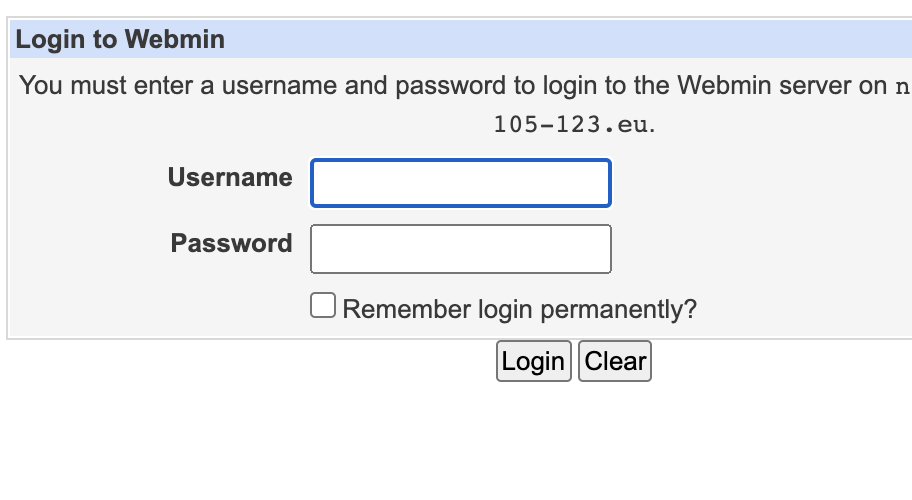
I see. You set the gray framed theme as global (default) and then set the authentic theme as a personal theme (will only be applied after logging in). If you want it as default even for the login page, then you need to change it globally and not only for that account.
Webmin -> usermin configuration -> usermin themes -> Current theme :
That one should display the gray framed theme for you, if you want it globally as default again (sounds like that), then change it to authentic theme.
Thats for usermin, if you want to change it for webmin then go to:
webmin -> webmin configuration -> webmin themes -> change theme -> Current theme :
That one should display the gray framed theme for you as well (or only, depends if you changed it for both or not), if you want it globally as default again (sounds like that), then change it to authentic theme.
As mentioned by @DrCarsonBeckett a global theme that is being used for login screen is set on Webmin > Webmin Configuration > Webmin Themes page, while Webmin > Change Language and Theme page is designed to address per user configuration, which is only applicable after successful login.