I solved this one myself. The auto-renewal of the Let’s Encrypt SSL certificate failed for one of my domains. I added a AAAA-record for that domain. The IPv6 address in it was correct. I tried to renew the certificate several times, but to no avail, I always got a certbot 404 error. Until I removed my AAAA-record, so that certbot was required to go IPv4. That worked.
You’re indeed right. I edited my first post so it now contains the versions. I assume it has something to do with my VirtualHosts configuration, but not sure about that.
I’m pretty sure “Bryce_June” is ChatGPT or some other language model. We get multiple comments from spambots using LLMs daily…I block most of them. I’m not 100% sure this is one, so I haven’t deleted and blocked it yet…but I’d be very surprised if a human wrote that.
My goodness … And I just thought it was a friendly, non-native English speaker (just as me, by the way) that tried to help me out :-). Anyways, my first post is still valid though. No idea why my renewal failed when my AAAA-record is there. Any suggestions are more than welcome!
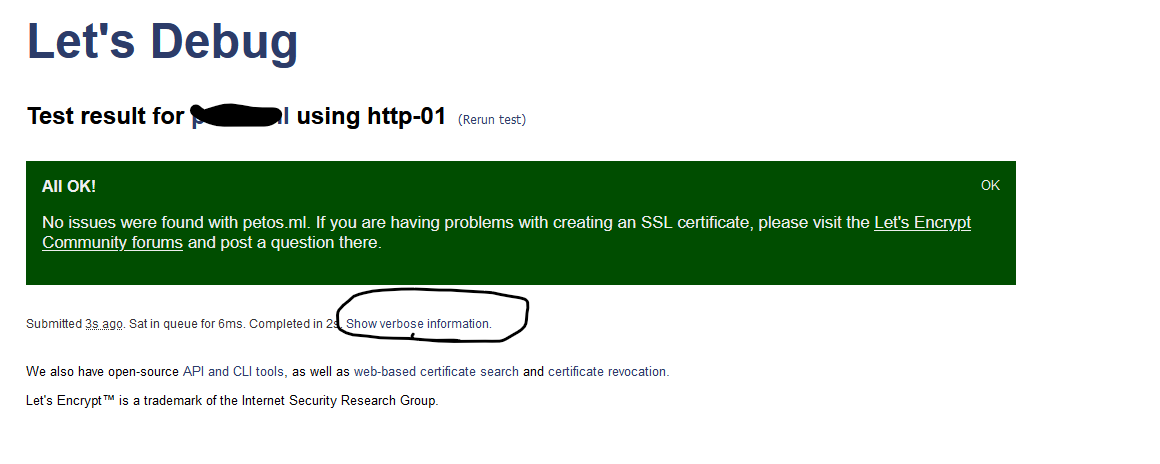
I do not see how checking my MX records would help, so I skipped that test. I did however perform the letsdebug test, and it gave me a bright green result, saying (and this is funny): " All OK!
OK
No issues were found with (mydomain). If you are having problems with creating an SSL certificate, please visit the Let’s Encrypt Community forums and post a question there."